


Your point-of-sale system shouldn't be bleeding money from your business. Yet countless companies across the Pacific Northwest are still running legacy POS systems that cost more to maintain than they deliver in value.
The hard truth? Those expensive maintenance contracts, frequent system crashes, and manual workarounds aren't just inconveniences: they're profit killers. While your competitors embrace cloud-integrated solutions that cut costs and boost efficiency, outdated systems keep you trapped in a cycle of escalating expenses.
The Hidden Costs of Legacy POS Systems
Maintenance nightmares top the list of budget drains. When your on-premise POS system crashes, you're paying emergency service fees for technicians to physically visit your location. These service calls typically cost $150-300 per visit, and that's before parts and labor.
Hardware replacement hits hard too. Legacy systems require specific, often discontinued hardware that becomes increasingly expensive to source. We've seen businesses pay $2,000+ to replace a single terminal that would cost $300 in cloud-based alternatives.
Security vulnerabilities create the biggest financial risk. Outdated POS systems lack automatic security updates, making them prime targets for data breaches. The average cost of a retail data breach now exceeds $3.2 million: far more than any cloud migration investment.

Manual processes waste valuable staff time. Without real-time inventory sync, employees spend hours manually updating stock levels across locations. This labor cost adds up fast when you consider the time staff could spend serving customers instead.
Why Cloud Integration Changes Everything
Predictable monthly costs replace surprise repair bills. Cloud POS providers typically charge $50-150 per month per terminal, covering software, updates, support, and security patches. No more budgeting for unexpected hardware failures or emergency service calls.
Automatic updates keep your system current without downtime. Security patches, new features, and bug fixes happen seamlessly in the background. Your team never has to deal with manual installations or system vulnerabilities.
Real-time data access transforms decision-making. View sales performance, inventory levels, and customer analytics from anywhere. Whether you're at your second location or traveling for business, your data stays accessible and current.
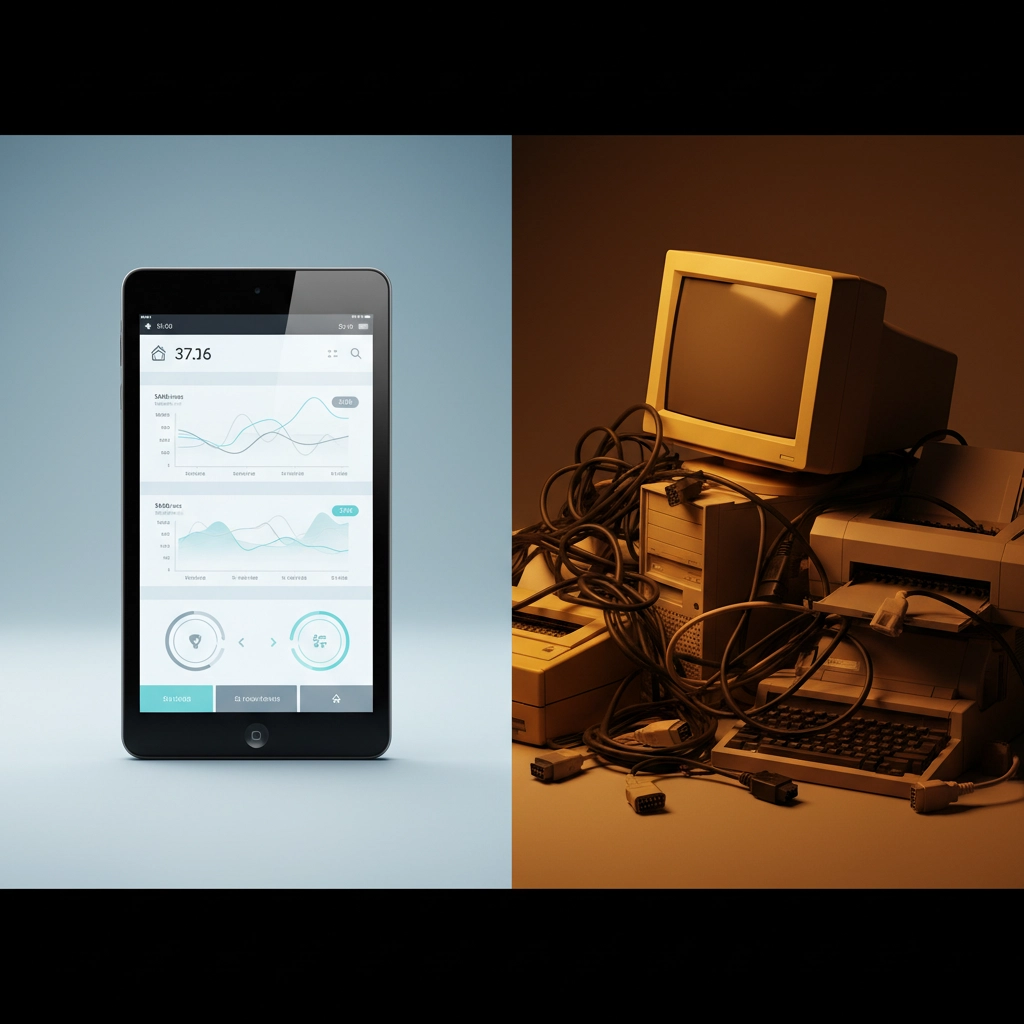
Scalability without complexity supports business growth. Adding new locations or devices takes minutes, not weeks. Inventory, pricing, and promotions sync across all locations instantly, eliminating manual data entry mistakes.
7 Cloud-Integrated Solutions That Deliver Results
1. Square POS
Best for: Small businesses and startups ready to eliminate upfront hardware costs.
Square revolutionized POS systems by making professional-grade tools accessible to any business size. Their free plan includes essential features like payment processing, basic reporting, and inventory tracking. The flat-rate processing fee (2.6% + 10¢ for in-person transactions) eliminates surprise charges.
Key advantages: Mobile-first design lets staff serve customers anywhere in your store. Offline mode ensures transactions continue during internet outages. Integration with Square's ecosystem includes payroll, marketing tools, and business banking.
2. Shopify POS
Best for: Retailers managing both online and physical locations.
Shopify POS creates seamless omnichannel experiences that today's customers expect. Inventory automatically syncs between your website and physical stores, preventing overselling and stockouts. Customer profiles combine online and in-store purchase history for personalized service.
Key advantages: Built-in e-commerce integration eliminates double data entry. Advanced inventory management tracks products across multiple locations and sales channels. Marketing automation tools help convert one-time buyers into repeat customers.
3. Toast POS
Best for: Restaurants and food service businesses seeking industry-specific features.
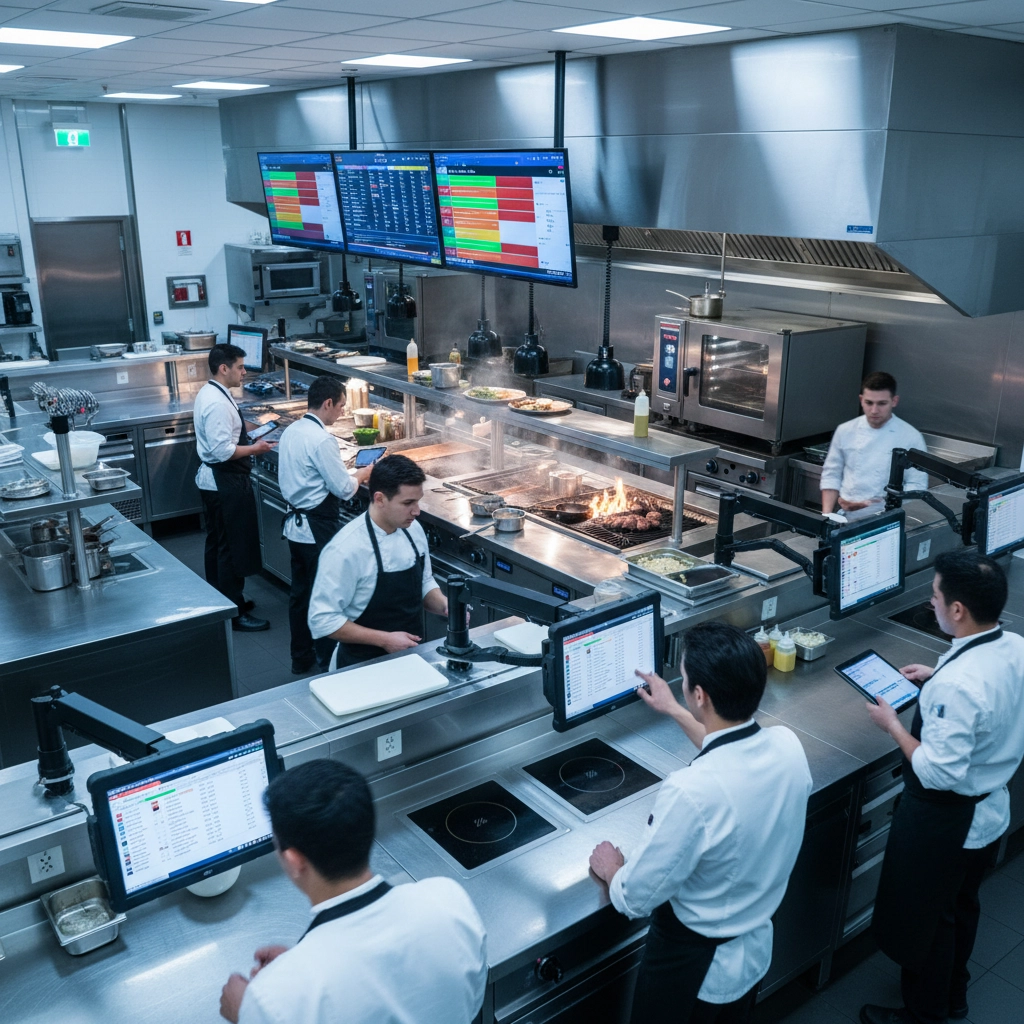
Toast understands restaurant operations better than generic POS systems. Menu customization handles complex modifications and dietary restrictions. Kitchen display systems replace paper tickets and reduce order errors. Table management optimizes seating and reduces wait times.
Key advantages: Integrated online ordering and delivery management. Real-time food cost tracking helps maintain profit margins. Labor management tools optimize scheduling and track productivity metrics.
4. Lightspeed POS
Best for: Growing retailers with complex inventory and multiple locations.
Lightspeed excels at inventory management challenges that overwhelm basic POS systems. Advanced purchase order automation prevents stockouts while minimizing excess inventory. Detailed analytics reveal which products drive profits and which drain resources.
Key advantages: Multi-location inventory tracking with automatic transfers between stores. Customizable reporting provides insights specific to your business model. B2B features support wholesale and retail operations from one system.
5. Clover POS
Best for: Businesses wanting hardware and software integration from a single provider.
Clover eliminates compatibility issues by designing hardware and software together. Their app marketplace lets you customize functionality without switching providers. Built-in payment processing includes competitive rates and next-day funding.
Key advantages: Extensive app ecosystem covers specialized needs like appointment scheduling and loyalty programs. Robust reporting includes customer insights and sales trend analysis. 24/7 phone support provides immediate assistance when needed.
6. TouchBistro POS
Best for: Independent restaurants and cafes prioritizing ease of use.
TouchBistro transforms iPads into powerful restaurant management tools without overwhelming complexity. Staff can learn the system quickly, reducing training time and operational disruption. Strong offline functionality ensures service continues during connectivity issues.
Key advantages: Tableside ordering and payment processing improve customer experience. Menu engineering tools optimize pricing and profitability. Integration with popular restaurant apps like OpenTable and DoorDash.

7. ConnectPOS
Best for: Established retailers migrating from legacy systems.
ConnectPOS specializes in smooth transitions from outdated systems to modern cloud infrastructure. Their migration team helps preserve historical data while implementing new capabilities. Over 12,000 retailers trust ConnectPOS for reliable, scalable solutions.
Key advantages: White-label options for businesses wanting branded POS interfaces. Advanced API capabilities support custom integrations. Dedicated migration support minimizes disruption during system changeover.
Making the Switch: What to Expect
Timeline varies based on your current system complexity and number of locations. Simple migrations take 2-4 weeks, while complex multi-location transitions may require 6-8 weeks for complete implementation.
Data migration preserves your historical sales data, customer information, and inventory records. Reputable cloud POS providers include migration services in their setup packages, ensuring no data loss during transition.
Staff training typically requires less time than expected. Modern cloud POS systems prioritize intuitive interfaces that staff can learn quickly. Most providers include training sessions and ongoing support to ensure smooth adoption.
Cost savings become apparent within the first quarter. Reduced maintenance costs, eliminated hardware refresh cycles, and improved operational efficiency typically offset migration costs within 6-12 months.
Ready to Stop Wasting Money?
The question isn't whether to migrate: it's how quickly you can implement a cloud solution before your competition gains an unrecoverable advantage. Every month you delay costs money in maintenance, security risks, and operational inefficiency.
Premier Business Team helps Pacific Northwest businesses evaluate POS options and implement solutions that fit their specific needs. We've guided hundreds of local companies through successful cloud migrations, ensuring minimal disruption and maximum return on investment.
Don't let outdated technology hold your business back. Contact us today to discuss which cloud POS solution aligns with your growth goals and budget requirements. Your bottom line will thank you for making the switch.
