

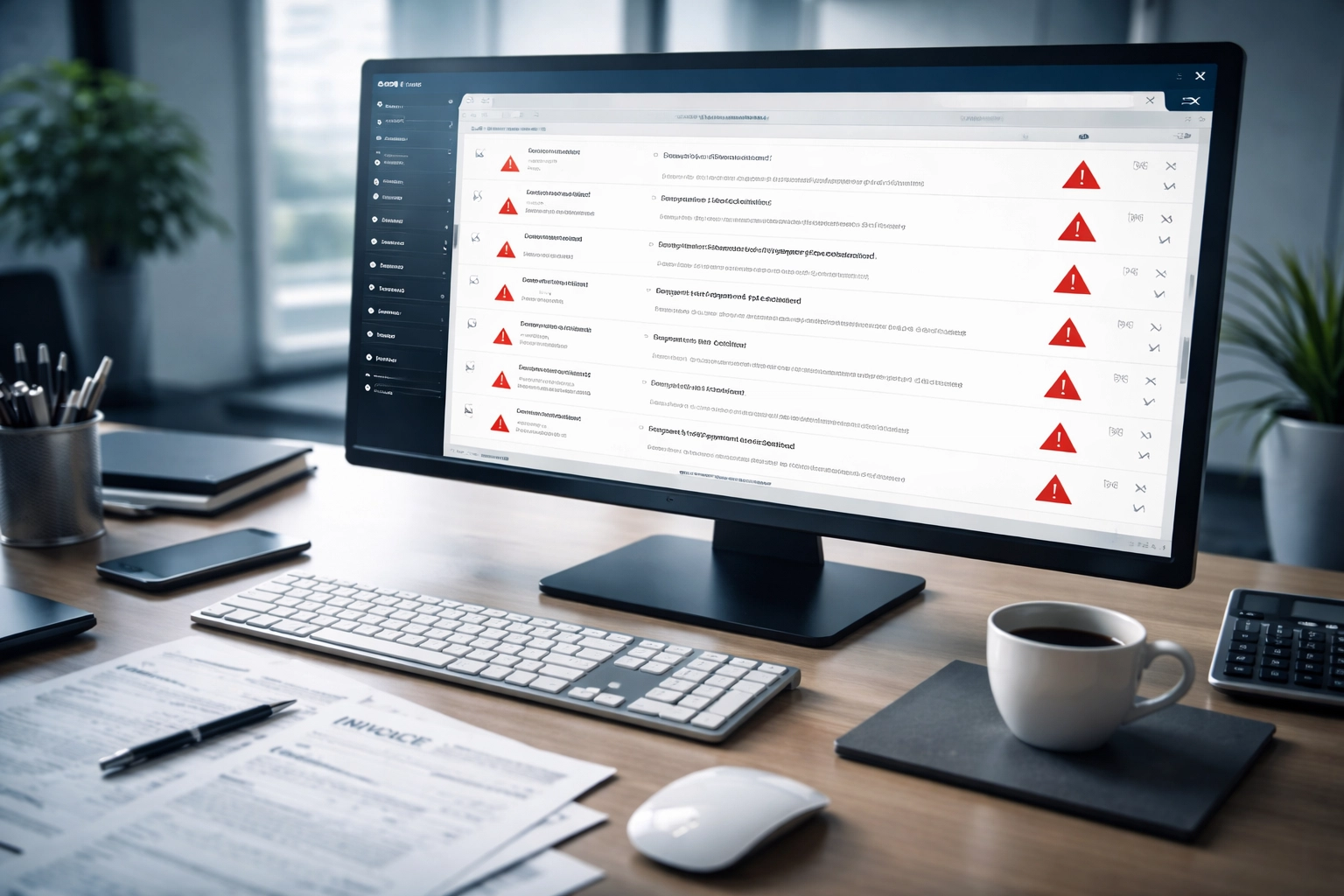
You just sent out a batch of invoices. Everything looks good on your end. But three days later, your accounts receivable team is fielding calls from confused customers who never got them.
Sound familiar?
Here's the thing: your invoices probably arrived just fine, they're just sitting in spam folders across the country. And the culprit is almost always the same: misconfigured SPF and DKIM validation.
These two email authentication protocols are supposed to prove your emails are legitimate. But when they're set up wrong (or not set up at all), major email providers like Gmail, Outlook, and Yahoo will flag your messages as untrustworthy. That means your invoices, payment reminders, and billing communications get buried alongside Nigerian prince scams and sketchy supplement ads.
Let's break down the most common mistakes businesses make, and how to fix them before your cash flow takes another hit.
What Are SPF and DKIM, Anyway?
Before we dive into the mistakes, here's a quick refresher.
SPF (Sender Policy Framework) is a DNS record that tells receiving email servers which IP addresses and servers are authorized to send emails on behalf of your domain. Think of it as a guest list for your email.
DKIM (DomainKeys Identified Mail) adds a digital signature to your outgoing emails. The receiving server checks this signature against a public key published in your DNS to verify the message hasn't been tampered with.
When both are configured correctly, your emails pass authentication checks and land in inboxes. When they're not? Spam folder city.

The Most Common SPF Mistakes Killing Your Invoice Deliverability
1. Incorrect DNS Record Syntax
This is the number one issue we see. SPF records are picky. An extra space, wrong punctuation, or incorrect formatting can invalidate the entire record. And unlike a typo in an email, there's no spellcheck to catch it, your emails just silently fail authentication.
2. Exceeding the 10 DNS Lookup Limit
Here's a surprise for most businesses: SPF records have a hard limit of 10 DNS lookups. Every "include" statement, redirect, or mechanism that requires a lookup counts toward that limit.
If you're using multiple third-party services (your CRM, invoicing platform, marketing automation, etc.), you can blow past this limit without realizing it. And when you exceed it? Your entire SPF record fails, not just the excess lookups.
3. Multiple SPF Records on the Same Domain
You're only allowed one SPF record per domain. Period.
But here's what happens: IT adds an SPF record for the main email system. Then marketing adds another for their email platform. Then accounting adds one for the invoicing software. Suddenly you've got three SPF records fighting each other, and email authentication becomes a coin flip.
4. Missing Include Statements for Third-Party Services
If your invoicing platform sends emails on your behalf (and most do), it needs to be included in your SPF record. Miss this step, and every invoice that platform sends will fail SPF authentication.
This is especially common when businesses switch invoicing providers and forget to update their DNS records.
5. No SPF Record at All
Believe it or not, plenty of businesses simply don't have an SPF record configured. If there's nothing for the receiving server to check against, your emails won't pass SPF validation, and they'll be treated with suspicion.
The Most Common DKIM Mistakes That Tank Your Emails

1. Forgetting to Publish the Public Key
DKIM requires two parts: a private key (used to sign outgoing emails) and a public key (published in your DNS so receiving servers can verify the signature).
You might have DKIM enabled in your email service, but if the public key isn't published in DNS, there's nothing for the receiving server to verify against. Authentication fails.
2. Manual Configuration Errors
DKIM keys are long strings of characters. Configure them manually, and even one missing character or formatting mistake will break the entire record. Copy-paste errors are shockingly common here.
3. DKIM Not Enabled at All
Some businesses assume their email provider handles everything automatically. Spoiler: many don't enable DKIM by default. If you haven't explicitly turned it on and configured it, your outgoing emails have no signature to verify.
4. Expired or Mismatched Keys
DKIM keys should be rotated periodically for security. But if you rotate the private key without updating the public key in DNS (or vice versa), the keys won't match, and every email will fail verification.
5. Message Modification in Transit
This one's sneaky. If your emails pass through forwarding services, mailing lists, or spam filters that alter content, add footers, or modify headers, the DKIM signature can break. The hash no longer matches the original, so verification fails, even though you did everything right on your end.
Why Invoice Emails Are Particularly Vulnerable
Your invoices aren't just regular emails. They often pass through complex delivery chains and third-party platforms that create multiple points of failure for SPF and DKIM validation.
Here's why billing communications are especially at risk:
- Third-party invoicing platforms send on your behalf but use different servers than your main email
- Complex delivery chains with multiple systems touching the message before it reaches the recipient
- Domain alignment issues where your invoicing provider's sending domain doesn't match your authenticated domain
- Higher scrutiny from email providers since financial emails are common targets for phishing attacks
When a customer doesn't receive an invoice, they don't pay on time. When they don't pay on time, your cash flow suffers. It's a direct line from technical misconfiguration to financial impact.

How to Fix Your SPF and DKIM Issues
Ready to stop losing invoices to spam? Here's your action plan:
For SPF:
- Audit your current SPF record using free online validation tools
- Consolidate to a single SPF record that includes all legitimate sending sources
- Count your DNS lookups and flatten the record if you're approaching the limit
- Update records immediately when you add or change email service providers
- Include your invoicing platform explicitly in your SPF record
For DKIM:
- Verify DKIM is enabled in every email service you use
- Confirm public keys are published in your DNS records
- Test your DKIM signature using email authentication checkers
- Rotate keys on a schedule and update both private and public keys together
- Monitor for message modification in your delivery chain
Consider DMARC as the Final Layer
Once SPF and DKIM are solid, implementing DMARC (Domain-based Message Authentication, Reporting, and Conformance) ties everything together. DMARC tells receiving servers what to do when authentication fails and gives you visibility into who's sending email using your domain.
For businesses serious about email security and deliverability, BIMI implementation takes it even further by displaying your verified logo in recipient inboxes.
Frequently Asked Questions
What is SPF and DKIM validation?
SPF and DKIM validation are email authentication protocols that verify whether an email was sent from an authorized server (SPF) and whether the message was tampered with in transit (DKIM). Together, they help email providers determine if your messages are legitimate.
Why do my invoices keep going to spam?
Invoice emails often land in spam because of SPF and DKIM authentication failures. This happens when your invoicing platform isn't included in your SPF record, your DKIM keys are misconfigured, or you have syntax errors in your DNS records.
How do I check if my SPF record is correct?
You can use free online SPF validation tools that analyze your DNS records for syntax errors, lookup limits, and missing include statements. These tools will flag specific issues that need fixing.
Can I have multiple SPF records?
No. You can only have one SPF record per domain. Multiple records will cause authentication failures. If you need to authorize multiple sending sources, they must all be included in a single SPF record.
How often should I rotate DKIM keys?
Best practice is to rotate DKIM keys every 6-12 months. When rotating, ensure you update both the private key in your email service and the public key in your DNS records simultaneously.
Stop Losing Revenue to Spam Folders
Misconfigured SPF and DKIM validation isn't just a technical annoyance: it's a direct threat to your cash flow. Every invoice that lands in spam is a delayed payment waiting to happen.
The good news? These issues are fixable. With the right audit and configuration, you can ensure your billing communications reach their destination every time.
Need help getting your email authentication sorted? Premier Business Team specializes in helping businesses nationwide lock down their email security and deliverability. Give us a call at 360-946-2626 or visit our website to get started.
