If you manage multi-story facilities, hospitals, or commercial buildings with elevators and fire suppression systems, you're dealing with two critical lifelines that keep your occupants safe: elevator emergency phones and fire alarm communication systems. Both fall under NFPA 72 compliance standards, but they're not the same, and the mistakes you make with each can carry vastly different price tags.
In 2026, the Copper Sunset is accelerating. Traditional POTS (Plain Old Telephone Service) lines that once powered these systems are disappearing, and facility managers who fail to navigate the transition correctly are facing failed inspections, costly retrofits, and even liability exposure. The question isn't just "which system is more important?" It's "which compliance mistake will cost you more?"
Let's break down the technical and legal differences between elevator phone line replacement and fire alarm phone line replacement, so you can prioritize your budget and avoid the most expensive pitfalls.
Understanding the Difference: Elevator vs Fire Alarm Lines
At first glance, elevator phones and fire alarm systems might seem interchangeable, both require reliable communication, both involve emergency response, and both are governed by NFPA 72. But they serve fundamentally different purposes:
Elevator Emergency Phones provide two-way voice communication between a trapped rider and an emergency responder. The primary goal is to reassure the rider, gather information, and coordinate rescue efforts. These systems must comply with both ASME A17.1 (elevator safety code) and NFPA 72.
Fire Alarm Communication Systems transmit alarm signals from your building's fire detection devices to a central monitoring station or emergency dispatch. The primary goal is speed and redundancy, getting the alert out before fire suppression systems activate or occupants evacuate.
The technical and legal requirements for each are distinct, and so are the compliance mistakes that cost the most.
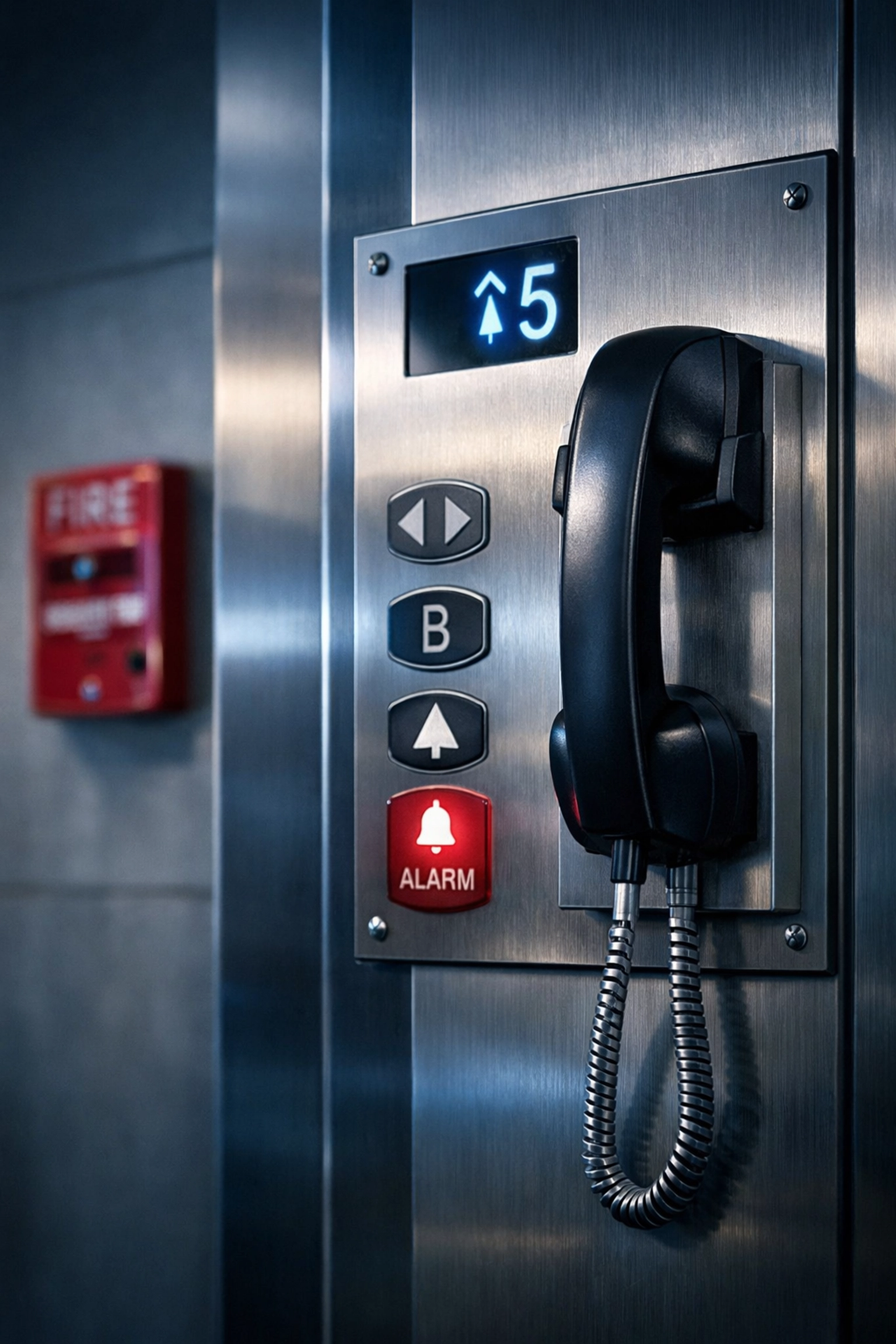
NFPA 72 Requirements for Elevator Phone Lines
Under NFPA 72 and ASME A17.1, elevator emergency communication systems must meet the following standards:
Two-Way Voice Communication
Every elevator cab must have a functional phone that connects a trapped rider to a live responder within 45 seconds. That responder must be able to hear, speak, and provide reassurance.
Automatic Location Identification
The system must automatically transmit the exact elevator location (building, floor, cab number) without requiring the rider to verbally describe where they are. This is critical in high-rise buildings or campuses with multiple elevator banks.
Accessibility from Outside the Hoistway
The 2019 NFPA 72 update introduced a major change: fire alarm initiating devices (FAID) in elevator hoistways must now be accessible from outside the hoistway. This means older spot-type smoke detectors installed inside hard-to-reach shafts no longer meet code. If your system still relies on in-hoistway detectors, you're out of compliance.
Backup Power
Elevator phones must remain operational during a power outage. This typically requires UPS (uninterruptible power supply) or battery backup.
Common Mistake: Facility managers assume they can simply swap a POTS line for a basic VoIP connection and call it done. But elevator phones require guaranteed uptime and low latency, something consumer-grade VoIP cannot reliably provide. If your replacement solution doesn't meet ASME A17.1 performance standards, you'll fail inspection.
NFPA 72 Requirements for Fire Alarm Lines
Fire alarm communication systems have a different set of NFPA 72 requirements, focused on redundancy and transmission speed:
Two Independent Communication Paths (or One High-Performance Path)
According to NFPA 72 (2022), Section 26.6.3.5.1, fire alarm systems must use two independent communication paths to transmit alarm signals to the monitoring station. Alternatively, you can use a single path if it meets higher performance criteria (faster transmission, higher reliability).
No More Dual POTS Lines
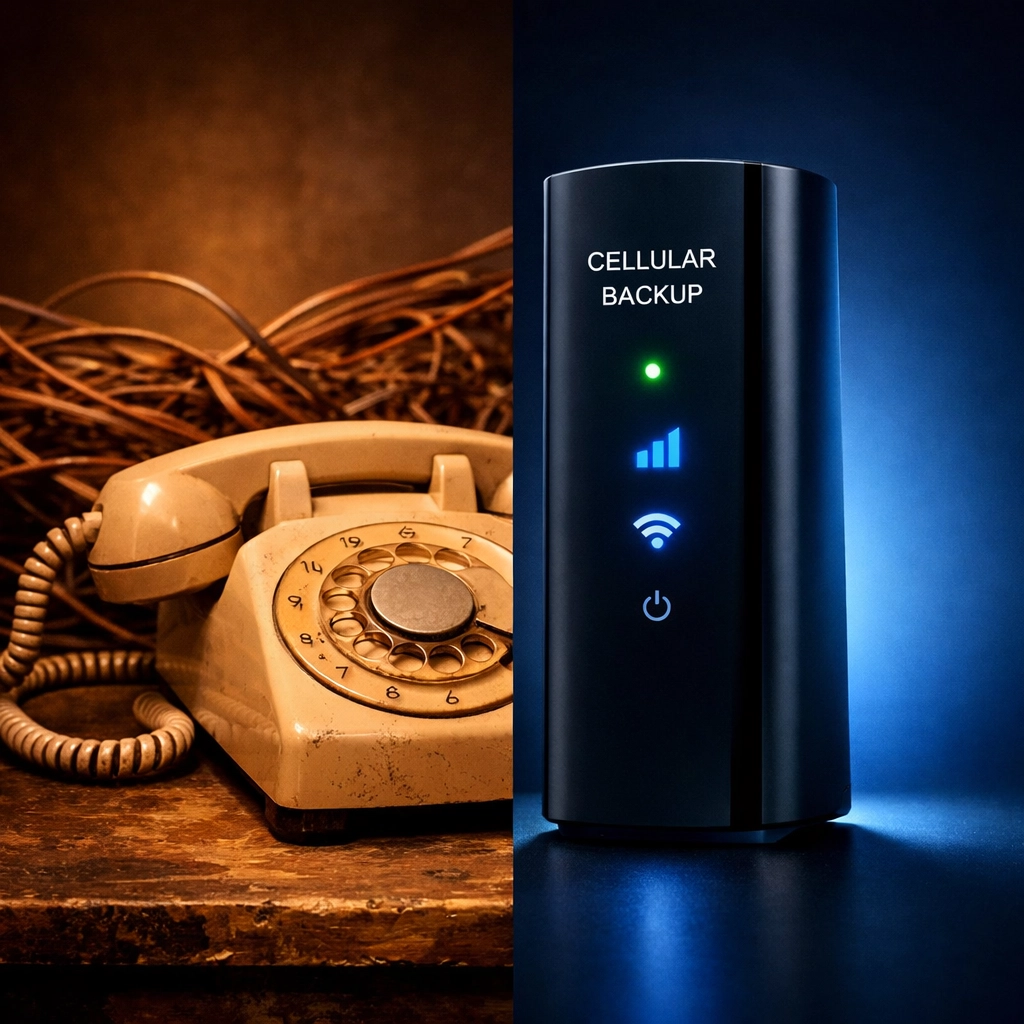
Here's the critical change: the 2013 edition of NFPA 72 eliminated the use of a second phone line as a backup transmission channel. You can no longer rely on two copper landlines to meet the "dual path" requirement. Your secondary path must be cellular, internet-based, or radio.
Transmission Speed
Fire alarm signals must reach the monitoring station within strict time windows (typically 90 seconds or less, depending on the system type). Any delay, due to network congestion, carrier outages, or misconfigured equipment, can result in a failed inspection.
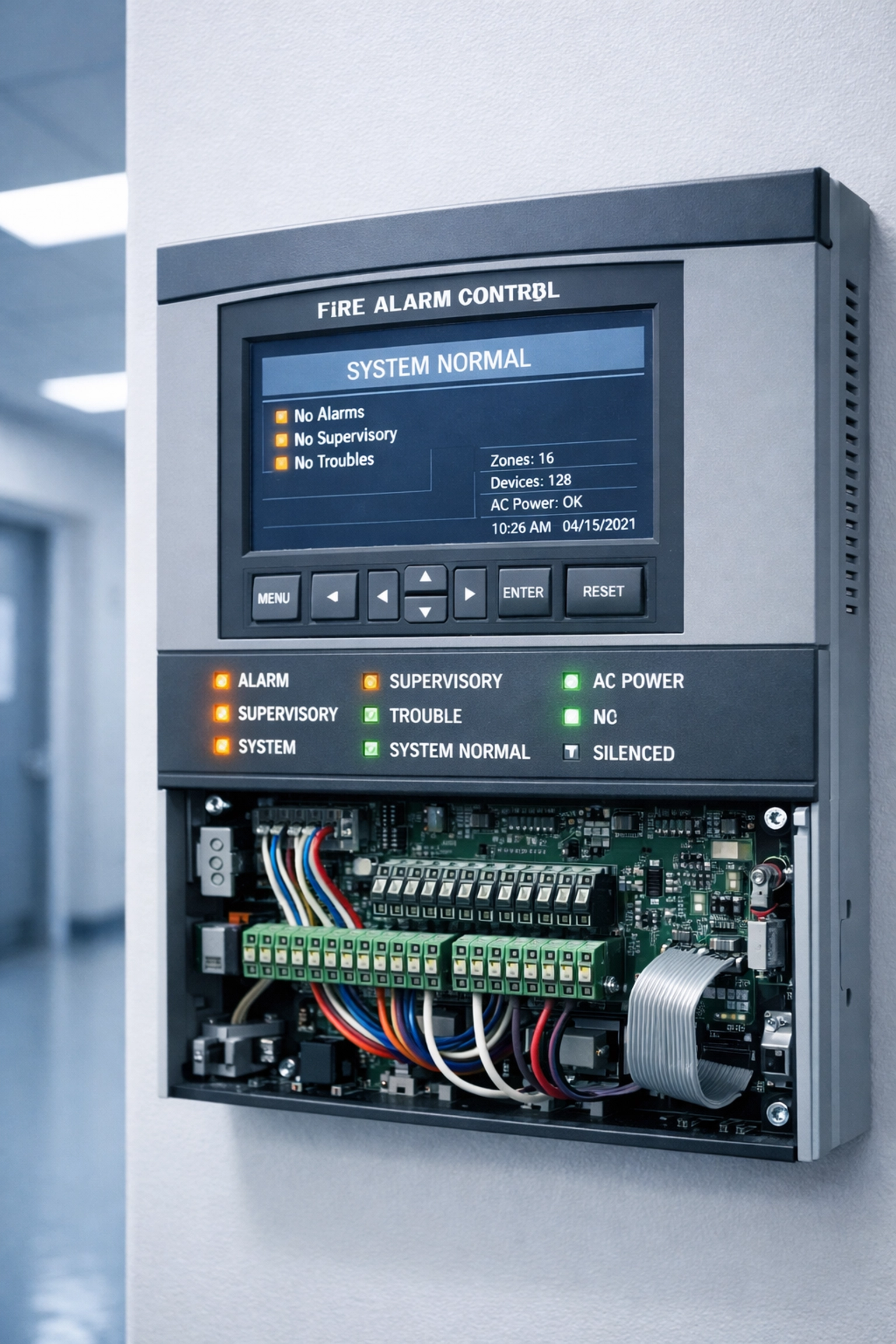
Common Mistake: Facility managers upgrade their primary fire alarm line to a modern IP-based solution but leave the "backup" line as a legacy POTS circuit. That POTS line is now out of compliance under current NFPA 72 standards, and you're paying $100–$300/month for a line that doesn't count toward your dual-path requirement.
The Most Expensive Compliance Mistakes
Both elevator and fire alarm systems are subject to costly mistakes, but the financial and legal stakes differ. Here are the top compliance failures we see in 2026:
1. Using POTS Lines Beyond Their Expiration Date
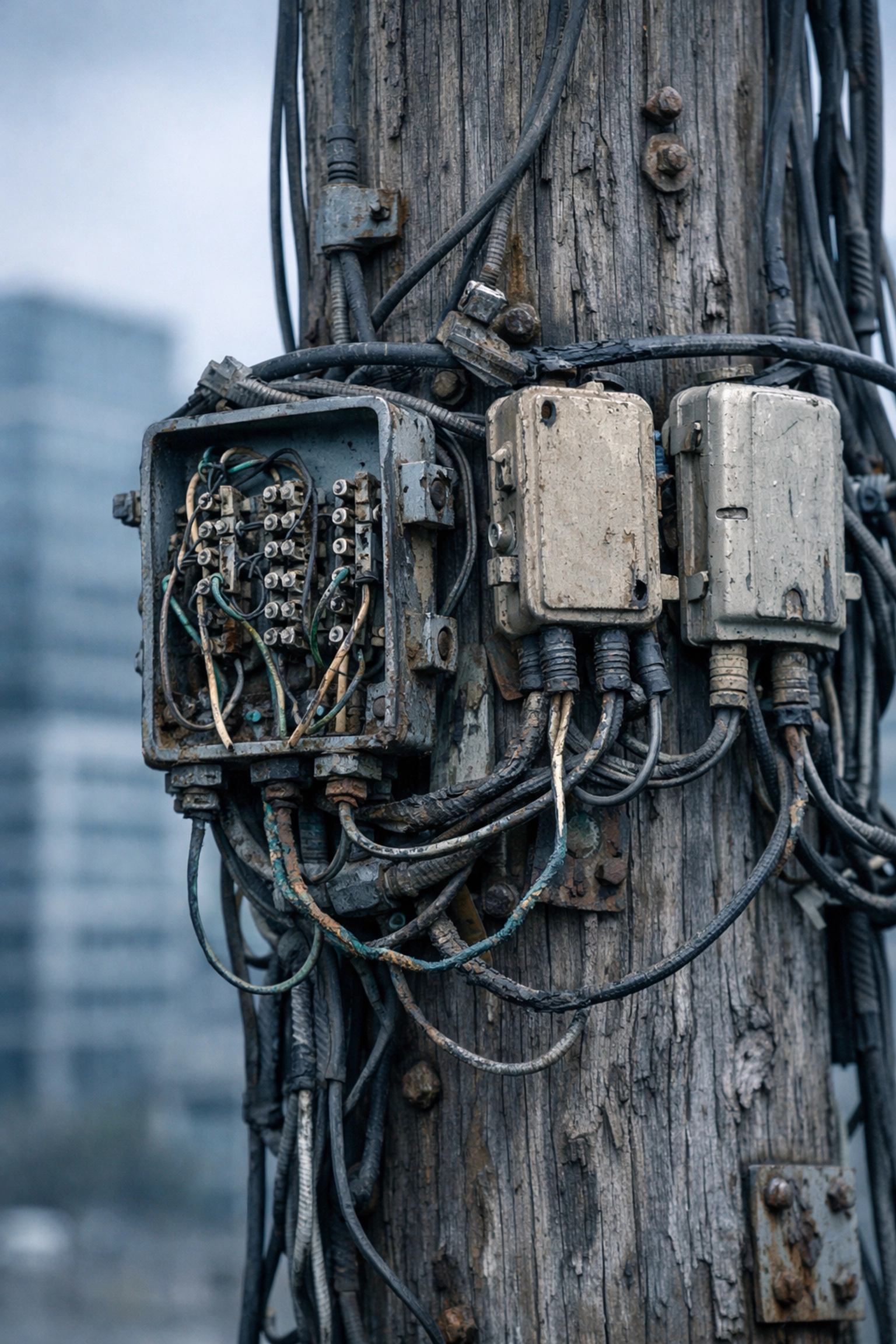
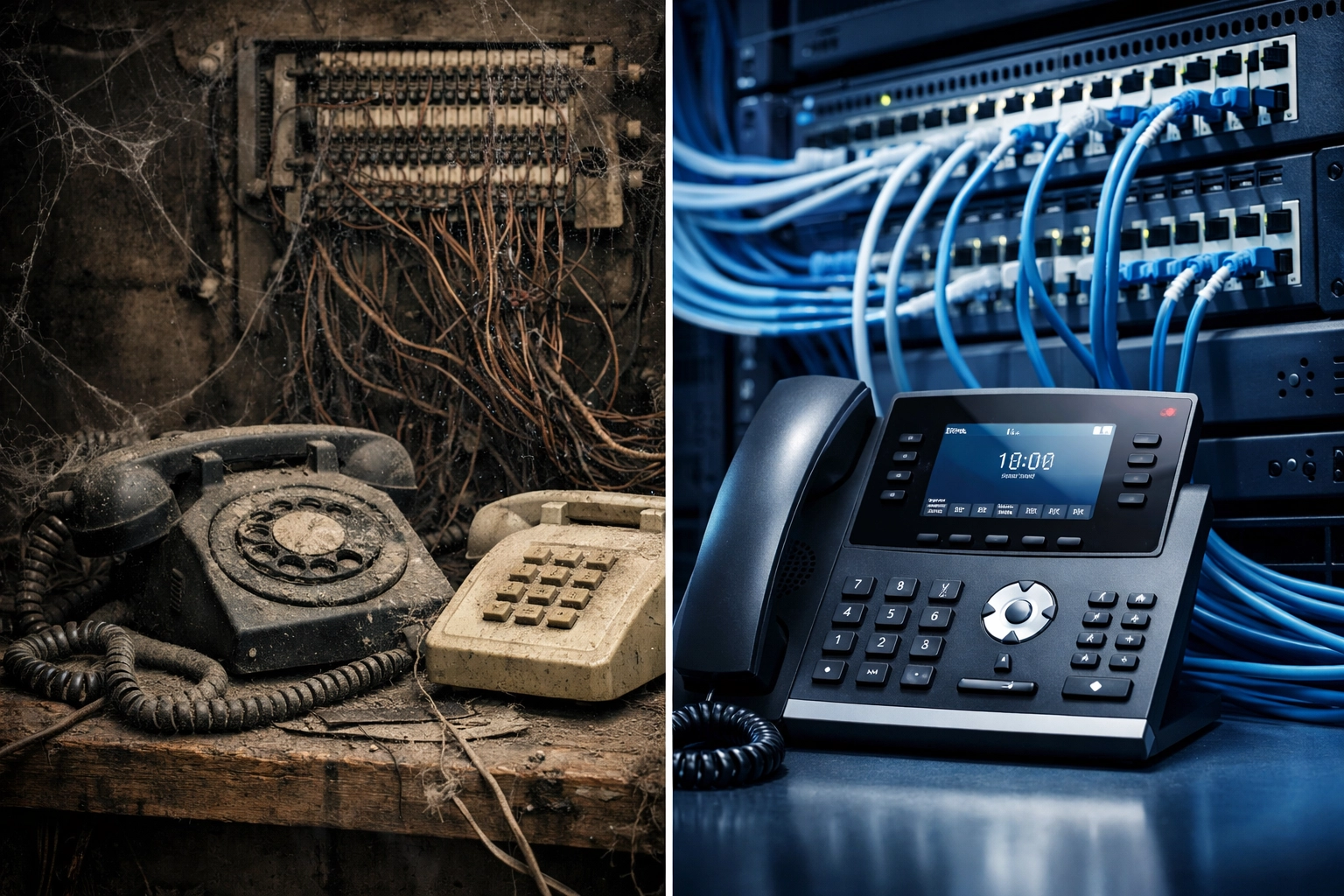
Copper POTS lines are being retired nationwide. If your carrier discontinues service or raises rates (some clients report 500% increases), you're left scrambling for an emergency replacement. Elevator phones and fire alarms go down simultaneously, and you face immediate inspection failures.
Cost: $5,000–$50,000+ in emergency retrofit fees, plus downtime penalties.
2. Replacing Fire Alarm Lines with Non-Compliant VoIP
Switching to a basic business VoIP line without understanding NFPA 72's dual-path requirement is one of the most expensive mistakes. You'll pass initial installation, but fail your annual inspection when the fire marshal realizes you only have one compliant path.
Cost: $10,000–$30,000 to retrofit a compliant secondary path (cellular or radio backup).
3. Ignoring Automatic Location Identification (ALI) for Elevator Phones
Older elevator phone systems rely on the rider verbally describing their location. Modern ASME A17.1 standards require automatic location identification. If your system doesn't transmit this data, you're out of compliance.
Cost: $3,000–$15,000 per elevator to upgrade or replace the phone system.
4. Failing to Update Fire Alarm Initiating Devices in Hoistways
If you have in-hoistway smoke detectors that aren't accessible from outside the shaft, you're no longer NFPA 72 compliant as of the 2019 update. This is a fire marshal's favorite citation.
Cost: $8,000–$25,000+ to relocate or replace detectors in a multi-story building.
Which Mistakes Cost More?
So, which compliance failure will hit your budget harder: elevator phone line replacement or fire alarm phone line replacement?
Fire Alarm Mistakes Carry Higher Direct Costs
Fire alarm system retrofits, especially dual-path communication upgrades, tend to be more expensive because they involve:
- Building-wide infrastructure changes
- Monitoring station reconfiguration
- Cellular backup hardware and recurring monthly fees
- Potential fire suppression system recalibration
Average cost to fix a fire alarm compliance mistake: $15,000–$50,000+ per building.
Elevator Mistakes Carry Higher Liability Risk
Elevator phone failures, on the other hand, carry significant legal liability. If a rider is trapped in an elevator with a non-functional phone and suffers injury or panic-related harm, your organization is exposed to lawsuits, ADA violations, and workers' compensation claims.
Average cost of an elevator-related injury lawsuit: $100,000–$1,000,000+ (depending on severity and jurisdiction).
The Bottom Line: Fire alarm mistakes cost more upfront. Elevator phone mistakes cost more in legal risk. If you're forced to choose which to fix first, prioritize elevator phones for liability protection, then tackle fire alarm dual-path compliance before your next annual inspection.
How to Avoid Both Mistakes
The best strategy? Replace both systems before your carrier forces your hand. Here's the modern, compliant approach:
-
Elevator Phones: Upgrade to a cellular-based elevator phone system with built-in automatic location identification and 24/7 monitoring. These systems meet ASME A17.1 and NFPA 72 standards and don't rely on disappearing POTS lines.
-
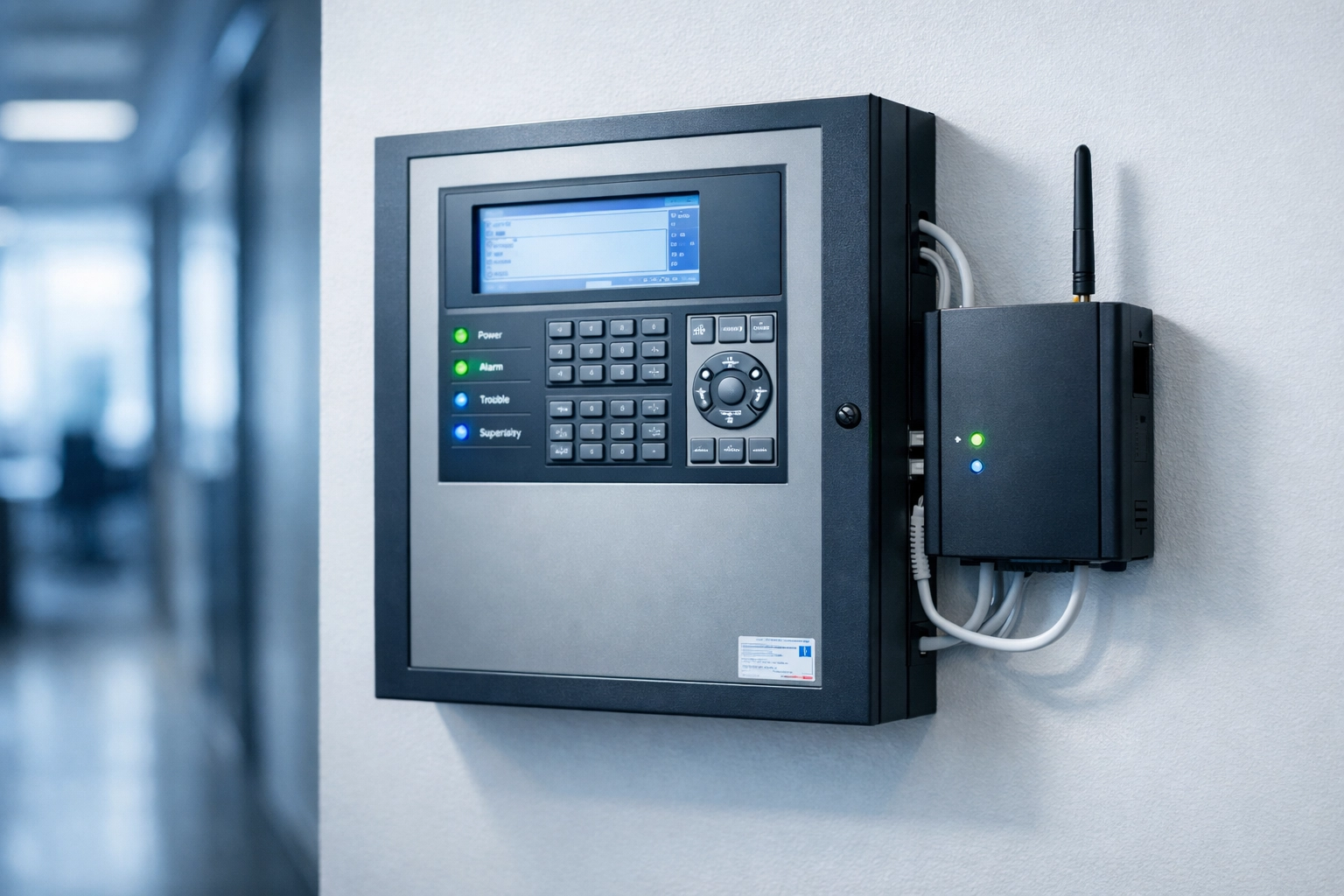
Fire Alarm Lines: Deploy a dual-path fire alarm communicator with an IP primary path and a cellular backup. This meets NFPA 72's 2022 standards and eliminates your reliance on legacy copper lines.
Both solutions integrate seamlessly with your existing fire panels and elevator control systems, and both scale across multi-location portfolios.
Frequently Asked Questions
What is the difference between elevator phone lines and fire alarm lines?
Elevator phone lines provide two-way voice communication for trapped riders, while fire alarm lines transmit alarm signals from detection devices to monitoring stations. Both must meet NFPA 72 standards, but they serve different emergency functions and have distinct technical requirements.
Can I use the same line for both my elevator phone and fire alarm system?
No. NFPA 72 and ASME A17.1 require separate, dedicated communication paths for each system to ensure reliability and prevent single points of failure.
Are POTS lines still compliant for elevator phones in 2026?
Technically yes: if they're available. But most carriers are discontinuing POTS service nationwide, and prices are skyrocketing. Modern cellular-based solutions are more reliable and cost-effective.
What happens if my fire alarm system fails an NFPA 72 inspection?
You'll receive a citation requiring immediate remediation. Depending on your jurisdiction, you may face fines, mandatory building closures, or revocation of your occupancy permit until the system is brought into compliance.
How much does it cost to replace both elevator and fire alarm lines?
Costs vary by building size and system complexity, but expect $10,000–$50,000+ per location for a full dual-system upgrade. The good news? You'll eliminate recurring POTS line fees and avoid expensive emergency retrofits.
Don't wait for a failed inspection or a trapped rider emergency. If your building still relies on POTS lines for elevator phones or fire alarms, you're out of time. Premier Business Team specializes in NFPA 72-compliant POTS replacement solutions for multi-location enterprises and facility managers nationwide.
Call us today at 360-946-2626 to schedule a free compliance assessment. We'll audit your current systems, identify compliance gaps, and deliver a turnkey solution that protects your occupants and your budget.