


Are you juggling multiple monthly bills for your POS system, business phone service, and cloud storage? Switching between different platforms just to complete simple tasks like processing a sale and following up with a customer? You're not alone: and you're definitely overpaying.
Most businesses unknowingly waste 30-40% of their technology budget on overlapping systems that don't talk to each other. The result? Frustrated employees, inconsistent customer experiences, and mounting monthly bills that keep growing as your business expands.
The solution isn't adding more systems: it's consolidating the ones you have into a unified platform that actually works together.
The Hidden Costs of System Fragmentation

Before diving into integration solutions, let's break down what separate systems are really costing your business:
Multiple Monthly Subscriptions: Your POS provider charges $89/month, VoIP service runs $45/user, cloud storage costs $25/month, and customer management adds another $60. For a 10-person team, you're looking at $600+ monthly: before add-ons and overages.
Training Complexity: Every new employee needs training on 4-5 different platforms, each with unique interfaces, login credentials, and workflows. New hire onboarding stretches from days to weeks.
Data Silos: Customer information lives in your POS, call history sits in your phone system, and documents scatter across cloud folders. When a customer calls with an issue, your team wastes precious minutes hunting for context across multiple platforms.
Integration Failures: When systems don't communicate, manual data entry becomes inevitable. Sales data doesn't automatically update inventory. Customer calls don't trigger CRM updates. These gaps create errors, duplicated work, and missed opportunities.
The Integration Advantage: How Unified Platforms Transform Operations
Modern cloud-based platforms eliminate these pain points by bringing your essential business tools under one roof. Here's what proper integration actually delivers:
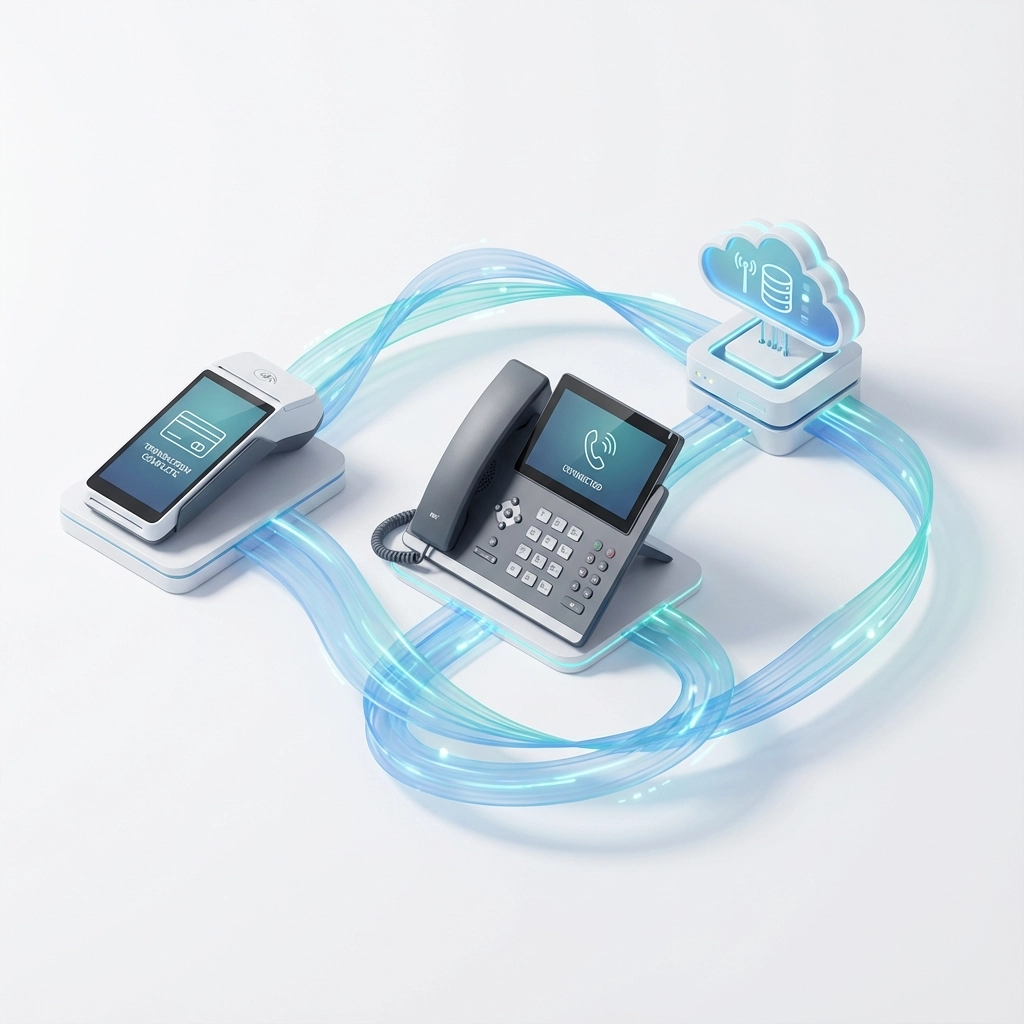
Automatic Data Flow: When a customer makes a purchase through your POS, their information instantly appears in your CRM. If they call later, your team sees their complete purchase history, preferences, and previous interactions before answering the phone.
Streamlined Workflows: Process a sale, schedule a follow-up call, and send a receipt: all from the same interface. No more switching between applications or losing track of tasks across multiple platforms.
Real-Time Insights: Integrated systems provide comprehensive analytics across sales, customer service, and operations. You'll spot trends, identify problems, and make decisions based on complete data instead of fragmented reports.
Scalable Costs: Instead of adding new monthly subscriptions as you grow, integrated platforms typically offer per-user pricing that scales predictably with your business.
Step-by-Step Integration Guide
Step 1: Audit Your Current Systems
Create a comprehensive list of every platform your business uses:
- POS and payment processing
- Business phone and VoIP services
- Cloud storage and file sharing
- Customer relationship management
- Inventory management
- Accounting and billing
Document monthly costs, user licenses, and integration capabilities for each system. Most businesses discover they're using 8-12 separate platforms when they expected 4-5.
Step 2: Identify Integration Opportunities
Look for systems that offer robust APIs, webhook support, or pre-built integrations. Cloud-based VoIP providers like RingCentral, Dialpad, and 8×8 typically integrate seamlessly with popular CRM platforms, automatically logging calls and enabling click-to-dial functionality from customer records.
For POS integration, prioritize platforms that offer:
- Real-time inventory updates
- Customer data synchronization
- Automated receipt and follow-up workflows
- Sales reporting that feeds into your business analytics
Step 3: Choose Your Integration Strategy
Option A: Platform Consolidation
Select one primary platform that includes multiple functions. For example, some modern business platforms combine POS, VoIP, CRM, and cloud storage in unified packages.
Option B: Best-of-Breed Integration
Keep specialized systems but ensure they integrate seamlessly. Your POS might excel at inventory management while your VoIP provider offers superior call quality: the key is making them work together.
Step 4: Plan Your Migration
Start with your most critical integrations:
- POS to CRM: Customer data should flow automatically from sales to customer management
- VoIP to CRM: Enable automatic call logging and screen-popping of customer information
- Cloud Storage to Business Apps: Ensure documents and files are accessible from your primary work platforms
Step 5: Test and Optimize
Before full deployment, test your integrations with a small subset of data and users. Verify that:
- Customer information synchronizes correctly across platforms
- Sales data triggers appropriate follow-up workflows
- Phone calls automatically log against the right customer records
- Inventory updates reflect in real-time across all sales channels
Real-World Integration Success

Consider how a typical retail business transforms with proper integration:
Before Integration: A customer calls asking about a recent purchase. The employee puts them on hold, logs into the POS system, searches by phone number (which may not match), then checks the CRM for any service history. The 2-minute call becomes 8 minutes of frustrated searching.
After Integration: The customer calls, and their complete profile automatically appears on screen: recent purchases, preferences, previous service calls, and any open issues. The employee provides personalized service immediately, often resolving issues before the customer finishes explaining.
This transformation doesn't just improve customer satisfaction: it directly impacts your bottom line. Businesses typically see 25-30% improvements in customer service efficiency and 15-20% increases in follow-up sales when integration eliminates system switching and data hunting.
Overcoming Common Integration Challenges
Legacy System Compatibility: Older POS or phone systems may lack modern integration capabilities. While this sometimes requires system upgrades, the ROI from improved efficiency and reduced monthly costs typically justifies the investment within 12-18 months.
Data Migration Concerns: Moving customer data between systems requires careful planning to avoid loss or corruption. Professional IT consultants can ensure smooth migrations while maintaining business continuity.
Employee Resistance: Teams comfortable with existing workflows may resist change. Address this by highlighting how integration eliminates their current frustrations: no more switching between screens, hunting for customer information, or manually entering data.
Security Questions: Integrated systems require robust security protocols since one breach could affect multiple business functions. Ensure your chosen platforms offer enterprise-grade security, regular updates, and compliance with relevant industry standards.
FAQ: Platform Integration Essentials
Q: How long does system integration typically take?
A: Simple integrations (like connecting VoIP to CRM) can be completed in 1-2 days. Comprehensive platform consolidation usually takes 2-4 weeks, depending on data volume and complexity.
Q: Will integration disrupt daily operations?
A: Properly planned integrations minimize disruption through phased rollouts and parallel system operation during transition periods. Most businesses maintain normal operations throughout the process.
Q: How much can businesses save with integrated systems?
A: Companies typically reduce technology costs by 20-40% within the first year through eliminated redundant subscriptions, reduced training needs, and improved operational efficiency.
Q: What happens if one integrated system fails?
A: Quality integration platforms include redundancy and backup systems. However, this highlights the importance of choosing established providers with proven reliability and disaster recovery capabilities.
Q: Can small businesses benefit from integration, or is it only for large companies?
A: Small businesses often see the biggest impact from integration since they can't afford dedicated staff to manage multiple systems. Modern cloud platforms scale from solo operations to enterprise deployments.
Transform Your Business Operations Today
Stop accepting the inefficiencies and mounting costs of disconnected systems. Premier Business Team specializes in helping businesses like yours streamline operations through strategic technology integration.
Our team will audit your current systems, identify integration opportunities, and implement solutions that reduce costs while improving efficiency. We work with leading platforms to ensure your POS, VoIP, and cloud services work together seamlessly: not as expensive separate subscriptions.
Ready to cut your technology costs and eliminate system frustrations? Contact Premier Business Team today for a free integration assessment. We'll show you exactly how much you can save and create a step-by-step plan to consolidate your systems without disrupting your operations.
Don't wait for your competitors to gain the advantage of unified operations. Call us now and discover how integrated systems can transform your business efficiency and profitability.
