

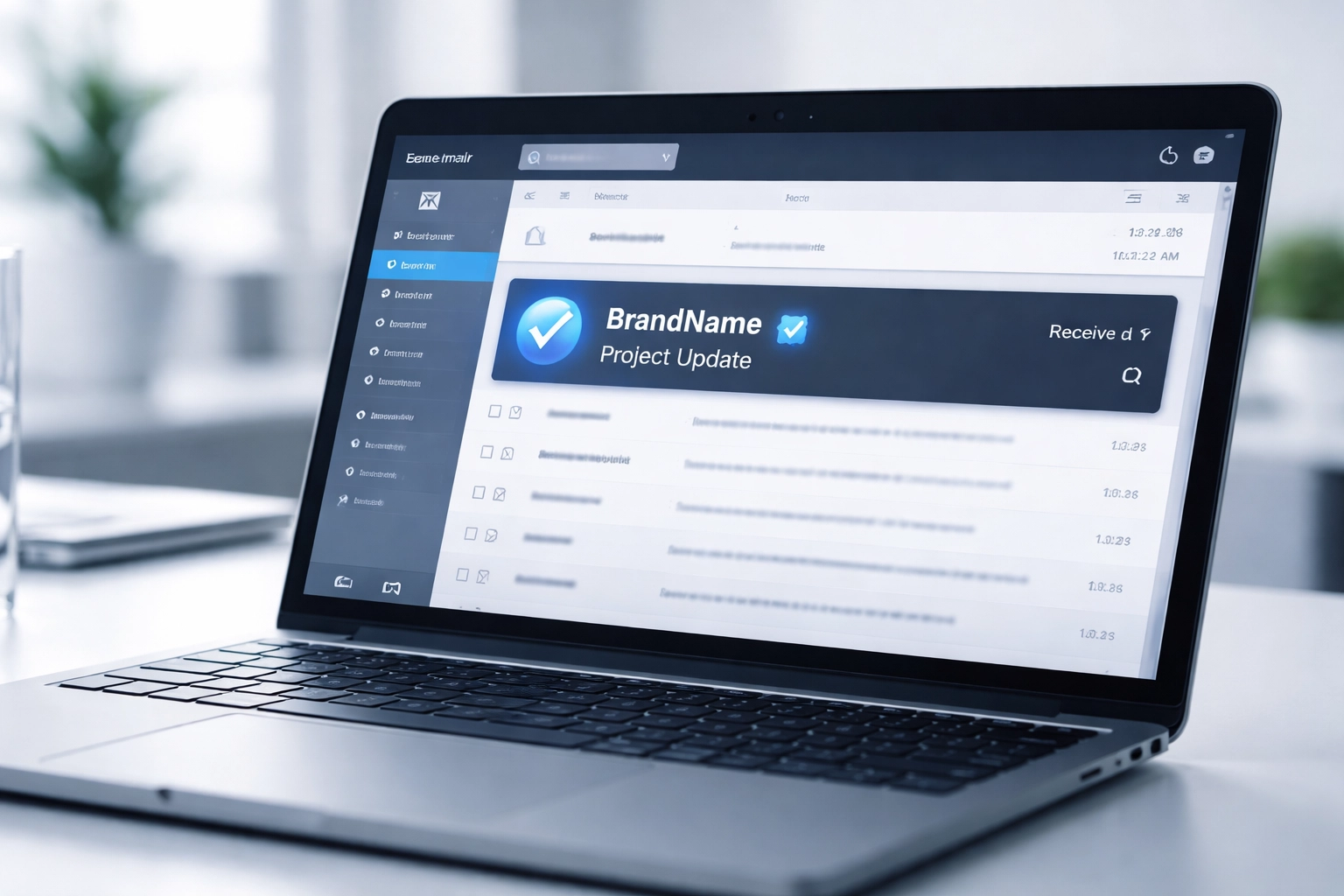
You send an important email to a customer. Maybe it's an invoice, a proposal, or a time-sensitive update. But here's the thing, your email lands in their inbox looking exactly like every other message. No visual distinction. No instant recognition. Just another sender name in a sea of text.
Now imagine this instead: your company logo appears right next to your email, front and center. Before your customer even reads the subject line, they know it's really you.
That's BIMI for business in a nutshell. And if you've got three minutes, you'll walk away knowing exactly what it is, why it matters, and how to make it happen.
What Exactly Is BIMI?
BIMI stands for Brand Indicators for Message Identification. It's an email specification that displays your verified brand logo directly in your customers' inboxes: right next to your authenticated emails.
Think of it as a digital trust badge. When someone receives an email from your business, they see your logo instead of a generic avatar or blank circle. It's visual proof that the message is legitimate and actually came from you.
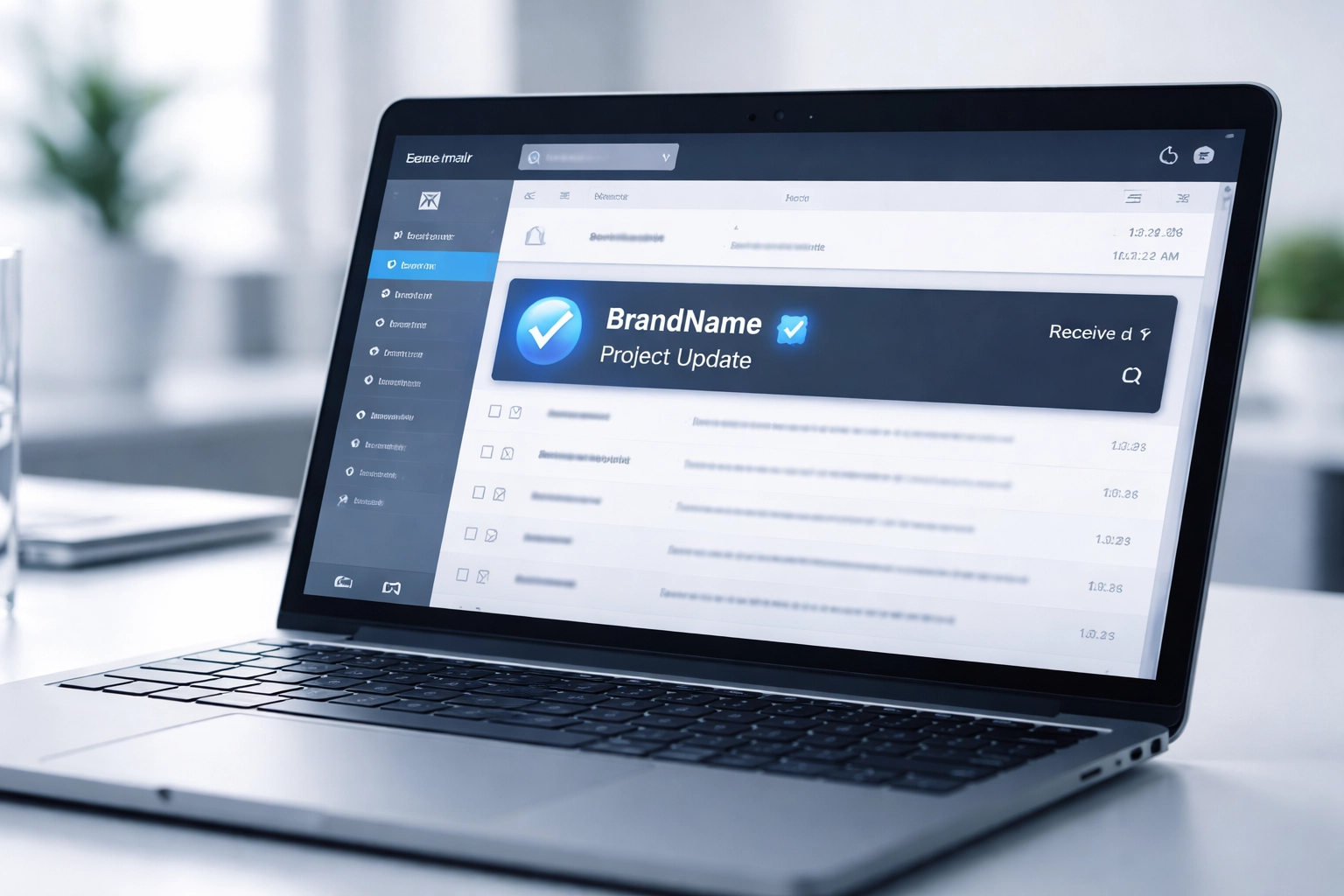
Here's the bottom line: BIMI isn't just about looking professional (though it definitely helps). It's about building instant trust in an era where phishing attacks and email scams are at an all-time high.
Why Should Business Owners Care About BIMI in 2026?
Let's be real: your inbox is a battlefield. Between spam, promotional emails, and actual important messages, your customers are making split-second decisions about what to open and what to ignore.
BIMI gives you a serious competitive advantage. Here's why:
1. Instant Brand Recognition
Your logo appears before anyone reads a single word. In a crowded inbox, that visual cue makes your emails stand out immediately. Customers don't have to guess if it's really you: they know.
2. Increased Trust and Credibility
When recipients see a verified logo, it signals legitimacy. This is especially critical for industries dealing with sensitive information like finance, healthcare, or legal services. Trust isn't optional anymore: it's expected.
3. Better Email Deliverability
Here's something most business owners don't realize: implementing BIMI requires you to have strong email authentication already in place. That means your emails are more likely to land in the primary inbox instead of the spam folder.
4. Protection Against Phishing
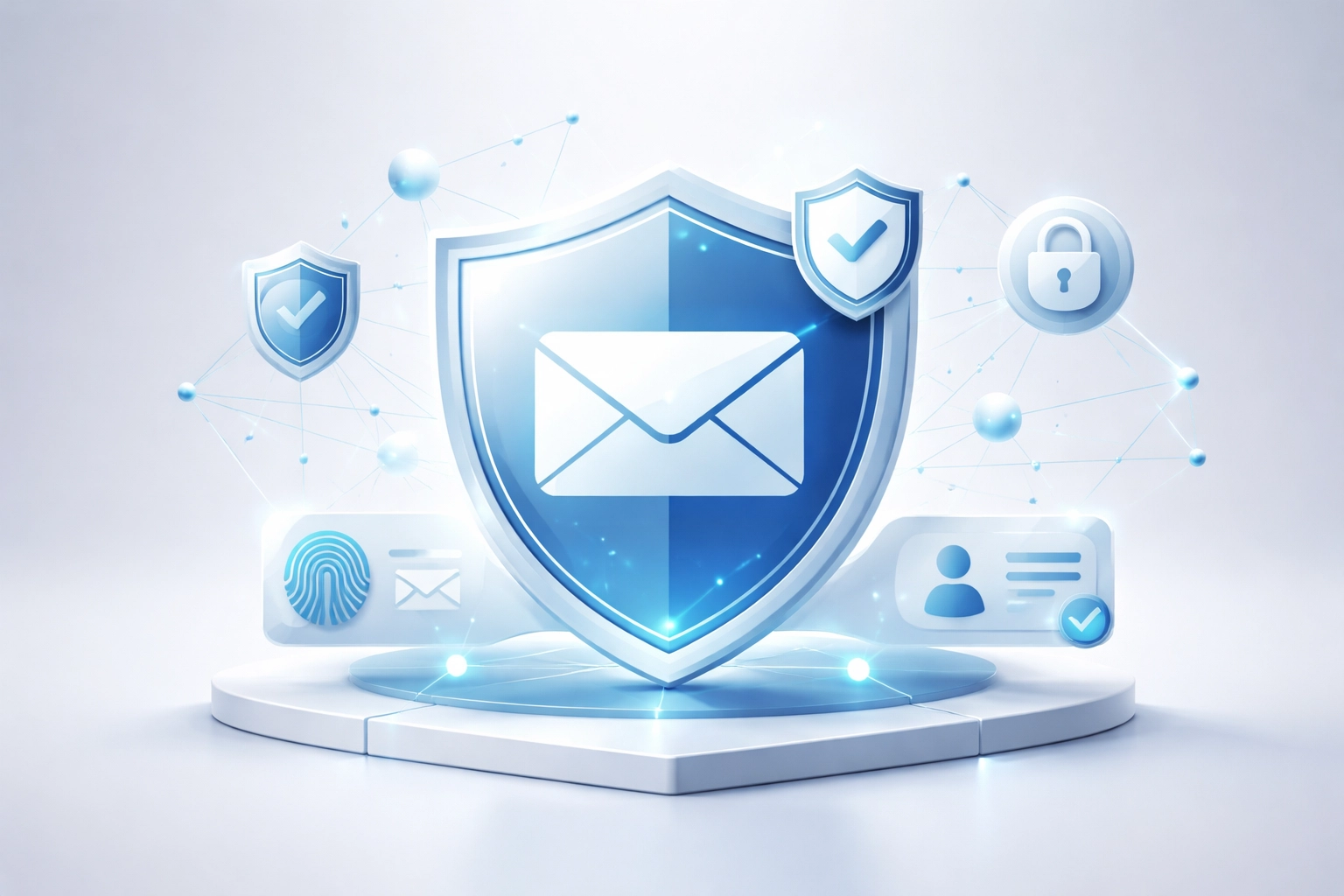
Cybercriminals love impersonating legitimate businesses. BIMI makes it significantly harder for scammers to spoof your brand because the logo only appears when proper authentication is verified. Your customers learn to look for that logo: and question emails that don't have it.
For more on protecting your business from cyber threats, check out our resources on cybersecurity and internet security.
How Does BIMI Actually Work?
Don't worry: we'll keep this simple.
When you send an email, the recipient's email provider (like Gmail or Yahoo) checks if your message passes authentication. If everything checks out, the provider looks up your BIMI record (a small text file in your domain's DNS settings) and retrieves your logo to display.
Here's the quick version of what happens behind the scenes:
- Your email gets sent from your business domain
- Authentication checks run (SPF, DKIM, and DMARC verify the email is legit)
- BIMI record is found in your DNS
- Your logo appears next to your email in the recipient's inbox
The whole process takes milliseconds. Your customer just sees your logo and knows the email is trustworthy.
What Do You Need to Implement BIMI?
Here's where it gets a little technical: but stay with me. The good news is you don't have to figure this out alone.
To enable BIMI for your business, you need three email authentication protocols in place:
SPF (Sender Policy Framework)
This tells email servers which systems are authorized to send emails on behalf of your domain. It's like a guest list for your email.
DKIM (DomainKeys Identified Mail)
DKIM adds a digital signature to your outgoing emails. It proves the message hasn't been tampered with during transit.
DMARC (Domain-based Message Authentication, Reporting & Conformance)
DMARC ties SPF and DKIM together and tells receiving servers what to do if an email fails authentication. For BIMI to work, your DMARC policy must be set to either quarantine or reject: not just monitoring mode.
Once these three are configured correctly, you can publish your BIMI record and (in most cases) obtain a Verified Mark Certificate (VMC) to authenticate your logo.

Which Email Providers Support BIMI?
As of 2026, BIMI is supported by major email providers including:
- Gmail (full support)
- Yahoo Mail (full support)
- Apple Mail (iOS 16 and later)
- Fastmail
Microsoft Outlook currently has limited BIMI support, but adoption is growing across the industry. The trend is clear: verified brand logos in email are becoming the standard, not the exception.
The Real Cost of Ignoring BIMI
Still on the fence? Consider this:
- 90% of cyberattacks start with a phishing email
- Customers who don't recognize your emails are less likely to open them
- Every email that lands in spam is a missed opportunity
Your competitors who implement BIMI will look more legitimate than you do. Their emails will get opened. Their brand will be remembered. And when a phishing email impersonates your business? Your customers won't have that visual cue to tell the difference.
The risk isn't just about security: it's about revenue and reputation.
How Premier Business Team Can Help
Look, we get it. Most business owners don't have time to dig into DNS records, authentication protocols, and certificate authorities. You've got a business to run.
That's where Premier Business Team comes in.
We specialize in helping businesses across the country implement BIMI the right way: from setting up SPF, DKIM, and DMARC to obtaining your Verified Mark Certificate and publishing your BIMI record. We handle the technical details so you can focus on what you do best.
Want to learn more about our comprehensive approach? Visit our BIMI Email Security Services page for the full breakdown.
Frequently Asked Questions About BIMI for Business
What does BIMI stand for?
BIMI stands for Brand Indicators for Message Identification. It's an email specification that displays your verified brand logo next to authenticated emails in recipient inboxes.
How long does it take to implement BIMI?
Implementation time varies depending on your current email authentication setup. If you already have SPF, DKIM, and DMARC configured correctly, adding BIMI can take a few days to a couple of weeks. Starting from scratch may take longer.
Does BIMI work with all email providers?
Not yet. Gmail, Yahoo Mail, Apple Mail, and Fastmail currently support BIMI. Microsoft Outlook has limited support but is expected to expand. Adoption is growing industry-wide.
Is BIMI required for email security?
BIMI itself isn't required, but the authentication protocols it depends on (SPF, DKIM, DMARC) are essential for email security. BIMI adds a visual trust layer on top of those foundations.
Do I need a Verified Mark Certificate (VMC)?
Most email providers require a VMC to display your logo. This certificate verifies that you own the trademark for your logo and adds an extra layer of authentication.
How much does BIMI implementation cost?
Costs vary based on your existing infrastructure and whether you need a VMC. Premier Business Team offers customized solutions: give us a call to discuss your specific needs.
Ready to Get Your Logo in Customer Inboxes?
BIMI isn't just a nice-to-have anymore: it's becoming essential for businesses that want to stand out, build trust, and protect their brand from impersonation.
Premier Business Team is here to make it happen. Whether you're starting from zero or just need help crossing the finish line, our team has the expertise to get your verified logo showing up in inboxes nationwide.
Call us today at 360-946-2626 or visit premierbusinessteam.com/ to get started. Let's make sure your customers always know it's really you.
