

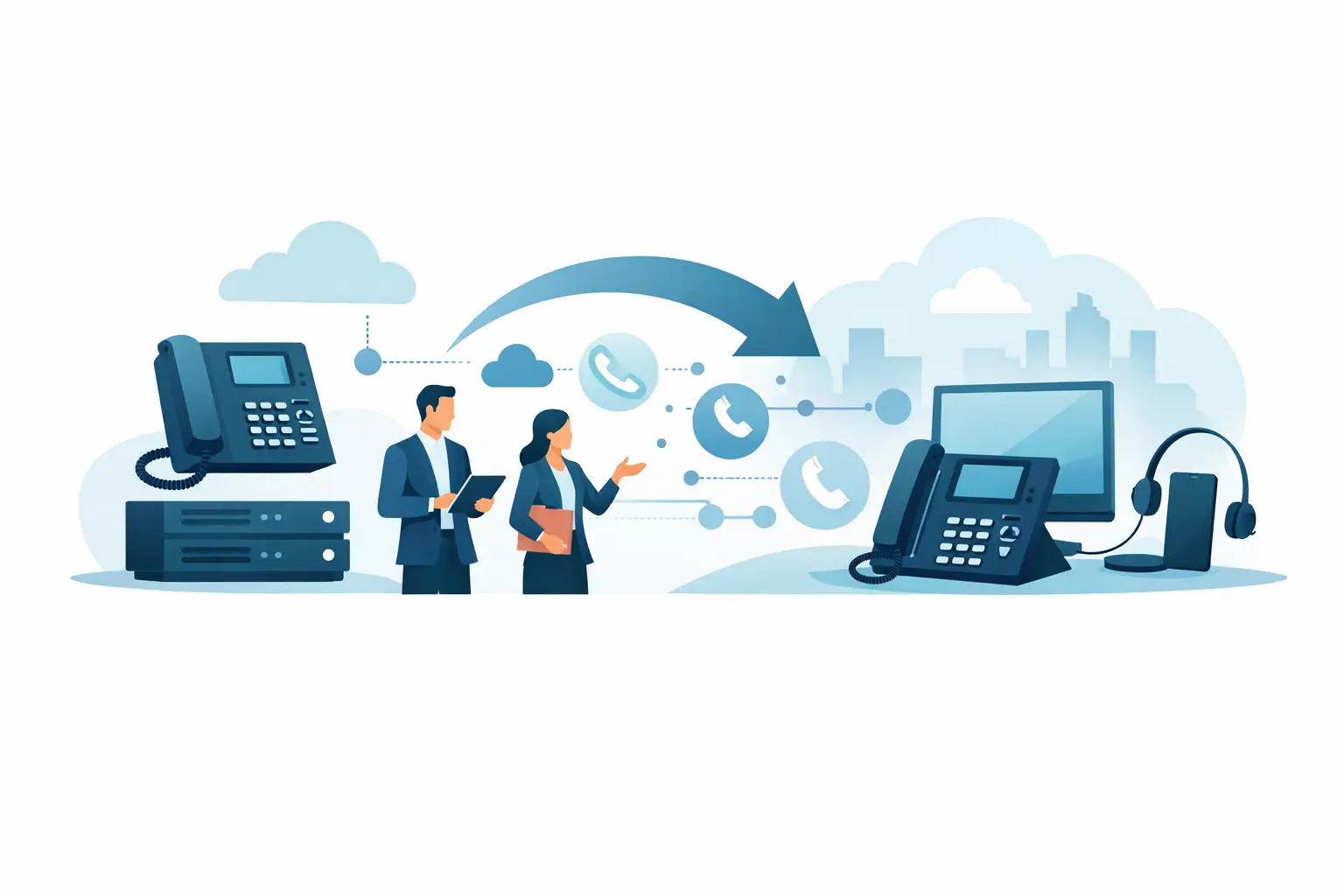
A business phone migration usually becomes urgent at the worst possible time – when contracts are ending, support is slipping, costs are rising, or your current system can no longer keep up with remote work and customer demand. If you are asking how to migrate business phone systems without disrupting operations, the right answer is not just choosing a new provider. It is planning the move around call flow, users, numbers, devices, locations, and business risk.
For most small and mid-sized organizations, the biggest mistake is treating the phone system like a simple utility switch. It is not. Your phone platform touches customer experience, sales responsiveness, support queues, compliance requirements, and internal collaboration. A rushed migration can create missed calls, broken routing, confused employees, and unexpected costs. A structured migration can improve flexibility, lower spend, and simplify management for years.
How to migrate business phone systems with less disruption
The safest approach starts with a business review, not a product demo. Before comparing providers or features, define what has to work on day one and what needs to improve over time. That includes your main numbers, auto attendants, hunt groups, call queues, voicemail, business hours, mobile access, and any integrations with CRM, help desk, or collaboration tools.
At this stage, it helps to separate must-haves from nice-to-haves. For example, a healthcare office may prioritize uptime, call routing, and compliance-related controls. A multi-location retailer may care more about centralized administration and location-level call handling. A growing services company may need better mobile functionality for employees in the field. The right migration plan depends on those operating realities.
An inventory is the next priority. Many businesses underestimate how much phone complexity has built up over time. You may have direct inward dial numbers assigned to former employees, old forwarding rules, unneeded analog lines, fax dependencies, elevator or alarm lines, and overlapping contracts from multiple vendors. If you do not identify those pieces before the cutover, they tend to surface during the worst possible moment.
Start with an accurate current-state assessment
A complete assessment should document your existing carriers, contracts, billing structure, phone numbers, locations, hardware, users, extensions, call flows, and internet connectivity. It should also identify any special services tied to the phone environment, such as call recording, paging, contact center tools, overhead announcements, door systems, or conference room phones.
This is also where network readiness matters. If you are moving from legacy voice to a cloud-based platform, call quality will depend heavily on internet performance, local network design, and traffic prioritization. Even the best phone provider cannot compensate for poor LAN configuration or unstable connectivity. In some environments, the phone migration should happen only after bandwidth upgrades, firewall review, or SD-WAN planning.
There is a financial angle as well. A migration can reduce monthly costs, but only if you account for all charges. That includes licensing, implementation fees, handsets, headset upgrades, cabling changes, number porting, training, and any overlap period where you are paying old and new providers at the same time. Decision-makers should look at total operating impact, not just the advertised per-user rate.
Choose the new platform based on operations, not marketing
This is where many projects drift off course. Providers often promote similar benefits, but the real differences show up in support quality, contract structure, onboarding execution, number porting experience, admin usability, and how well the service fits your environment.
A small office with simple calling needs may do well with a straightforward cloud voice platform and softphones. A company with contact center needs, multiple departments, compliance concerns, or hybrid work policies may require more advanced routing, reporting, device management, and integration options. Neither approach is inherently better. The better choice is the one that supports your workflows without adding unnecessary complexity.
Vendor fit matters too. If your business already manages internet, mobility, cybersecurity, and cloud tools across multiple providers, adding another isolated communications decision can create more administration, not less. This is why many organizations benefit from a vendor-neutral advisory process that compares options against business goals rather than pushing a single brand.
Build the migration plan before the cutover date
Once the target platform is selected, the migration should be broken into workstreams. That usually includes number porting, user provisioning, device deployment, network preparation, feature configuration, training, and cutover support. Each workstream needs an owner, a date, and a clear dependency.
Number porting deserves special attention. Port dates can shift, account records may not match carrier data, and even minor administrative errors can delay the move. Keep copies of current invoices, customer service records, and authorized contact details ready early in the process. If your main published numbers are involved, there should also be a temporary continuity plan in case a port is delayed.
Cutover strategy is another important decision. Some businesses should migrate all users at once, especially in a single-site environment with simple call routing. Others are better served by a phased rollout by department or location. A phased approach lowers risk, but it may also create temporary complexity if teams are split across platforms. The right choice depends on your tolerance for change, internal IT capacity, and operational schedule.
How to migrate business phone users successfully
Technology is only half the project. User adoption is what determines whether the migration actually improves operations. Employees need to know how calls will arrive, how to transfer, how voicemail works, how mobile apps fit into the workflow, and what changes on their desk or laptop.
Training should be practical and role-based. Receptionists, call center staff, sales teams, executives, and remote employees do not use the system the same way. A one-size-fits-all session tends to create confusion. It is better to provide short, scenario-based guidance tied to the work people actually do.
This is also the time to confirm extension assignments, caller ID settings, voicemail greetings, call forwarding rules, and emergency location information. Those details may seem minor, but they are exactly what users notice first after the migration goes live.
Testing should happen before and after cutover. That means more than placing a few internal test calls. You should verify inbound and outbound dialing, auto attendants, queue behavior, voicemail delivery, after-hours routing, call forwarding, conference features, mobile access, and emergency calling. If your business relies on integrations, test those under real conditions as well.
Expect trade-offs and plan for them
Every phone migration involves trade-offs. Cloud systems often improve flexibility and management, but they increase dependence on network quality and internet resilience. Keeping existing handsets may reduce upfront cost, but not all older devices perform well on modern platforms. A lower-cost provider may be attractive on paper, but weaker implementation support can erase those savings quickly.
There is also a balance between speed and control. A fast migration may help you avoid contract rollover penalties, but moving too quickly can create avoidable service issues. On the other hand, overengineering the project can stall needed improvements. The best migrations move with urgency, but not guesswork.
For many businesses, post-migration support is where long-term value is won or lost. Once the system is live, someone still needs to manage adds, moves, changes, reporting, billing questions, and future scaling. That is why the decision should not stop at features. It should include who will help your organization manage the service after implementation, especially as locations, staffing, and customer demands change.
A well-run migration gives you more than a new phone system. It gives you cleaner operations, better visibility, simpler administration, and a platform that can support growth instead of limiting it. If the process feels more complex than it should, that is usually a sign you need stronger planning and clearer accountability, not just a different provider. Premier Business Team helps organizations evaluate those moving parts with a business-first lens so the transition supports performance, budget, and long-term flexibility.
The best time to fix phone system problems is before they become customer experience problems. A careful migration plan keeps that line from ever being crossed.