

Managing multiple business locations without the right technology is like trying to conduct an orchestra while blindfolded. You know something's happening, but you can't see what's working, what's failing, or how to make it all sound harmonious.
If you're running multiple locations in 2026, your POS systems for business aren't just cash registers anymore: they're the central nervous system that determines whether your expansion succeeds or becomes a logistical nightmare.
The Multi-Location Challenge Most Businesses Face
Here's what we see happening with growing businesses: Location A is crushing sales goals while Location B is hemorrhaging inventory. Location C's staff can't access customer data from Location A. Your accountant is drowning in separate reports from each store, and nobody has real-time visibility into what's actually happening across your enterprise.
The core problem? Most businesses try to scale using the same simple POS solution they started with, then wonder why managing multiple locations feels impossible.
What Modern Multi-Location Businesses Actually Need
Unified Data Architecture
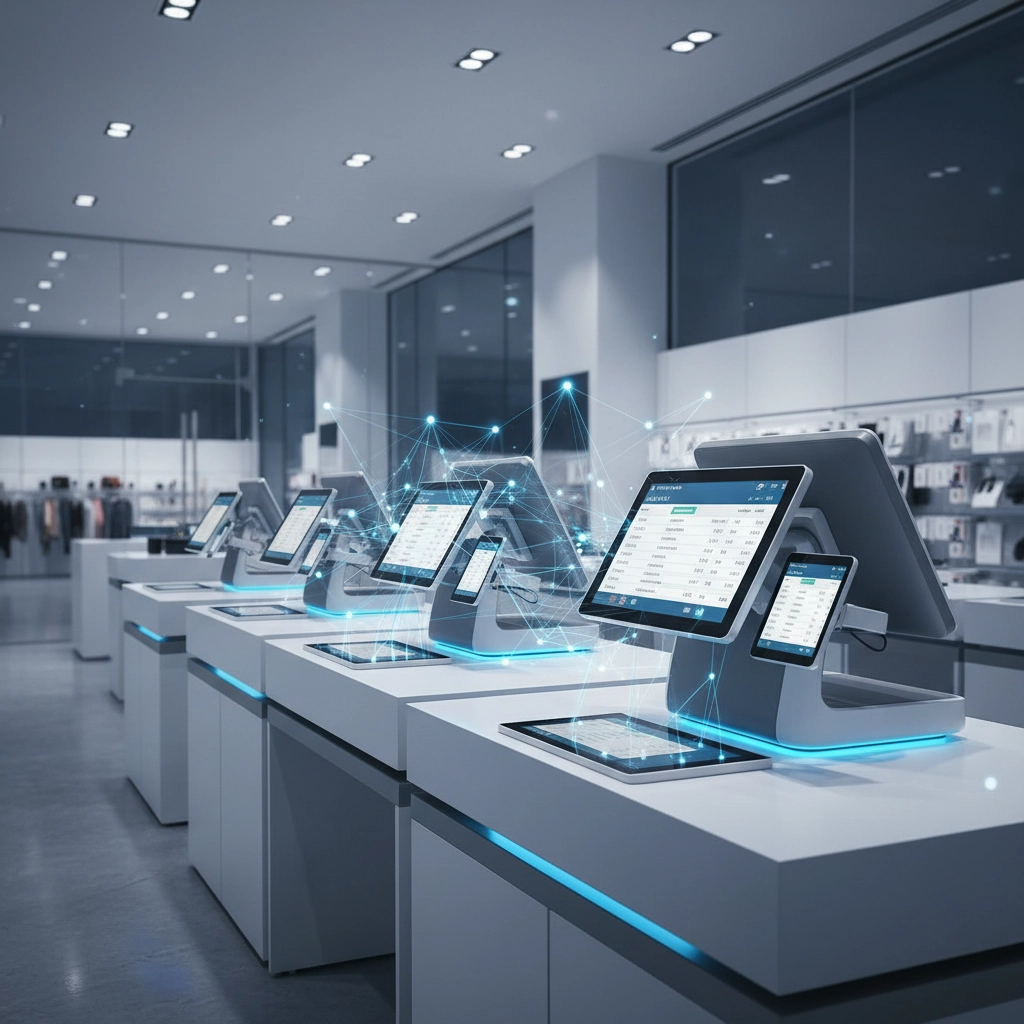
Your business connectivity solutions need to treat all locations as one business, not separate islands. Modern POS systems create a single source of truth where inventory, sales, customer data, and staff management sync in real-time across every location.
This means when a customer makes a purchase at Location A, that inventory immediately updates at headquarters and all other locations. When they return an item at Location B, the staff there can see their full purchase history and handle the return seamlessly.

True Scalability Without System Overhauls
The best systems grow with you. Whether you're expanding from two locations to twenty or testing a new market with a pop-up store, your POS infrastructure shouldn't require a complete rebuild.
Look for solutions that handle rapid deployment: new locations should come online in hours, not weeks, with all your existing products, pricing, and customer data instantly available.
Essential Features That Separate Winners from Strugglers
Omnichannel Integration That Actually Works
Your customers don't care whether they're shopping online, in-store, or on mobile: they expect consistency everywhere. Cloud services for business enable true omnichannel experiences where customers can buy online and pick up in any location, return online purchases to any store, or start a transaction on mobile and complete it in person.
This integration also means your staff can access the same customer profiles, loyalty points, and purchase history whether someone visits your downtown location or suburban store.
Device Flexibility for Different Environments
Not every location needs the same setup. Your flagship store might run full desktop terminals while your kiosk location works perfectly with tablets. Pop-up events might need mobile-friendly solutions that work offline.
Modern systems support Windows-based registers, tablets, mobile devices, and everything in between: all accessing the same real-time data.

Advanced Inventory Intelligence
Real-time inventory tracking prevents the "sorry, we're out of stock" conversations that kill sales. But advanced systems go further: they predict demand, suggest reorders, and even automatically transfer stock between locations based on sales patterns.
When Location A is low on a popular item but Location B has excess inventory, smart systems can suggest transfers or alert customers about availability at nearby stores.
Enterprise-Grade Staff Management
Managing employees across multiple locations requires role-based access controls, centralized scheduling, time tracking, and performance analytics. Your evening shift supervisor shouldn't have the same system access as your district manager.
Modern POS systems include employee management features that let you track performance, schedule staff, and maintain security across all locations from a single dashboard.
Cloud vs. On-Premise: The 2026 Reality
Why Cloud-Based Solutions Dominate Multi-Location Success
For businesses with multiple locations, cloud-based POS systems offer crucial advantages:
- Real-time synchronization across all locations
- Lower upfront costs and predictable monthly expenses
- Automatic updates that roll out to all locations simultaneously
- Remote monitoring capabilities for district managers
- 99% uptime reliability with automatic data backup
When On-Premise Might Make Sense
Some businesses still choose on-premise solutions for specific reasons: extremely sensitive data requirements, unreliable internet connectivity, or legacy system integrations that can't be moved to the cloud.
However, hybrid solutions are becoming popular: core processing in the cloud with local backup systems for connectivity issues.

Security and Compliance: Non-Negotiables for 2026
Data Protection Standards
Multi-location businesses handle massive amounts of customer data, payment information, and business intelligence. Your POS system needs enterprise-grade encryption, secure payment processing, and audit trails that meet industry compliance standards.
This is especially critical if you operate in regulated industries or process international transactions where data protection laws vary by region.
Access Control and Fraud Prevention
Role-based access ensures employees can only access functions relevant to their position. Advanced systems include fraud detection, transaction monitoring, and suspicious activity alerts that protect your business across all locations.
At Premier Business Team, we've seen how proper security implementation protects businesses from both external threats and internal fraud. Our cybersecurity expertise helps businesses implement secure POS systems that scale safely.
Leading POS Solutions for Multi-Location Success
Enterprise-Focused Platforms
- Lightspeed POS: Excellent for retail chains with complex inventory needs
- Shopify POS: Perfect for businesses expanding from online to physical locations
- Toast POS: Restaurant chains benefit from kitchen integration and tableside ordering
- Square for Restaurants: Solid choice for hospitality businesses with multiple venues
Key Evaluation Criteria
When comparing options, prioritize:
- Integration capabilities with your existing business systems
- Deployment speed for new locations
- Reporting and analytics across all locations
- Support quality and availability
- Total cost of ownership including hardware, software, and training

Implementation Strategy for Maximum Success
Phase 1: Assessment and Planning
Start with a comprehensive business tech assessment to understand your current systems, pain points, and growth plans. This prevents costly mistakes and ensures your new POS system integrates properly with existing business processes.
Phase 2: Pilot Testing
Test your chosen solution at one location before rolling out enterprise-wide. This identifies potential issues and allows staff training without disrupting all operations simultaneously.
Phase 3: Staged Rollout
Deploy to additional locations in phases, not all at once. This allows you to refine processes, address unexpected challenges, and ensure each location receives proper training and support.
Phase 4: Optimization
Use the data and insights from your new system to optimize operations, improve customer experiences, and identify expansion opportunities.

The Infrastructure Foundation You Can't Ignore
Network Requirements
Modern POS systems require reliable, high-speed internet connectivity at every location. Your business connectivity solutions need redundancy: if the primary connection fails, backup connectivity should seamlessly take over.
Consider businesses that process hundreds of transactions daily. A network outage doesn't just stop sales; it disrupts inventory tracking, customer data, and multi-location synchronization.
Integration with Business Systems
Your POS system shouldn't operate in isolation. The best implementations integrate with:
- Accounting software for automated financial reporting
- Customer relationship management (CRM) systems
- Email marketing platforms for automated customer communications
- Business intelligence tools for advanced analytics
Premier Business Team specializes in creating these integrated solutions. Our comprehensive business solutions ensure your POS system works seamlessly with your entire technology ecosystem.
Making the Right Choice for Your Business
Total Cost Considerations
Look beyond monthly subscription fees. Factor in:
- Hardware costs for all locations
- Implementation and training expenses
- Integration costs with existing systems
- Ongoing support and maintenance
- Potential downtime during transitions
Vendor Selection Criteria
Choose providers with:
- Proven multi-location experience
- 24/7 support availability
- Regular software updates and feature additions
- Strong security track record
- Financial stability for long-term partnership
Your Next Steps Toward Multi-Location Success
The difference between businesses that scale successfully and those that struggle isn't luck: it's having the right technology foundation that grows with them.
If you're ready to transform how you manage multiple locations, start with an honest assessment of your current systems and future needs. The right POS solution will eliminate the chaos, provide real-time visibility, and give you the tools to expand confidently.
Ready to explore modern POS solutions that actually work for multi-location businesses? Premier Business Team helps growing companies implement technology that scales. We'll assess your current setup, recommend solutions that fit your specific needs, and ensure seamless integration with your existing business systems.
Contact us today for a comprehensive technology consultation that puts your multi-location growth plans on solid ground. Because managing multiple locations should feel like conducting a symphony, not herding cats.
