


Your remote team just dropped out of another important client call. Your cloud applications are crawling. And that new employee in Portland? They can barely access your company files without wanting to throw their laptop out the window.
Sound familiar? You're not alone. As we head deeper into 2026, businesses across the Pacific Northwest are discovering that their internet infrastructure simply wasn't built for today's remote-first world. The problem isn't just frustrating, it's costing you money, productivity, and potentially great employees.
Let's dive into the seven biggest internet mistakes businesses are making right now, and more importantly, how to fix them before your competition leaves you in the digital dust.
Mistake #1: You're Still Running on "Good Enough" Bandwidth
Here's the thing about internet speed in 2026: what worked for your office three years ago won't cut it when half your team is working from home, streaming HD video calls, and accessing cloud applications simultaneously.
The Problem: Most businesses calculate bandwidth based on their physical office needs, not their distributed workforce reality. That 100 Mbps connection that seemed plenty for 10 people in one location becomes a bottleneck when those same 10 people are working remotely, each needing reliable speeds for video conferences, file uploads, and real-time collaboration.

What to Do: Calculate your true bandwidth needs by multiplying your team size by 25 Mbps minimum per remote worker. For a 10-person team, you're looking at 250 Mbps just for basic operations. Add another 100 Mbps buffer for peak usage, file transfers, and growth. Yes, it's more expensive upfront, but the productivity gains pay for themselves within months.
Mistake #2: You're Ignoring Upload Speeds (And Your Team Hates You for It)
Everyone talks about download speeds, but here's what most businesses miss: your remote team spends half their day uploading. Presentations to the cloud, video calls that require upstream data, backing up files: it's all upload-dependent.
The Problem: Standard business internet packages often have asymmetrical speeds: great download, terrible upload. Your team gets frustrated when that 50MB presentation takes 10 minutes to upload, or their video quality drops every time they share their screen.
What to Do: Prioritize symmetrical internet packages where upload and download speeds match. If that's not available in your area, ensure your upload speed is at least 20% of your download speed. For critical operations, consider dedicated fiber connections that guarantee consistent upload performance.
Mistake #3: You Have Zero Backup Plan (Single Point of Failure Alert)
Your internet goes down, and suddenly your entire remote workforce is offline. No access to email, cloud apps, or communication tools. It's 2026: this shouldn't happen.
The Problem: Most businesses rely on a single internet connection. When it fails (and it will), everything stops. Your remote team can't work, your cloud-based phone system dies, and you're essentially closed for business until service restores.
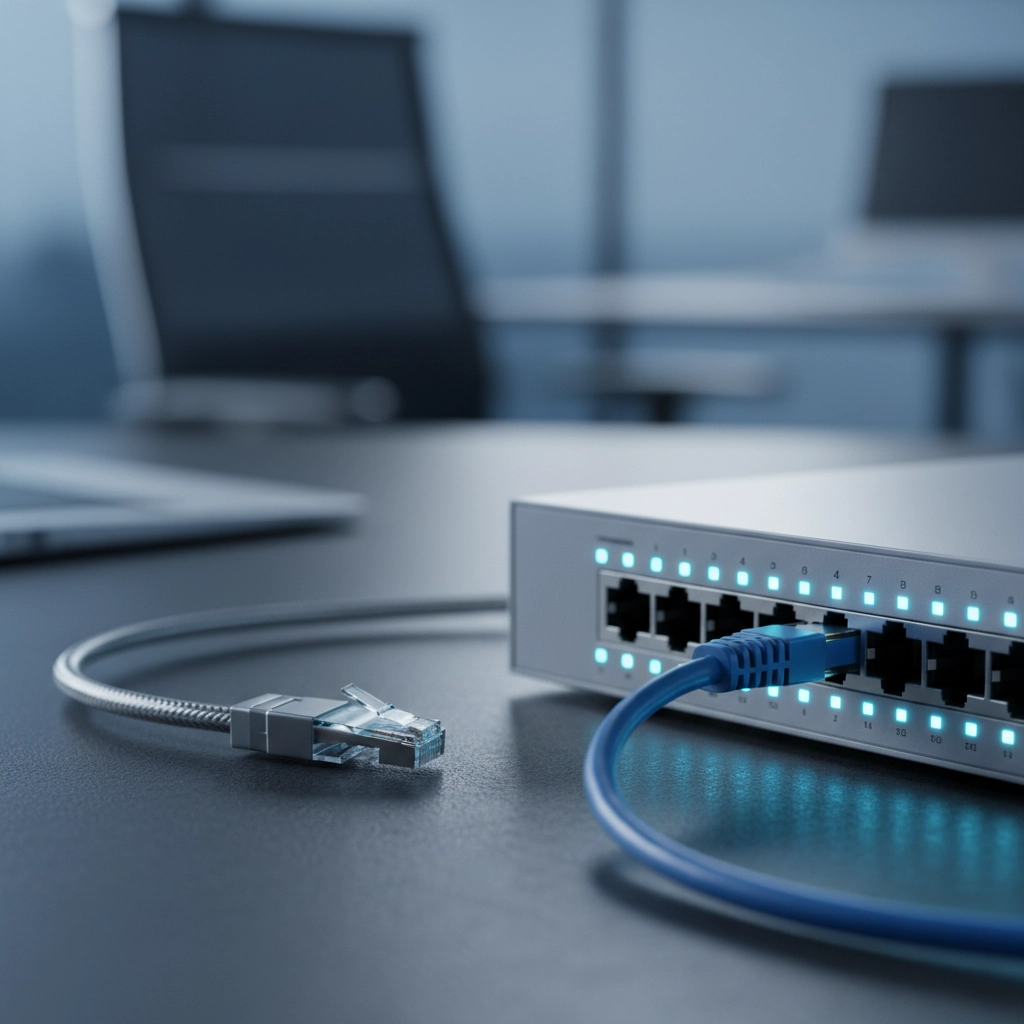
What to Do: Implement redundant internet connections from different providers. Set up automatic failover so when your primary connection drops, your secondary kicks in seamlessly. Consider cellular backup solutions for critical operations. The cost of redundancy is always less than the cost of being offline for hours or days.
Mistake #4: Your Network Traffic is a Free-for-All
All internet traffic is not created equal. That backup running in the background shouldn't compete with your client video call for bandwidth, but without proper traffic management, that's exactly what happens.
The Problem: Without Quality of Service (QoS) management, your network treats a massive file backup the same as a critical video conference. Result? Your important calls lag and drop while non-urgent traffic hogs the bandwidth.
What to Do: Configure QoS rules that prioritize business-critical traffic. Video conferencing and VoIP calls get top priority, cloud applications get second tier, and file backups happen during off-hours or at reduced priority. Most modern routers support this: you just need to set it up properly.
Mistake #5: Your Internet Security is Stuck in 2020
Remote work changed everything about network security, but many businesses are still operating with pre-pandemic security models. Your team is accessing company resources from home networks, coffee shops, and co-working spaces: each representing potential security vulnerabilities.
The Problem: Traditional perimeter-based security doesn't work when your perimeter extends to everyone's home office. Your internet connection becomes the gateway for potential security threats, and many businesses haven't adapted their security posture accordingly.

What to Do: Implement Zero Trust network architecture where every connection is verified, regardless of location. Use VPN solutions for secure remote access, deploy endpoint protection on all devices, and ensure your internet gateway includes advanced threat detection and filtering capabilities.
For more comprehensive cybersecurity guidance, check out our detailed analysis of IT cybersecurity challenges facing businesses today.
Mistake #6: You're Flying Blind on Network Performance
You probably monitor your sales numbers, your website traffic, and your social media engagement. But do you monitor your internet performance? Most businesses have no idea how their internet is actually performing until something breaks.
The Problem: Without monitoring, you can't identify performance degradation before it impacts productivity. You don't know if slowdowns are due to your ISP, your equipment, or external factors. You're essentially managing a critical business resource blindfolded.
What to Do: Implement network monitoring tools that track bandwidth usage, latency, packet loss, and connection reliability. Set up alerts for performance thresholds so you can address issues proactively. Many monitoring solutions provide historical data to help you optimize usage patterns and plan capacity upgrades.
Mistake #7: You Chose Your ISP Based on Price Alone
The cheapest internet option rarely delivers the best business value. When your remote team's productivity depends on reliable connectivity, choosing based solely on monthly cost is like hiring employees based on who accepts the lowest salary.
The Problem: Budget ISPs often oversell their networks, provide minimal business support, and offer no service level agreements. When problems occur, you're stuck in residential customer service queues with no guaranteed resolution timeframes.
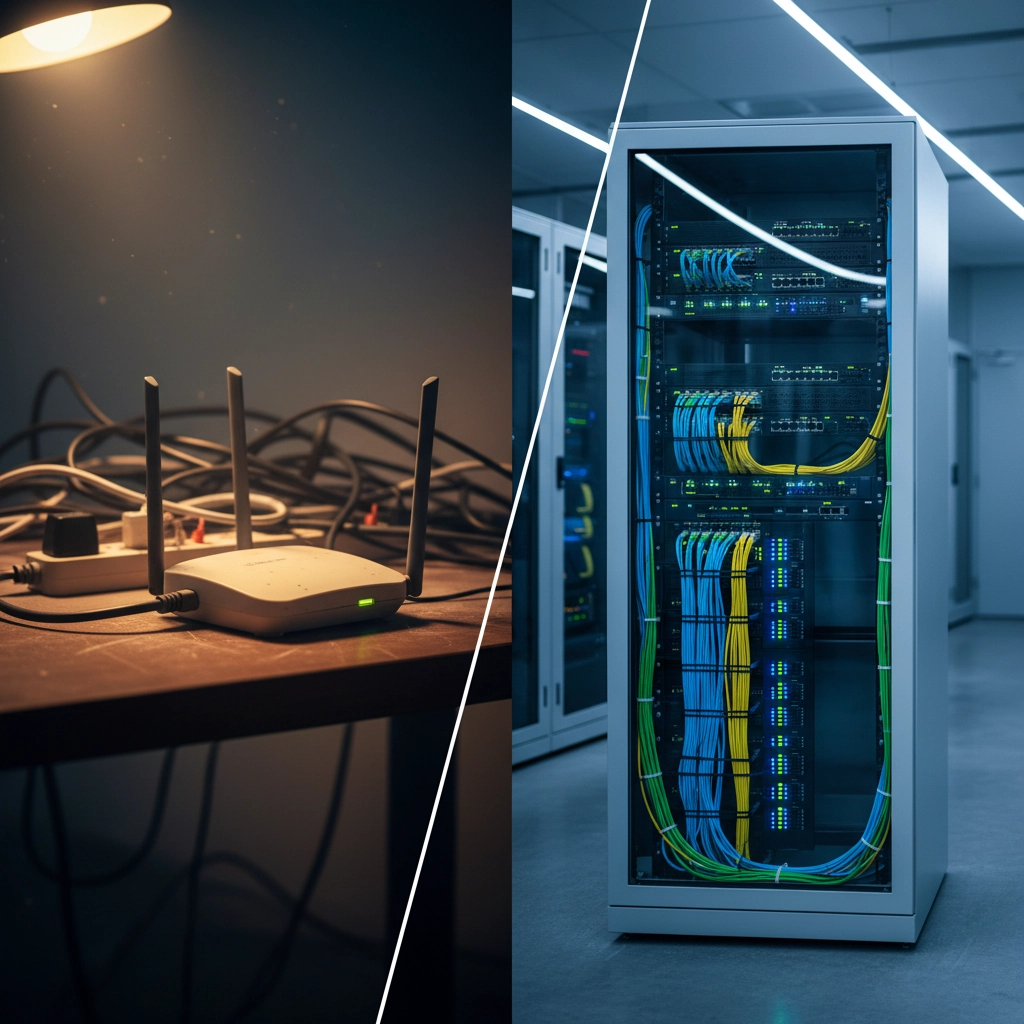
What to Do: Evaluate ISPs based on total business value, not just monthly cost. Look for providers offering dedicated business support, service level agreements, proactive monitoring, and guaranteed uptime. Factor in the cost of downtime when comparing options: paying 30% more for reliable service is worth it if it prevents costly outages.
The 2026 Reality Check
Here's why these mistakes matter more in 2026 than ever before: remote and hybrid work isn't a temporary trend: it's the new normal. Your internet infrastructure isn't just a utility anymore; it's the foundation of your business operations.
Companies that figure this out early gain significant competitive advantages. Their teams are more productive, their client relationships are stronger, and they can attract top talent regardless of geographic location. Meanwhile, businesses struggling with internet issues are losing ground daily.
The good news? Most of these problems are completely fixable with the right strategy and implementation. You don't need to overhaul everything overnight, but you do need to start addressing these issues systematically.
Your Next Steps
Start by auditing your current internet setup against these seven areas. Which ones are causing daily frustration for your team? Which ones represent the biggest risk to your operations?
At Premier Business Team, we're helping Pacific Northwest businesses build internet infrastructure that actually supports their 2026 goals. Whether you need a complete network redesign or targeted improvements, we can help you create reliable connectivity that your remote team will thank you for.
Ready to stop fighting with your internet and start leveraging it as a competitive advantage? Let's talk about building an internet infrastructure that actually works for your business in 2026.
Contact us today to schedule your network assessment and discover how reliable internet can transform your remote team's productivity.
