

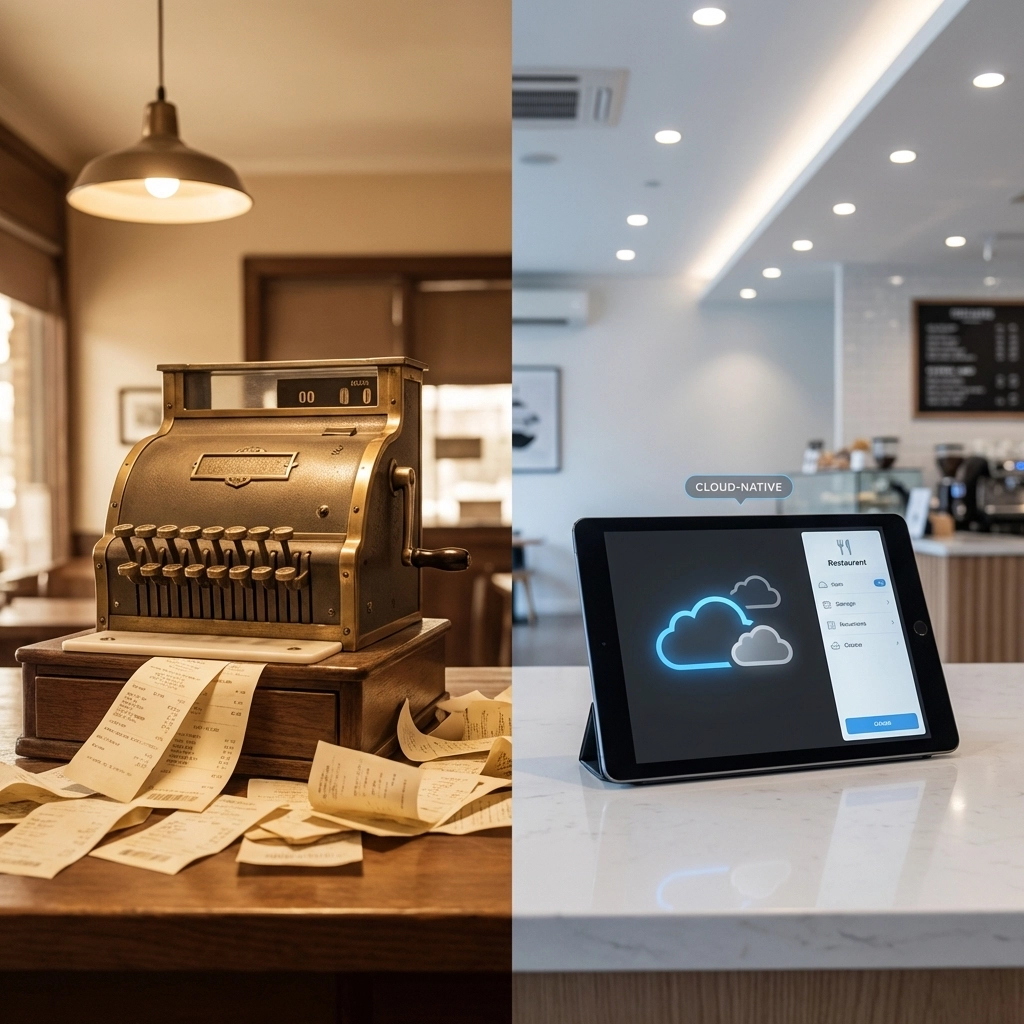
Your restaurant's POS system crashed again during the dinner rush. Tables are backed up, servers are scrambling with paper receipts, and frustrated customers are walking out. Sound familiar?
While you might blame the software or your internet connection, the real culprit is likely how your cloud services are configured and managed. Most businesses make critical mistakes when implementing cloud solutions that directly impact performance, especially for mission-critical systems like restaurant POS.
Let's dive into the seven most common cloud service mistakes that are sabotaging your business operations: and how to fix them.
Mistake #1: Treating Cloud Like Your Old On-Premise System
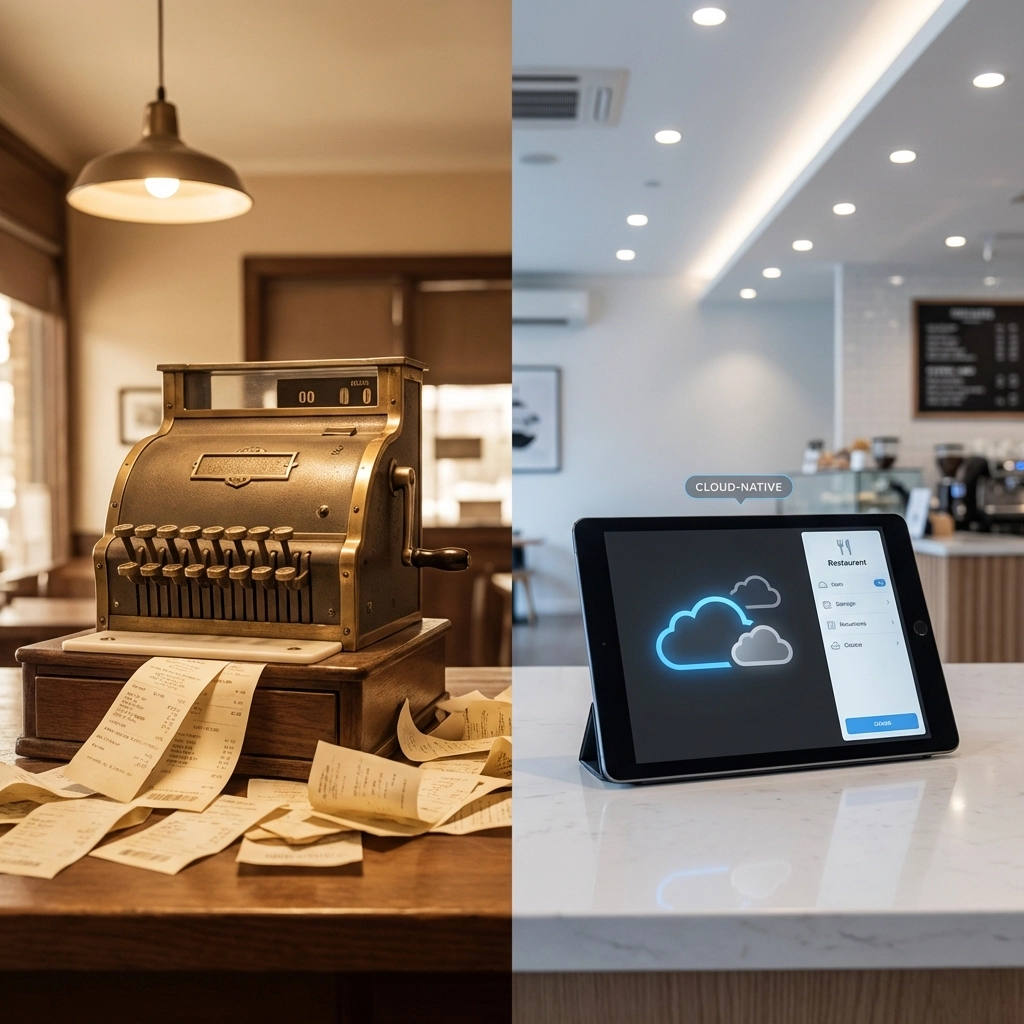
The biggest mistake businesses make is simply moving their existing systems to the cloud without redesigning them for cloud-native environments. This "lift and shift" approach is like trying to drive a horse-drawn carriage on a modern highway: it might work, but you're missing all the benefits.
Why Your POS Crashes: Your old POS system was designed for static, on-premise servers. When moved to the cloud without proper redesign, it can't leverage auto-scaling, load distribution, or redundancy features. During peak dining hours, when transaction volume spikes, the system simply can't handle the load.
The Fix: Work with your IT provider to redesign your POS architecture for cloud-native operation. This includes implementing auto-scaling policies, load balancers, and distributed database systems that can handle traffic surges automatically.
Mistake #2: Misunderstanding Cloud Security Responsibilities
Many business owners assume that moving to the cloud means the provider handles all security. This misconception creates dangerous vulnerabilities that can crash systems and expose sensitive data.
Cloud security operates on a shared responsibility model. Your cloud provider secures the infrastructure, but you're responsible for:
- User access controls and permissions
- Data encryption in transit and at rest
- Application-level security
- Network firewall configurations
- Regular security updates and patches
Why Your POS Crashes: Misconfigured security settings can cause authentication failures, network timeouts, and system lockouts. When your POS can't properly authenticate with payment processors or inventory systems due to security misconfigurations, it fails during critical transactions.
The Fix: Implement comprehensive cybersecurity solutions that include proper access controls, encryption, and regular security audits.
Mistake #3: Ignoring Cost Management and Resource Optimization
The pay-as-you-go cloud model is fantastic for flexibility, but it can quickly spiral out of control without proper oversight. Studies show that organizations waste an average of 45% of their cloud budget due to poor resource management.
Common cost drains include:
- Leaving test environments running 24/7
- Over-provisioning memory and CPU resources
- Storing unnecessary data backups
- Running idle virtual machines
Why Your POS Crashes: Ironically, trying to save money by under-provisioning resources during peak times causes more crashes than over-provisioning. When your POS doesn't have adequate server capacity during dinner rushes, transactions timeout and the system becomes unresponsive.
The Fix: Implement proper monitoring and auto-scaling policies. Invest in adequate resources for peak times while using automation to scale down during off-hours.

Mistake #4: Operating Without a Clear Cloud Strategy
Too many businesses make reactive, application-by-application cloud decisions without a comprehensive strategy. This creates fragmented environments with inconsistent policies and integration nightmares.
Why Your POS Crashes: Without a unified cloud strategy, your POS might be running on different platforms from your inventory management, accounting software, and customer management systems. These disconnected systems struggle to communicate, leading to data sync issues and system failures.
The Fix: Develop a comprehensive cloud strategy that aligns with your business goals. Choose integrated platforms like Google Workspace that provide seamless connectivity across all business applications.
Mistake #5: Poor Resource Planning and Scaling Design
Cloud systems should dynamically scale with demand, but many businesses fail to plan for this properly. They either massively over-provision resources (wasting money) or under-provision (causing crashes).
Why Your POS Crashes: Restaurant traffic is inherently spiky: slow during off-hours, moderate during lunch, and intense during dinner rushes. Without proper auto-scaling configured, your POS either wastes resources during slow periods or crashes when demand exceeds static capacity.
The Fix: Implement intelligent auto-scaling policies based on your actual traffic patterns. Configure your systems to automatically add resources during peak hours and scale down during quiet periods.
Mistake #6: Neglecting Network Infrastructure and Connectivity
Your cloud services are only as reliable as your network connection. Many businesses focus on cloud applications while ignoring the critical network infrastructure that connects everything together.
Why Your POS Crashes: Poor network configuration, inadequate bandwidth, or unreliable internet connections create bottlenecks that crash cloud-based POS systems. When your system can't maintain consistent connectivity to payment processors or cloud databases, transactions fail.
The Fix: Invest in reliable network infrastructure including redundant internet connections, proper firewall and network equipment, and quality-of-service configurations that prioritize business-critical traffic.

Mistake #7: Lacking Technical Expertise and Ongoing Management
Cloud environments are complex and require specialized knowledge to configure, monitor, and maintain properly. Many businesses underestimate the technical expertise needed for successful cloud operations.
Why Your POS Crashes: Without proper technical oversight, systems miss critical security updates, performance optimizations, and configuration adjustments. Small misconfigurations compound over time, eventually causing system failures during the worst possible moments.
The Fix: Either invest in training your internal IT staff or partner with experienced cloud service providers who can properly manage your infrastructure.
The Real-World Impact on Restaurant Operations
Consider this scenario: It's Saturday night, your restaurant is packed, and suddenly your POS system becomes unresponsive. Orders pile up, servers can't process payments, and customers grow frustrated. This isn't just a technology problem: it's a business crisis that directly impacts revenue and customer satisfaction.
The root cause often traces back to these seven cloud mistakes:
- The system wasn't designed for cloud scaling (Mistake #1)
- Security misconfigurations caused authentication failures (Mistake #2)
- Under-provisioned resources couldn't handle peak load (Mistake #3)
- Poor integration with other systems created bottlenecks (Mistake #4)
- No auto-scaling for demand spikes (Mistake #5)
- Network issues disrupted cloud connectivity (Mistake #6)
- Lack of monitoring meant problems went undetected (Mistake #7)
FAQ: Common Cloud Service Questions
Q: How much should I budget for cloud services for my restaurant?
A: Typically 3-7% of revenue, depending on your technology stack complexity and transaction volume.
Q: Can I fix these issues without replacing my entire POS system?
A: Often yes, through proper cloud architecture redesign and configuration optimization.
Q: How quickly can cloud scaling respond to traffic spikes?
A: Properly configured auto-scaling can respond within 60-90 seconds of detecting increased demand.
Q: What's the most critical mistake to fix first?
A: Start with resource planning and scaling design, as these directly impact system reliability during peak times.
Take Action Before Your Next Crash
Don't wait for another POS crash to ruin your business operations. These seven cloud service mistakes are completely preventable with proper planning, configuration, and ongoing management.
Ready to eliminate these costly cloud mistakes and ensure your business systems run reliably? Premier Business Team specializes in designing and managing cloud solutions that scale with your business needs. Contact us today for a comprehensive cloud assessment and discover how proper cloud architecture can transform your operations from constant frustration to seamless reliability.
Schedule your cloud consultation now and stop losing customers to preventable technology failures.