
Your business deserves a phone system that actually works with your team, not against it. Whether you're dealing with dropped calls, frustrated customers, or outdated equipment that costs more to maintain than replace, modern business phone systems can solve these headaches while saving you money.
Gone are the days of bulky hardware and expensive installation fees. Today's office phone systems for small business run through your internet connection, giving you professional features that used to cost thousands: now available for the price of a good lunch per employee each month.
What Are Modern Business Phone Systems?
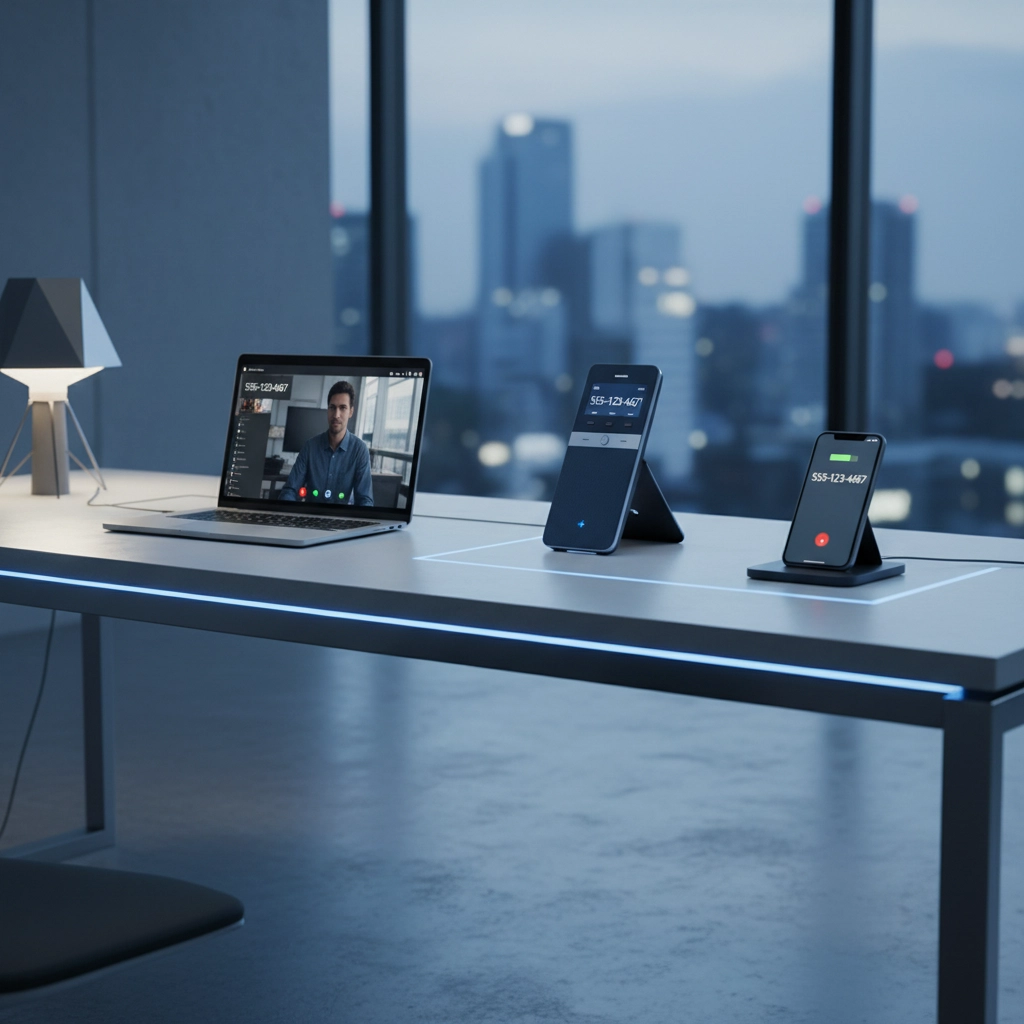
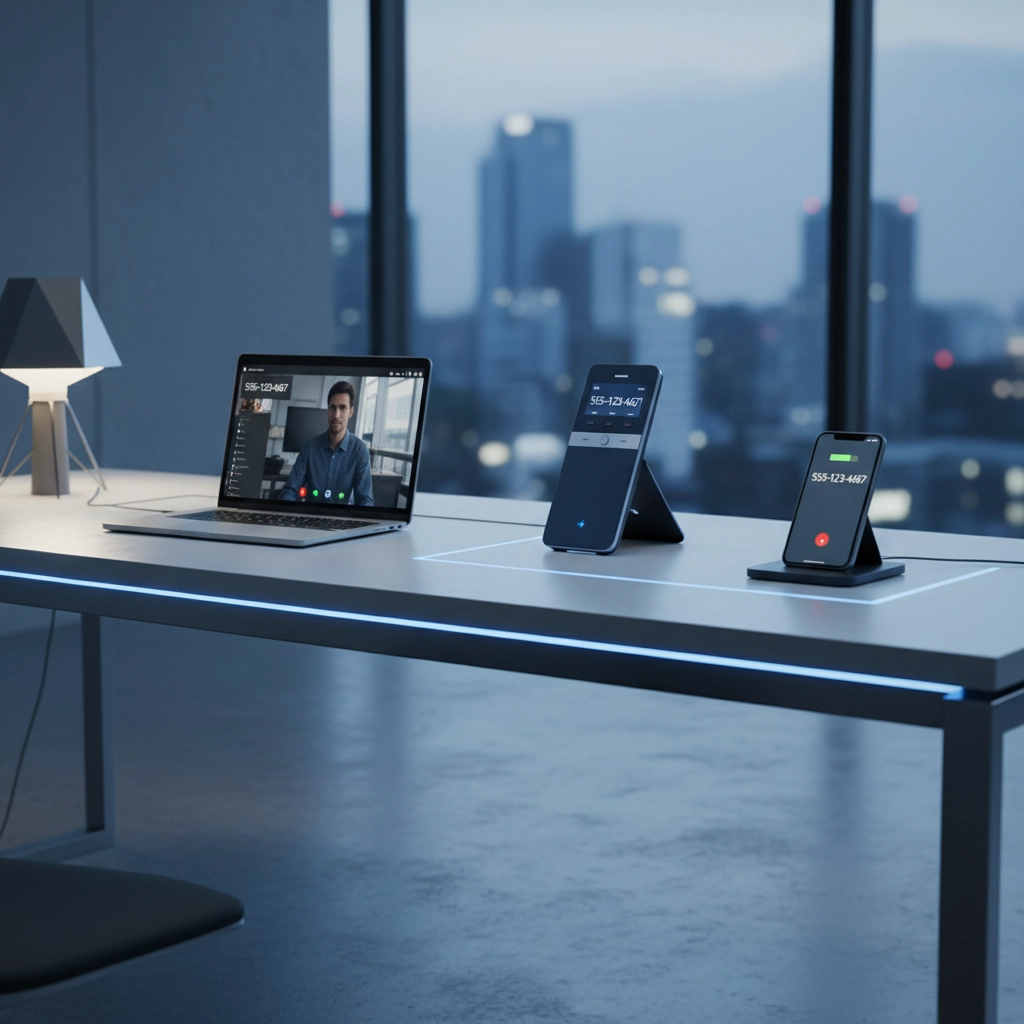
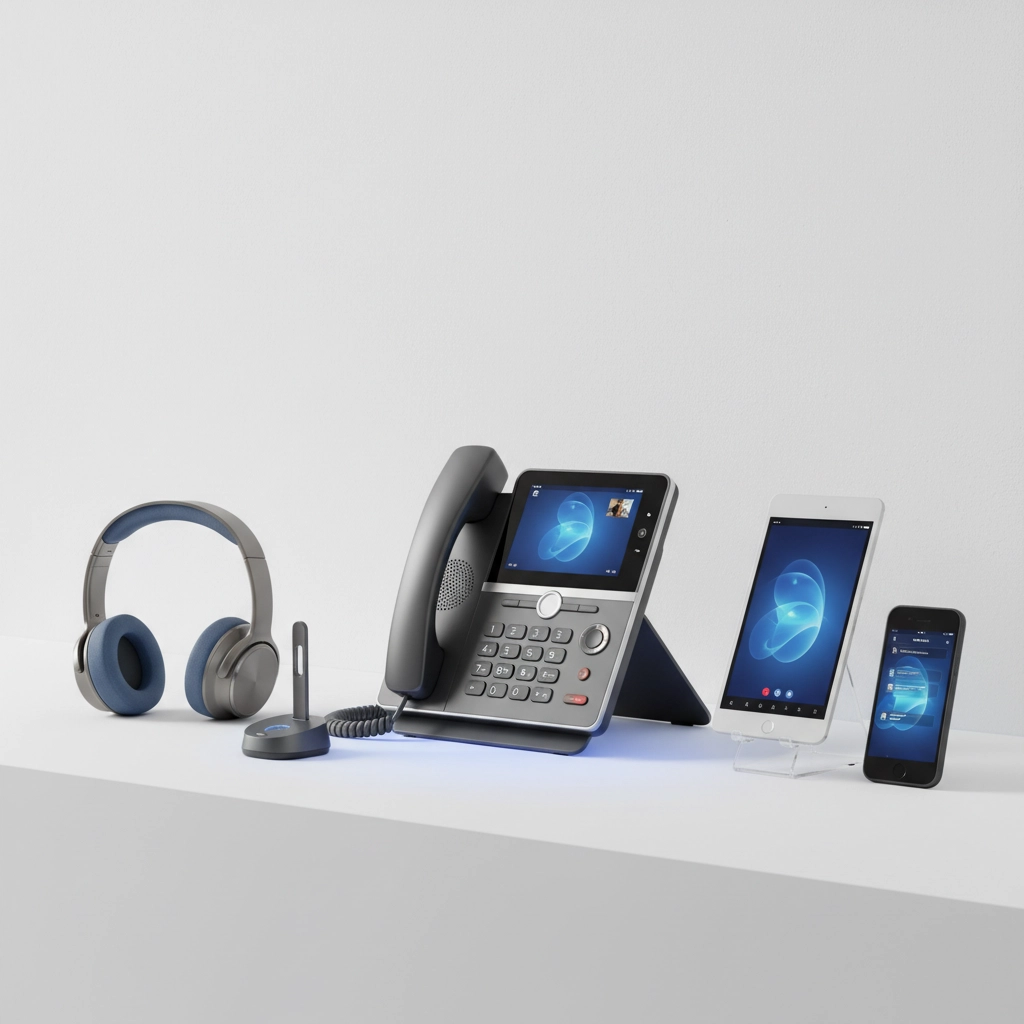
Business phone systems have evolved from those old desk phones with blinking lights to sleek, cloud-based solutions that work on any device. Instead of running through traditional phone lines, these systems use Voice over Internet Protocol (VoIP) technology to route calls through your existing internet connection.
This means your team can take business calls from their desk phone, laptop, or mobile device: all using the same business number. No more missed calls because someone stepped away from their desk.
Key advantages of modern systems:
- No expensive hardware to buy or maintain
- Professional features like auto-attendant and call routing
- Mobile apps that turn smartphones into business phones
- Easy setup that takes hours, not weeks
- Predictable monthly costs instead of surprise repair bills
Essential Features Every Business Needs
When evaluating unified communications solutions, focus on features that directly impact your daily operations.
Call Management Features:
- Auto-attendant to route calls professionally
- Voicemail transcription so you can read messages instead of listening
- Call recording for training and quality assurance
- Hold music and messaging to keep callers engaged
Team Collaboration Tools:
- Conference calling for team meetings
- Instant messaging between staff members
- Video calling for face-to-face conversations
- File sharing during calls
Mobile and Remote Work Support:
- Mobile apps that mirror desk phone functionality
- Call forwarding to personal devices when needed
- Remote access to all system features
- Bring Your Own Device (BYOD) compatibility
Types of Business Phone Systems Available
Cloud-Based VoIP Systems
These are the most popular choice for good reason. Your phone system lives in the cloud, accessible from anywhere with internet. Updates happen automatically, and you only pay for what you use.
Hybrid Systems
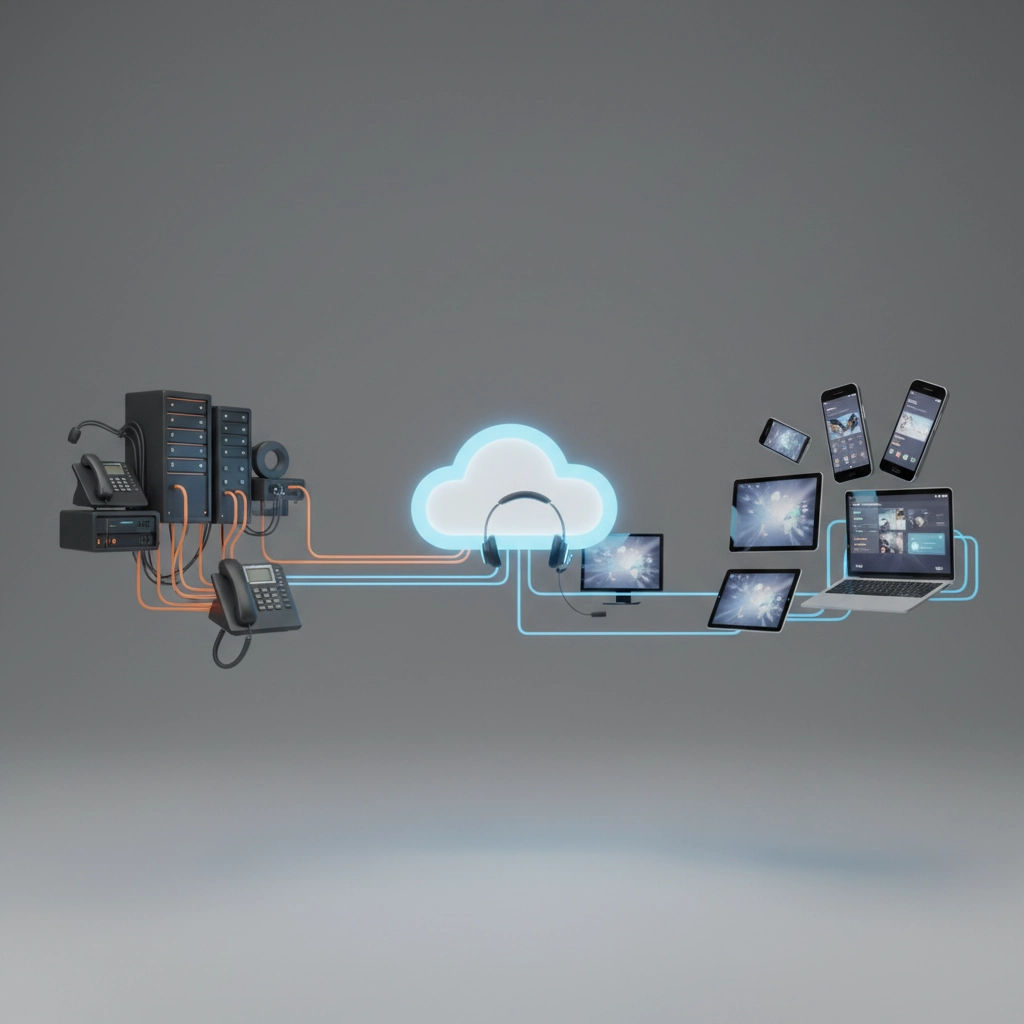
Some businesses prefer keeping certain features on-site while moving others to the cloud. This approach works well if you have specific security requirements or existing infrastructure you want to keep.
Traditional PBX (Not Recommended for New Installations)
While still available, traditional systems require significant upfront investment and ongoing maintenance costs that make them impractical for most businesses in 2026.
How to Choose the Right System for Your Business
Assess Your Current Situation:
- How many employees need phone access?
- Do you have remote workers or multiple locations?
- What's your monthly phone bill now?
- Which features would improve your customer service?
Consider Your Growth Plans:
The best business connectivity solutions grow with you. Choose a system that can easily add users, features, and locations as your business expands.
Evaluate Integration Needs:
Your phone system should work with your existing tools:
- Customer relationship management (CRM) software
- Email systems
- Calendar applications
- Help desk platforms
Budget Considerations:
Most businesses save 30-50% by switching to cloud-based systems. Factor in:
- Monthly per-user costs
- Setup and training fees
- Potential savings from eliminating maintenance contracts
- Increased productivity from better features

Why Businesses Choose Premier Business Team
We've helped hundreds of Pacific Northwest businesses upgrade their communication systems without the headaches typically associated with technology changes.
Our Approach:
- Free consultation to understand your specific needs
- Honest recommendations based on your actual requirements, not our profit margins
- Professional installation that minimizes downtime
- Ongoing support when you need it
What Sets Us Apart:
- Local expertise serving Washington state businesses since 2005
- Vendor-neutral advice to find the best solution for your situation
- Proven implementation process that reduces disruption
- Responsive support from people who understand your business
We don't believe in one-size-fits-all solutions. A restaurant needs different features than a law firm, and a five-person startup has different requirements than a fifty-person manufacturing company.
Real Benefits You'll Experience
Improved Customer Experience:
Professional call handling creates better first impressions. Auto-attendants ensure calls reach the right person quickly, while call queuing means customers don't get busy signals.
Enhanced Team Productivity:
Features like click-to-dial, presence indicators, and integrated messaging help your team work more efficiently. Remote workers stay connected as if they were in the office.
Reduced Costs:
Most businesses see immediate savings on monthly phone bills, plus elimination of maintenance contracts and hardware replacement costs.
Better Business Continuity:
Cloud-based systems work from anywhere with internet. If your office loses power, your phones can automatically forward to mobile devices.
Implementation Made Simple
Many business owners worry about the complexity of switching phone systems. We've streamlined the process to minimize disruption:
Planning Phase (Week 1):
- System design based on your requirements
- Number porting coordination
- Staff training schedule development
Installation Phase (Week 2):
- Professional equipment setup
- System configuration and testing
- Staff training sessions
Go-Live Support:
- On-site assistance during the transition
- Immediate issue resolution
- Follow-up optimization
Most businesses are fully operational on their new system within two weeks, with many seeing improved call quality and features from day one.
Getting Started
Your current phone system should support your business goals, not limit them. If you're experiencing dropped calls, paying high monthly bills, or missing features that could improve customer service, it's time for an upgrade.
Premier Business Team makes the transition easy. We handle the technical details so you can focus on running your business. Our local team understands the unique challenges facing Washington state businesses, from seasonal fluctuations to remote work requirements.
Ready to improve your business communications? Contact Premier Business Team today for a free consultation. We'll assess your current system, understand your needs, and recommend solutions that fit your budget and goals.
Call us at (360) 734-4357 or visit premierbusinessteam.com/ to schedule your free phone system evaluation.
Don't let outdated communication tools hold your business back. Join hundreds of satisfied customers who've upgraded to reliable, feature-rich business phone systems that actually work the way modern businesses need them to.
