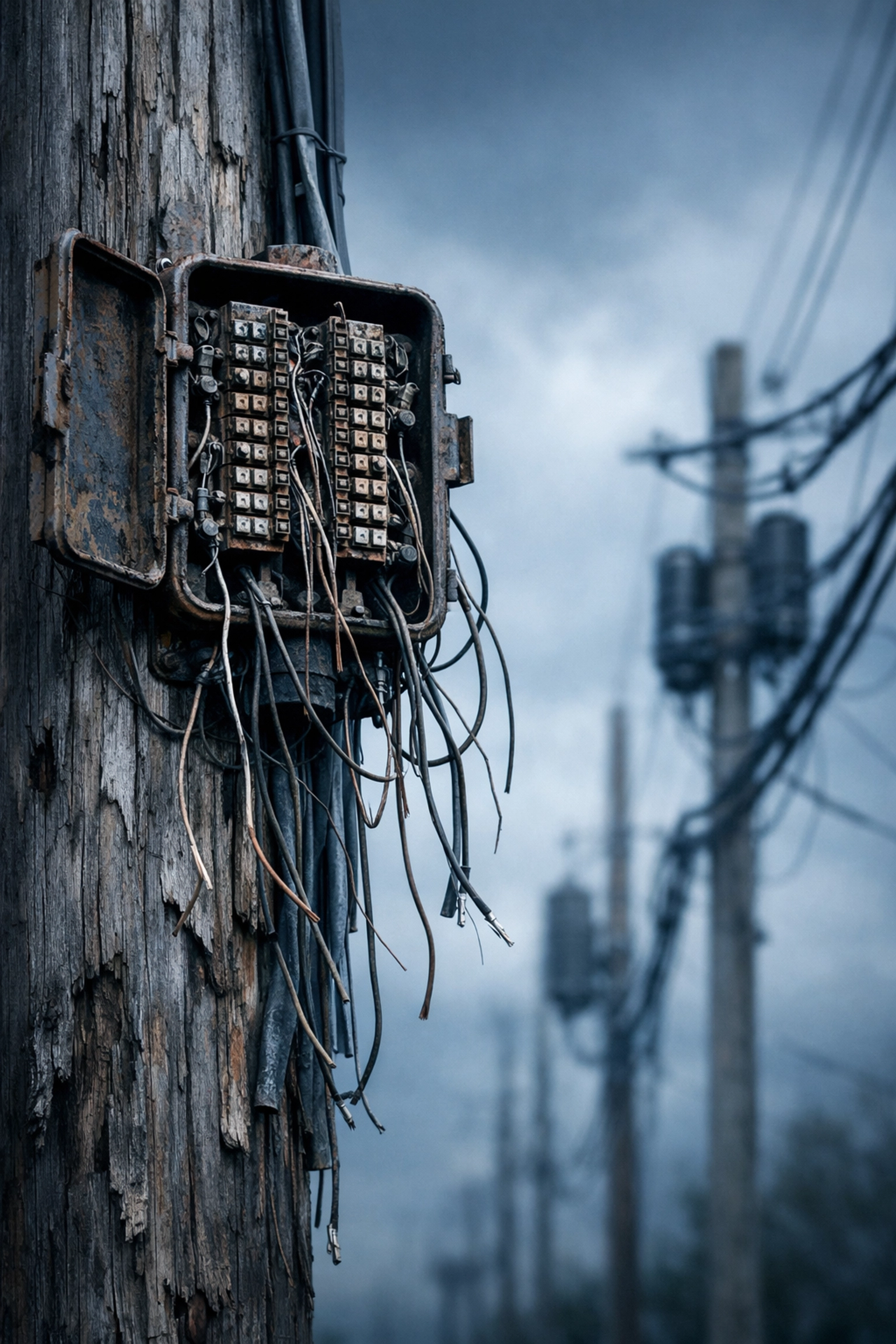
The clock is ticking. AT&T's copper sunset officially kicks off on November 15, 2026, affecting wire centers in 18 states including Texas, Florida, California, Georgia, and Ohio. If your business relies on POTS (Plain Old Telephone Service) lines for elevators, fire alarms, or security systems, you're about to face a hard deadline: and most companies are making critical mistakes that could cost them thousands in compliance violations, failed inspections, and emergency system failures.
Let's cut through the noise. Here are the seven most expensive mistakes businesses are making with POTS replacement right now: and exactly how to fix them before your next fire marshal inspection.
Mistake #1: Waiting for Your Carrier to "Let You Know" When Service Ends
Here's the ugly truth: the FCC has eliminated most procedural protections that used to give customers advance warning before copper retirement. You might get a 90-day notice: or you might wake up one morning to find your elevator phone or fire alarm panel completely dead.
The Fix: Don't wait. If you're in one of the 18 affected states (Alabama, Arkansas, Florida, Georgia, Indiana, Kansas, Kentucky, Louisiana, Michigan, Missouri, Mississippi, North Carolina, Ohio, Oklahoma, South Carolina, Tennessee, Texas, or Wisconsin), start your POTS replacement audit today. Document every analog line in every location. You need a full inventory before November 2026.
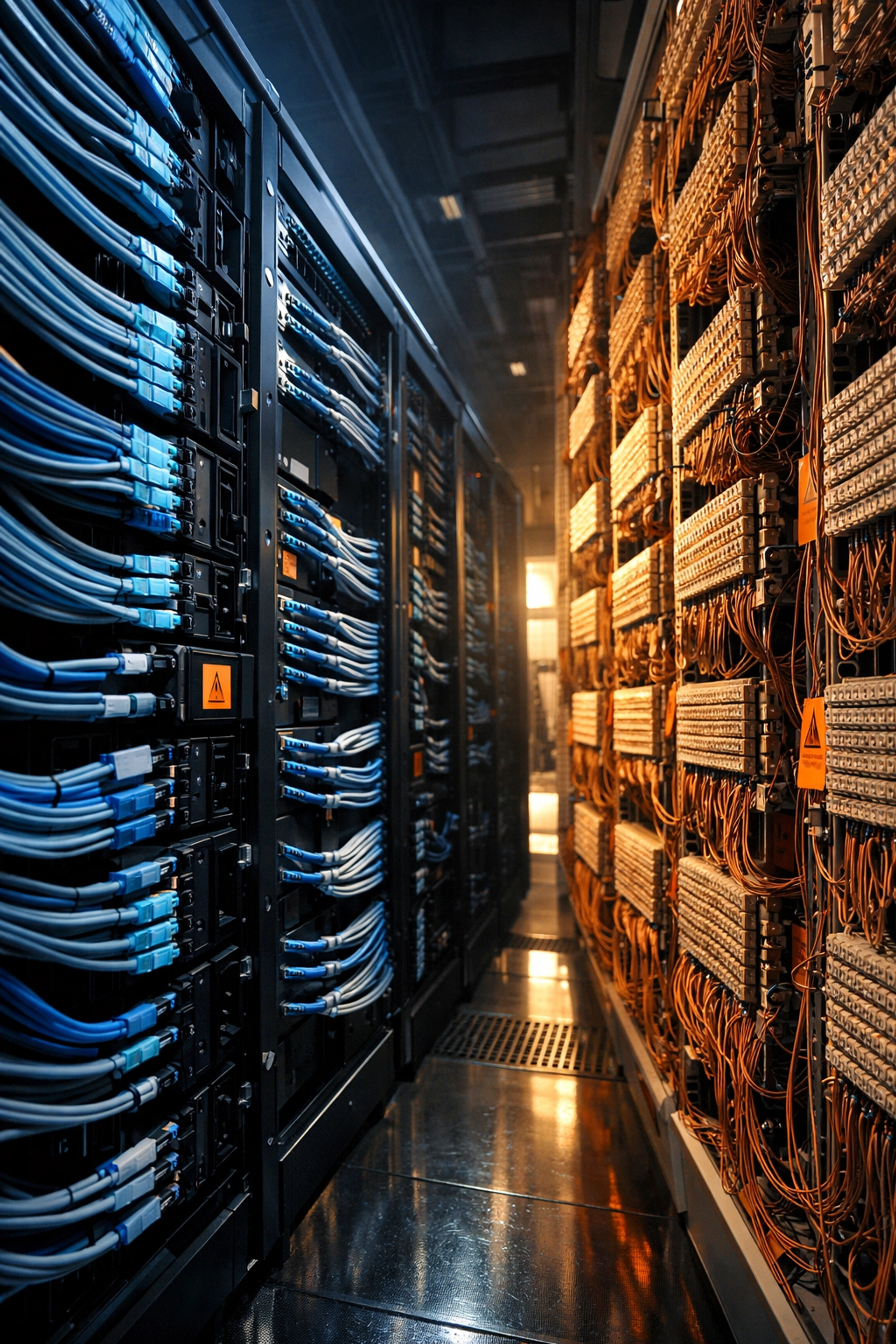
Mistake #2: Assuming "VoIP" Is the Same as "NFPA 72 Compliant"
This is the mistake that gets people hurt. Your IT vendor might say, "We'll just move everything to VoIP!" But NFPA 72 compliance for fire alarm systems requires battery backup, dedicated bandwidth, and fail-safe protocols that standard VoIP lines don't provide.
If your fire alarm monitoring company sends a test signal over a consumer-grade VoIP line and it fails to reach the central station, you've just failed your inspection. Worse? You might not discover the problem until there's an actual emergency.
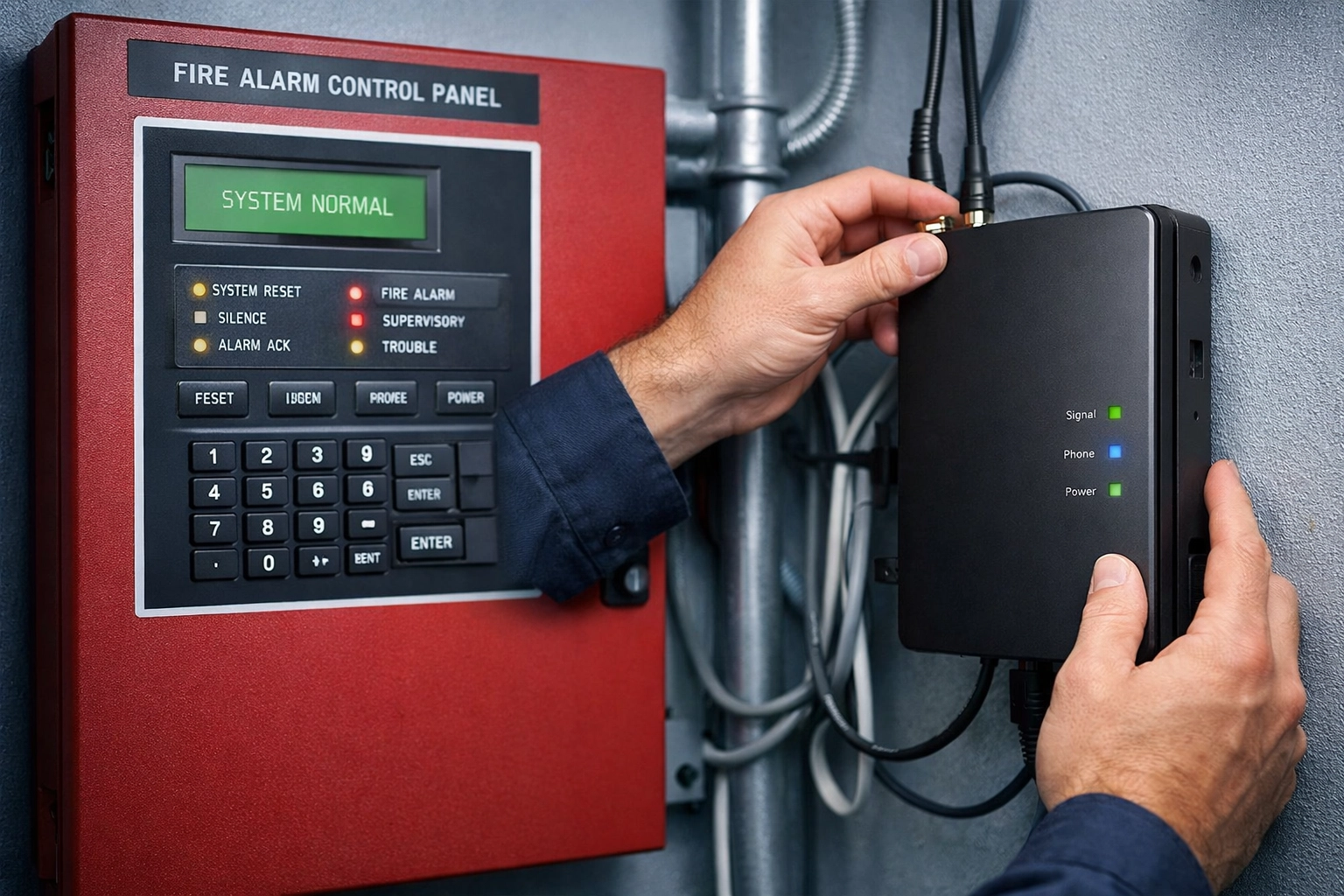
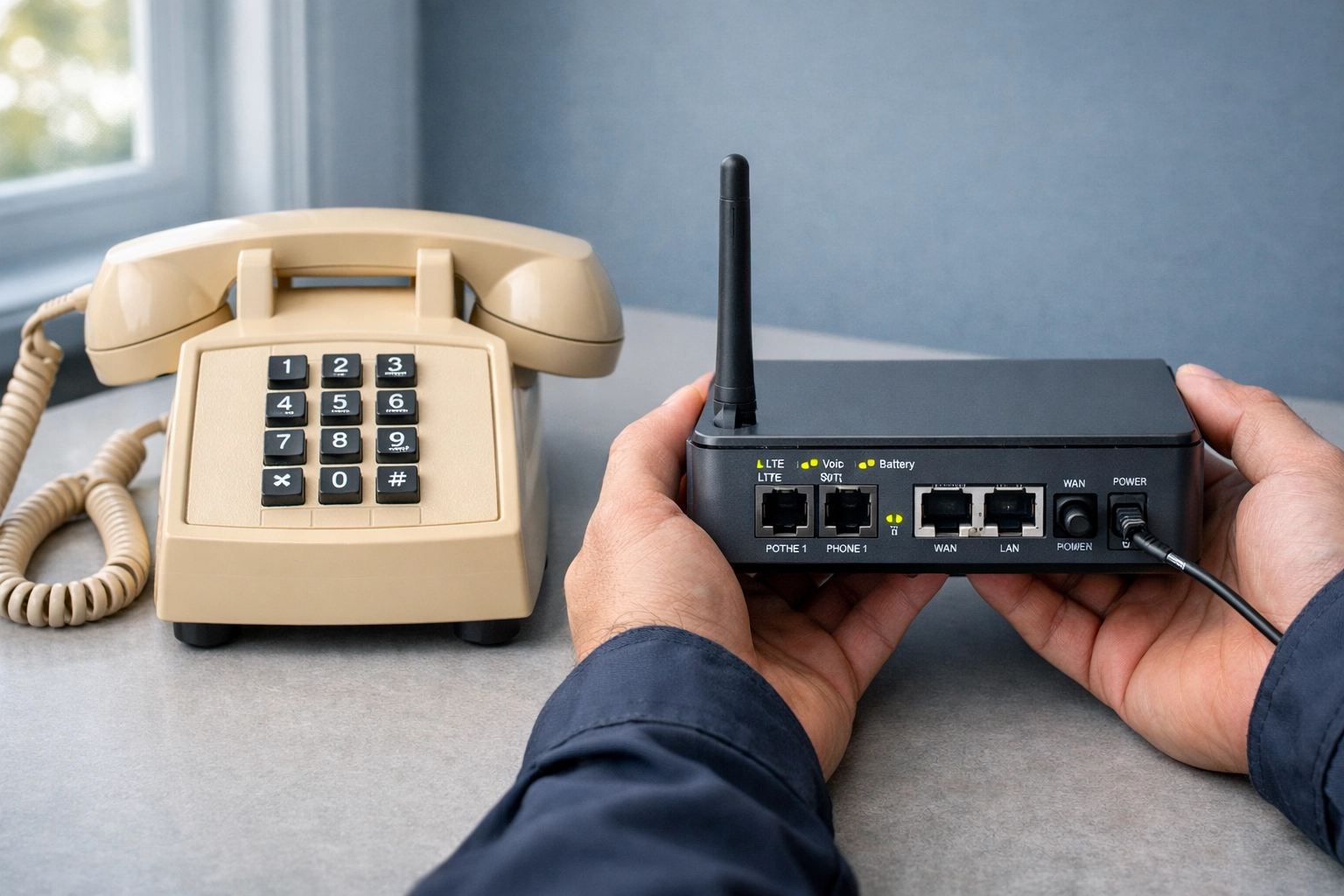
The Fix: Use a POTS replacement solution specifically designed for life-safety systems. Solutions like cellular or fiber-backed analog gateways maintain the reliability and monitoring capabilities that fire marshals require. Your replacement must support:
- Two-way voice communication
- Supervised line monitoring
- Battery backup (minimum 24 hours)
- Signal transmission within code-required timeframes
Never assume your standard business phone provider understands fire code requirements. They usually don't.
Mistake #3: Ignoring Your Elevator Phone Lines Until the Inspector Shows Up
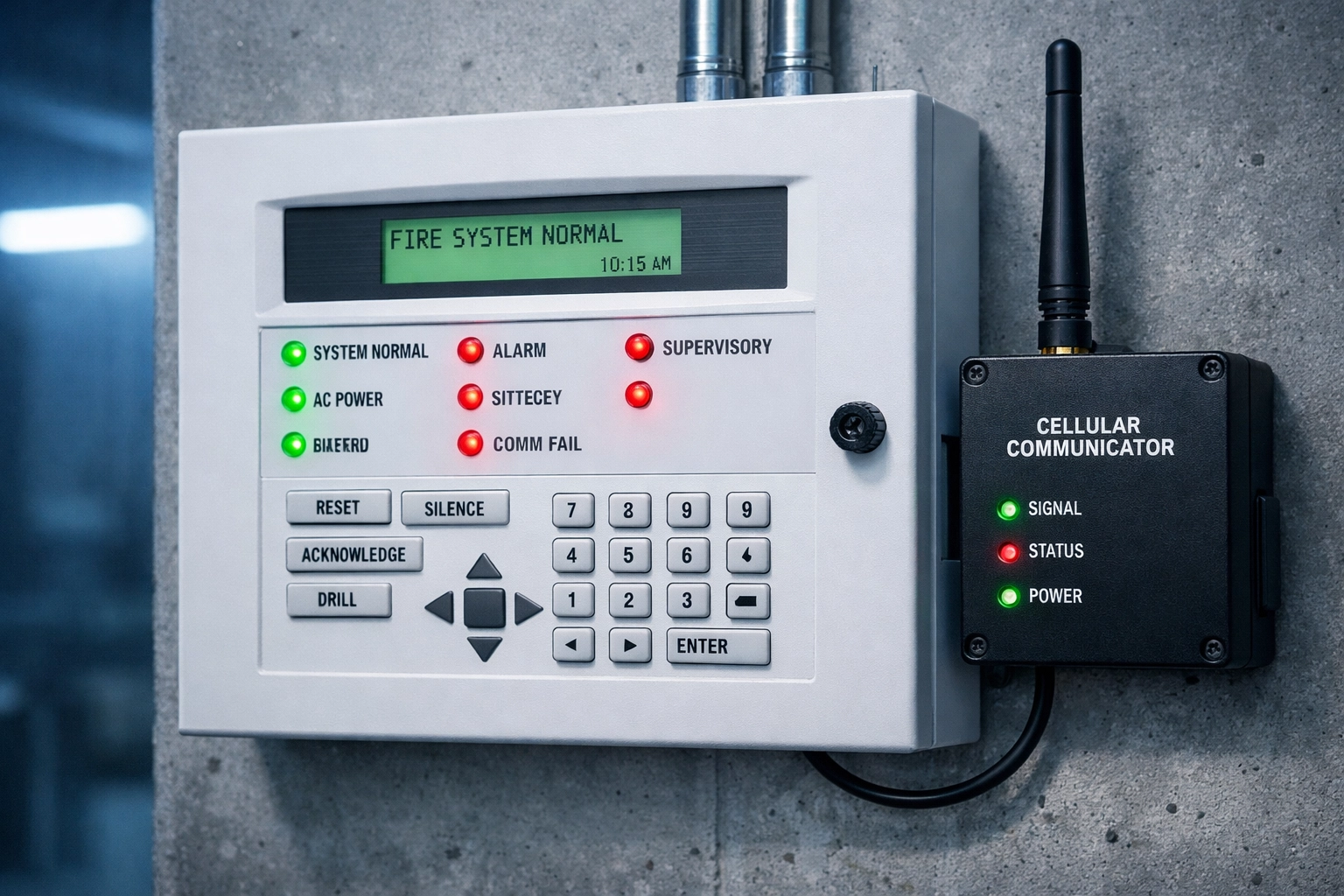
Every elevator in your building requires a working emergency phone that connects directly to emergency services or a 24/7 monitoring center. It's not optional. It's federal law under ASME A17.1 and enforced by local building codes nationwide.
When copper sunset 2026 hits and those POTS lines disappear, your elevator phones will stop working. If an inspector catches you with non-functional emergency phones, you're looking at immediate building code violations, potential elevator shutdowns, and liability exposure if someone gets trapped.
The Fix: Prioritize elevator phone line replacement now. Use cellular-backed solutions or dedicated fiber circuits that guarantee uptime and meet ASME A17.1 requirements. Test every replacement line monthly: don't just assume it's working.
Mistake #4: Treating All Your Locations the Same (Spoiler: They're Not)
Your downtown headquarters might have fiber infrastructure ready to go. But that strip mall location in Kentucky? That warehouse in rural Missouri? Those properties might not have viable fiber access yet, and AT&T admitted they're still "building out" infrastructure in some areas.
If you roll out a one-size-fits-all POTS replacement strategy, you'll hit roadblocks, delays, and expensive workarounds in locations that aren't fiber-ready.
The Fix: Conduct a site-by-site infrastructure assessment. For fiber-ready locations, use analog-to-digital converters over dedicated circuits. For rural or underserved locations, deploy cellular-based POTS replacement devices that don't depend on local fiber infrastructure. Companies like Ooma, Telo, and specialized alarm monitoring providers offer reliable cellular alternatives that maintain NFPA 72 compliance.
Mistake #5: Forgetting About Your Security System, Access Control, and Fax Lines
Everyone remembers the elevator and fire alarm. But what about:
- Building access control systems
- Security alarm panels (intrusion detection)
- Credit card terminals
- Elevator monitoring lines
- Legacy fax machines for medical records or legal documents
These "forgotten" POTS lines add up fast. We've seen multi-location businesses discover 127 hidden analog lines during audits: lines they were paying $60–$120/month each for, totaling over $7,600/month in wasted telecom spend.
The Fix: Run a complete line audit across every location. Check billing statements, walk every building with facilities managers, and ask: "What happens if this line goes dead tomorrow?" If the answer involves compliance violations or business disruption, add it to your replacement priority list.
Want help identifying and consolidating those lines? Premier Business Team specializes in multi-location telecom audits that uncover hidden costs and compliance risks before they become expensive problems.
Mistake #6: Skipping the Pre-Replacement Testing Phase
You wouldn't swap out a car's brakes without testing them first. So why are businesses replacing critical life-safety lines without conducting parallel testing?
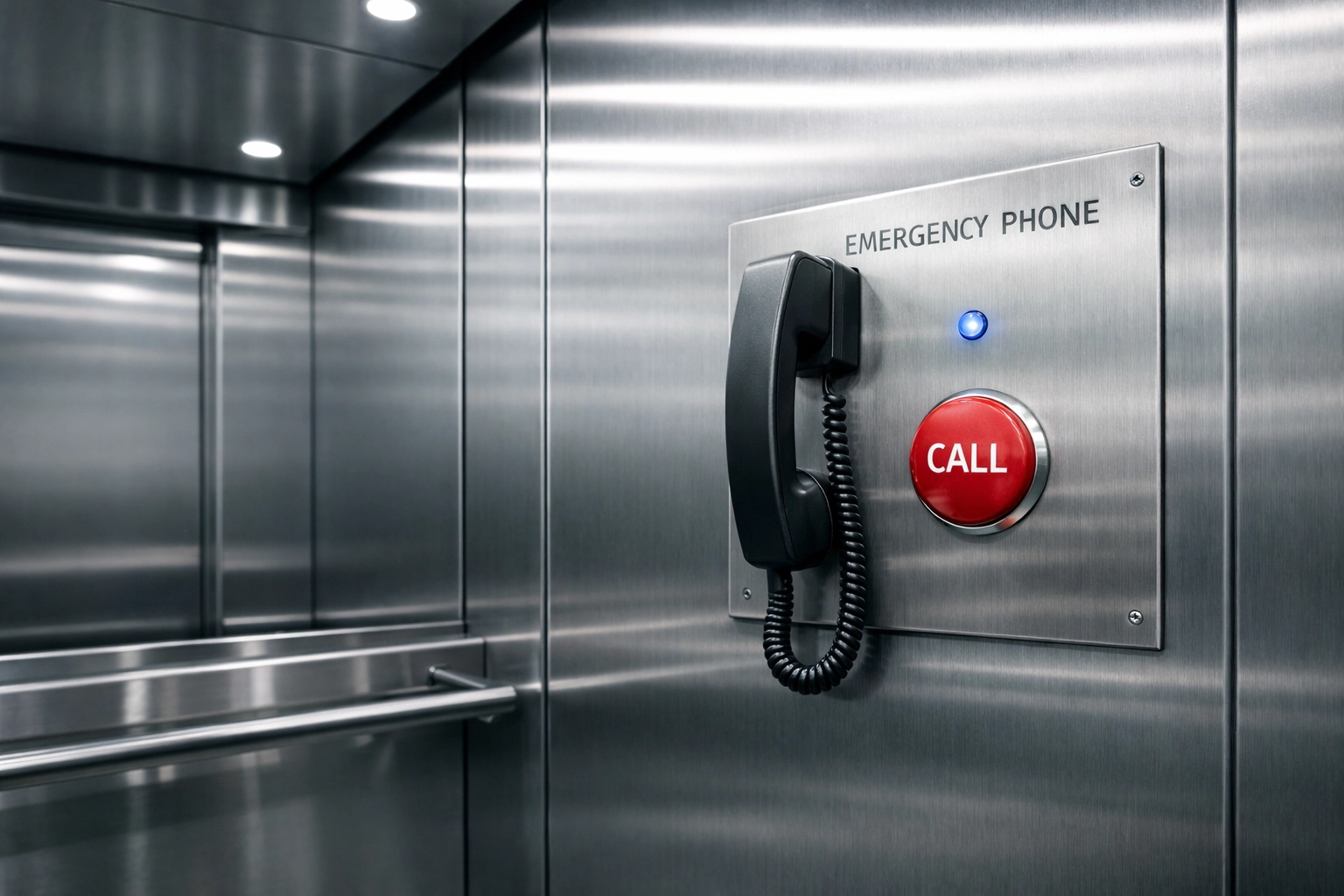
Here's what happens: You install your shiny new cellular POTS replacement device on Friday. Monday morning, the fire alarm monitoring company calls: "We're not receiving signals from your panel." Now you're scrambling to troubleshoot while technically operating out of compliance.
The Fix: Run parallel systems during your transition. Keep the old POTS line active while you install and test the replacement. Conduct full end-to-end testing:
- Fire alarm test signals to the central monitoring station
- Elevator emergency phone calls to your monitoring service
- Security panel communication verification
Only after you've confirmed 100% functionality should you disconnect the legacy copper line. This is especially critical for NFPA 72 compliance: you can't afford gaps in fire alarm monitoring, even for a few hours.
Mistake #7: Choosing the Cheapest Solution Instead of the Most Reliable One
Look, we get it. Budget matters. But when you're talking about life-safety systems: fire alarms that protect sleeping hotel guests, elevator phones for elderly residents, security systems for retail locations: this is not the place to pinch pennies.
The "cheap" POTS replacement device that costs $15/month might work fine 99% of the time. But that 1% failure rate could happen during a fire, a trapped elevator passenger, or a break-in. The liability exposure, compliance violations, and potential loss of life far outweigh the monthly savings.
The Fix: Invest in enterprise-grade POTS replacement solutions with:
- 24/7 monitoring and support
- Redundant connectivity (cellular + fiber backup)
- Proven track records in life-safety applications
- Compliance certifications for NFPA 72 and ASME standards
You're not just buying a phone line. You're buying reliability, compliance, and peace of mind. For businesses managing multiple properties or locations, working with a telecom advisory team that understands both compliance and infrastructure is essential.
The Bottom Line: Act Now, Not in November 2026
Copper sunset 2026 isn't a suggestion. It's a regulatory and infrastructure reality. The carriers are moving forward with or without you, and the FCC has made it clear they're prioritizing modernization over customer convenience.
If you wait until you receive a discontinuance notice, you'll be making rushed decisions, paying emergency installation fees, and possibly operating out of compliance during the transition. That's a risk no multi-location business, property manager, or facilities director should take.
Start your POTS replacement planning today:
- Audit every analog line across all locations
- Identify NFPA 72 and ASME compliance requirements
- Assess infrastructure availability (fiber vs. cellular)
- Test replacement solutions in parallel
- Document everything for inspectors
- Train your facilities teams on new systems
- Schedule regular testing and monitoring
Frequently Asked Questions About POTS Replacement and Copper Sunset 2026
What is the copper sunset 2026?
The copper sunset refers to major telecom carriers (led by AT&T) retiring legacy copper telephone infrastructure starting November 15, 2026. This affects POTS (Plain Old Telephone Service) lines used for fire alarms, elevators, security systems, and traditional business phones.
Will my fire alarm still work after copper sunset?
Not automatically. You must replace your POTS lines with NFPA 72-compliant alternatives that support supervised monitoring, battery backup, and reliable signal transmission. Standard VoIP lines typically don't meet fire code requirements.
Which states are affected by AT&T's copper retirement?
The initial wave affects wire centers in Alabama, Arkansas, Florida, Georgia, Indiana, Kansas, Kentucky, Louisiana, Michigan, Missouri, Mississippi, North Carolina, Ohio, Oklahoma, South Carolina, Tennessee, Texas, and Wisconsin. Other carriers are expected to follow similar timelines nationwide.
How much does POTS replacement cost?
Costs vary by solution type. Cellular-based POTS replacement devices typically range from $25–$75/month per line. Fiber-backed analog gateways may cost more upfront but offer lower monthly fees. However, staying on legacy copper lines (where still available) often costs $60–$120/month: so replacement usually saves money long-term.
Can I use VoIP for elevator emergency phones?
Only if the VoIP solution meets ASME A17.1 requirements for two-way voice communication, power backup, and supervised monitoring. Consumer-grade VoIP services don't meet these standards. You need a dedicated life-safety communication solution.
How much notice will I receive before my POTS lines are disconnected?
The FCC has reduced notification requirements significantly. You might receive as little as 90 days' notice: or in some cases, discover service discontinuation only when the line goes dead. Don't wait for formal notice. Start planning now.
Ready to Future-Proof Your Business Communications?
Don't let copper sunset 2026 catch you off guard. Whether you're managing a single building or a national portfolio of properties, Premier Business Team helps businesses navigate POTS replacement, ensure NFPA 72 compliance, and modernize their communications infrastructure without the headaches.
We specialize in multi-location telecom audits, life-safety system transitions, and cloud business phone systems that actually work for businesses with complex compliance requirements.
Contact Premier Business Team today for a free POTS line audit and replacement strategy consultation. Let's make sure your next fire marshal inspection goes smoothly: and your emergency systems stay online when it matters most.