• Skip to primary navigation
  • Skip to main content
Premier Business Team

Premier Business Team

Your business connectivity and IT Team

  • Home
  • Business Internet
  • Business Phone
  • Blog
  • About Us
    • Our Featured Suppliers
  • Contact Us
  • Business Quote
    • Business Tech Assessment
  • Engineering
  • Call: 360-946-2626
  • Show Search
Hide Search

Blog Posts

15 SIP Trunk Benefits Your Business Should Know Before Ditching Traditional Phone Lines

premierbusiness · February 2, 2026 ·

If your business is still running on traditional POTS (Plain Old Telephone Service) or PRI lines, you're likely paying more than you should, and missing out on features that modern competitors take for granted. SIP trunking has become the go-to solution for businesses ready to upgrade their phone infrastructure without ripping everything out and starting over.

But what exactly makes SIP trunking worth the switch? And is it really that much better than legacy phone lines?

Let's break down the 15 SIP trunk benefits every business owner should understand before making the leap in 2026.

What Is SIP Trunking?

SIP (Session Initiation Protocol) trunking delivers voice and multimedia communication over the internet instead of traditional copper phone lines. Think of it as a virtual phone line that connects your existing PBX phone system to the public telephone network, without physical wiring for each line.

Major providers like AT&T Business, Spectrum Business, and Lumen offer SIP trunking services, and businesses of all sizes are making the switch. Here's why.

image_1

Cost and Financial Benefits

1. Significant Monthly Savings

The most immediate benefit? Lower bills. Organizations switching to SIP trunking typically save 50% or more on monthly telecom expenses. That's not a typo, traditional phone lines come with hefty per-line charges, maintenance fees, and usage costs that add up fast.

2. Reduced Long-Distance and International Call Costs

If your team makes frequent long-distance or international calls, SIP trunking dramatically reduces those charges. Since calls travel over the internet, you're not paying legacy carrier rates for every minute.

3. Lower Infrastructure Costs

No more paying for physical phone lines, copper wiring maintenance, or expensive hardware upgrades. SIP trunking eliminates the need for traditional telecom infrastructure, freeing up budget for other priorities.

4. Predictable, Transparent Pricing

Traditional phone bills are notoriously confusing, local charges, long-distance fees, regulatory surcharges, and mystery line items. SIP trunking offers straightforward per-user or per-channel billing, so you know exactly what you're paying each month.

5. Fast Return on Investment

Between lower monthly costs and reduced hardware needs, most businesses see ROI within months, not years. That's capital you can reinvest into growth initiatives instead of telecom maintenance.

image_2

Scalability and Flexibility Benefits

6. Scale Up or Down in Minutes

Need more phone lines for a busy season? With traditional phone service, you'd wait weeks for installation. SIP trunking lets you add or remove channels almost instantly, no truck rolls, no waiting.

7. Unlimited Simultaneous Call Capacity

Traditional phone lines limit how many calls you can handle at once. SIP trunking allows unlimited simultaneous calls to and from a single number, a game-changer for contact centers, sales teams, and high-volume customer service operations.

8. Full Support for Remote and Hybrid Work

Your employees can make and receive business calls from anywhere with an internet connection. Whether they're working from home, traveling, or at a satellite office, SIP trunking keeps everyone connected on the same system. This is essential for modern cloud phone systems.

9. Keep Your Existing Phone Numbers

Worried about losing your established business numbers? Don't be. SIP trunking supports full number portability, so you can keep the numbers your customers already know.

Reliability and Business Continuity Benefits

10. Built-In Redundancy

Here's something traditional phone lines can't offer: automatic failover. With SIP trunking, you can set up multiple trunks with different providers. If one connection goes down, calls automatically route through the backup, keeping your business operational.

11. Disaster Recovery and Call Rerouting

Emergencies happen. SIP trunking allows you to instantly reroute calls to alternate locations, mobile devices, or backup offices. Your customers never know the difference, and your business keeps running.

12. Enhanced Uptime and Reliability

SIP failover systems pick up the slack automatically when primary lines experience issues. This reduces downtime and ensures consistent, reliable communication, something legacy POTS and PRI simply can't match.

image_3

Communication and Network Benefits

13. Unified Communications Integration

SIP trunking integrates seamlessly with UCaaS (Unified Communications as a Service) platforms. That means voice, video, instant messaging, and collaboration tools all work together on a single platform. No more juggling separate systems for different communication needs.

If you're exploring POTS replacement or traditional business phone line replacement, SIP trunking is often the foundation of a modern unified communications strategy.

14. Network Consolidation

Running separate networks for voice and data is expensive and inefficient. SIP trunking moves voice traffic onto your existing data network, consolidating infrastructure and simplifying management. One network, fewer headaches.

15. Centralized Management Across Locations

For businesses with multiple locations, SIP trunking consolidates everything into a single platform. You can manage phone services for all your offices from one dashboard, reducing hardware needs and administrative complexity.
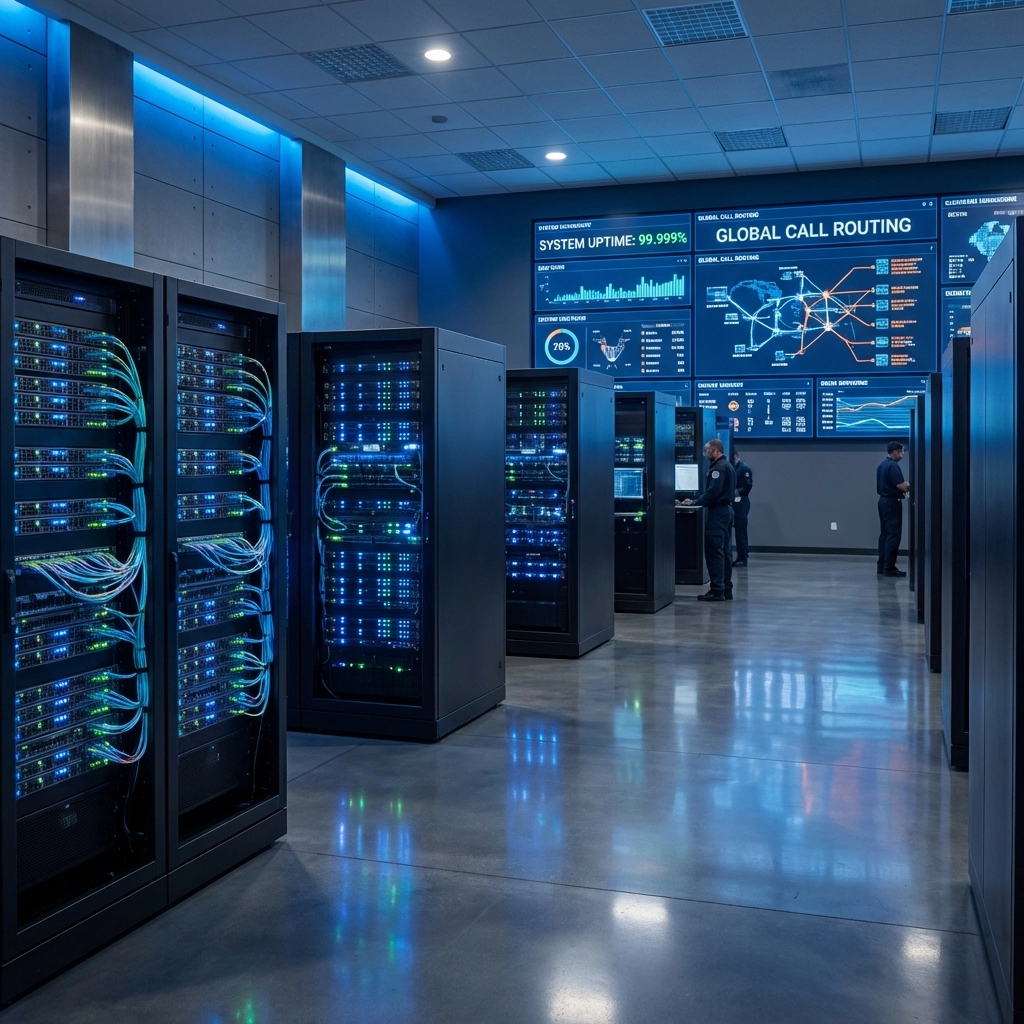
image_4

Who Should Consider SIP Trunking in 2026?

SIP trunking isn't just for enterprise companies. It's ideal for:

  • Small and medium businesses looking to cut telecom costs without sacrificing features
  • Multi-location businesses needing centralized phone management
  • Remote-first or hybrid companies requiring flexible, location-independent communication
  • Contact centers and sales teams handling high call volumes
  • Any business still paying for legacy POTS or PRI lines (seriously, it's time to upgrade)

Providers like AT&T Business, Spectrum Business, and Lumen offer SIP trunking solutions for businesses of all sizes. A vendor-neutral advisor like Premier Business Team can help you compare options and find the right fit.

Frequently Asked Questions About SIP Trunking

What is SIP trunking and how does it work?
SIP trunking uses internet protocol to connect your phone system to the public telephone network. Instead of physical phone lines, calls travel over your data network, enabling voice, video, and messaging on a single platform.

How much can I save by switching to SIP trunking?
Most businesses save 50% or more on monthly telecom costs after switching from traditional POTS or PRI lines to SIP trunking.

Will I lose my current business phone numbers?
No. SIP trunking supports full number portability, so you can keep your existing phone numbers when you switch.

Is SIP trunking reliable enough for business use?
Yes. SIP trunking offers built-in redundancy, automatic failover, and disaster recovery features that often exceed the reliability of traditional phone lines.

Can SIP trunking support remote workers?
Absolutely. Employees can make and receive calls from anywhere with an internet connection, making SIP trunking ideal for hybrid and remote work environments.

Does SIP trunking work with my existing phone system?
In most cases, yes. SIP trunking connects to your existing PBX or can integrate with modern cloud phone systems. A quick assessment can confirm compatibility.


Ready to Upgrade from Legacy Phone Lines?

If you're still paying for traditional POTS or PRI service, you're likely overspending and under-serving your team's communication needs. SIP trunking delivers the cost savings, flexibility, reliability, and features that modern businesses require in 2026 and beyond.

Contact Premier Business Team or call 360-946-2626 for a free SIP trunk consultation. We'll assess your current phone infrastructure, compare provider options from AT&T, Spectrum, Lumen, and others, and help you build a communication system that actually works for your business.
Premier Business Team logo

7 Mistakes You're Making with Cloud Services for Business (And Why Your Restaurant's POS System Keeps Crashing)

premierbusiness · February 2, 2026 ·

Your restaurant's POS system crashed again during the dinner rush. Tables are backed up, servers are scrambling with paper receipts, and frustrated customers are walking out. Sound familiar?

While you might blame the software or your internet connection, the real culprit is likely how your cloud services are configured and managed. Most businesses make critical mistakes when implementing cloud solutions that directly impact performance, especially for mission-critical systems like restaurant POS.

Let's dive into the seven most common cloud service mistakes that are sabotaging your business operations: and how to fix them.

Mistake #1: Treating Cloud Like Your Old On-Premise System

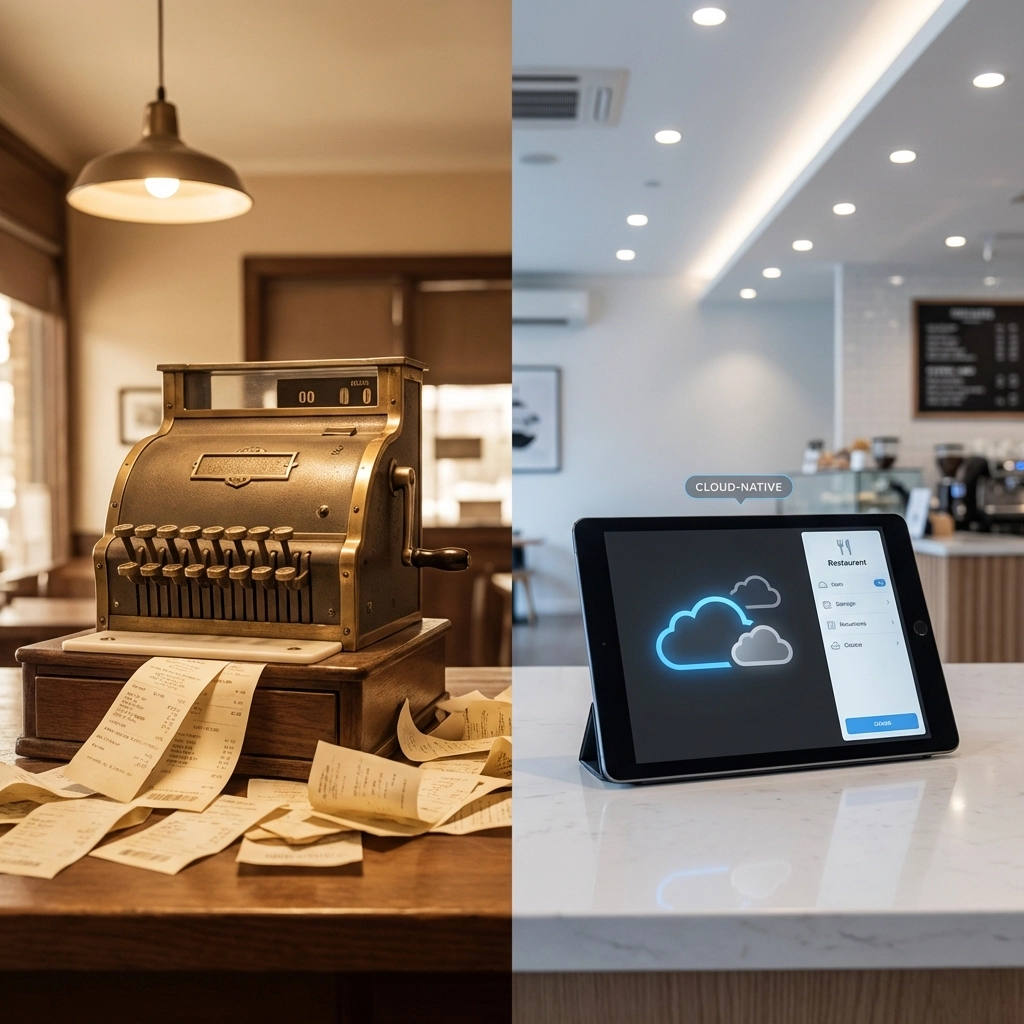
The biggest mistake businesses make is simply moving their existing systems to the cloud without redesigning them for cloud-native environments. This "lift and shift" approach is like trying to drive a horse-drawn carriage on a modern highway: it might work, but you're missing all the benefits.

Why Your POS Crashes: Your old POS system was designed for static, on-premise servers. When moved to the cloud without proper redesign, it can't leverage auto-scaling, load distribution, or redundancy features. During peak dining hours, when transaction volume spikes, the system simply can't handle the load.

The Fix: Work with your IT provider to redesign your POS architecture for cloud-native operation. This includes implementing auto-scaling policies, load balancers, and distributed database systems that can handle traffic surges automatically.

image_1

Mistake #2: Misunderstanding Cloud Security Responsibilities

Many business owners assume that moving to the cloud means the provider handles all security. This misconception creates dangerous vulnerabilities that can crash systems and expose sensitive data.

Cloud security operates on a shared responsibility model. Your cloud provider secures the infrastructure, but you're responsible for:

  • User access controls and permissions
  • Data encryption in transit and at rest
  • Application-level security
  • Network firewall configurations
  • Regular security updates and patches

Why Your POS Crashes: Misconfigured security settings can cause authentication failures, network timeouts, and system lockouts. When your POS can't properly authenticate with payment processors or inventory systems due to security misconfigurations, it fails during critical transactions.

The Fix: Implement comprehensive cybersecurity solutions that include proper access controls, encryption, and regular security audits.

Mistake #3: Ignoring Cost Management and Resource Optimization

The pay-as-you-go cloud model is fantastic for flexibility, but it can quickly spiral out of control without proper oversight. Studies show that organizations waste an average of 45% of their cloud budget due to poor resource management.

Common cost drains include:

  • Leaving test environments running 24/7
  • Over-provisioning memory and CPU resources
  • Storing unnecessary data backups
  • Running idle virtual machines

Why Your POS Crashes: Ironically, trying to save money by under-provisioning resources during peak times causes more crashes than over-provisioning. When your POS doesn't have adequate server capacity during dinner rushes, transactions timeout and the system becomes unresponsive.

The Fix: Implement proper monitoring and auto-scaling policies. Invest in adequate resources for peak times while using automation to scale down during off-hours.

image_2

Mistake #4: Operating Without a Clear Cloud Strategy

Too many businesses make reactive, application-by-application cloud decisions without a comprehensive strategy. This creates fragmented environments with inconsistent policies and integration nightmares.

Why Your POS Crashes: Without a unified cloud strategy, your POS might be running on different platforms from your inventory management, accounting software, and customer management systems. These disconnected systems struggle to communicate, leading to data sync issues and system failures.

The Fix: Develop a comprehensive cloud strategy that aligns with your business goals. Choose integrated platforms like Google Workspace that provide seamless connectivity across all business applications.

Mistake #5: Poor Resource Planning and Scaling Design

Cloud systems should dynamically scale with demand, but many businesses fail to plan for this properly. They either massively over-provision resources (wasting money) or under-provision (causing crashes).

Why Your POS Crashes: Restaurant traffic is inherently spiky: slow during off-hours, moderate during lunch, and intense during dinner rushes. Without proper auto-scaling configured, your POS either wastes resources during slow periods or crashes when demand exceeds static capacity.

The Fix: Implement intelligent auto-scaling policies based on your actual traffic patterns. Configure your systems to automatically add resources during peak hours and scale down during quiet periods.

Mistake #6: Neglecting Network Infrastructure and Connectivity

Your cloud services are only as reliable as your network connection. Many businesses focus on cloud applications while ignoring the critical network infrastructure that connects everything together.

Why Your POS Crashes: Poor network configuration, inadequate bandwidth, or unreliable internet connections create bottlenecks that crash cloud-based POS systems. When your system can't maintain consistent connectivity to payment processors or cloud databases, transactions fail.

The Fix: Invest in reliable network infrastructure including redundant internet connections, proper firewall and network equipment, and quality-of-service configurations that prioritize business-critical traffic.

image_3

Mistake #7: Lacking Technical Expertise and Ongoing Management

Cloud environments are complex and require specialized knowledge to configure, monitor, and maintain properly. Many businesses underestimate the technical expertise needed for successful cloud operations.

Why Your POS Crashes: Without proper technical oversight, systems miss critical security updates, performance optimizations, and configuration adjustments. Small misconfigurations compound over time, eventually causing system failures during the worst possible moments.

The Fix: Either invest in training your internal IT staff or partner with experienced cloud service providers who can properly manage your infrastructure.

The Real-World Impact on Restaurant Operations

Consider this scenario: It's Saturday night, your restaurant is packed, and suddenly your POS system becomes unresponsive. Orders pile up, servers can't process payments, and customers grow frustrated. This isn't just a technology problem: it's a business crisis that directly impacts revenue and customer satisfaction.

The root cause often traces back to these seven cloud mistakes:

  • The system wasn't designed for cloud scaling (Mistake #1)
  • Security misconfigurations caused authentication failures (Mistake #2)
  • Under-provisioned resources couldn't handle peak load (Mistake #3)
  • Poor integration with other systems created bottlenecks (Mistake #4)
  • No auto-scaling for demand spikes (Mistake #5)
  • Network issues disrupted cloud connectivity (Mistake #6)
  • Lack of monitoring meant problems went undetected (Mistake #7)

FAQ: Common Cloud Service Questions

Q: How much should I budget for cloud services for my restaurant?
A: Typically 3-7% of revenue, depending on your technology stack complexity and transaction volume.

Q: Can I fix these issues without replacing my entire POS system?
A: Often yes, through proper cloud architecture redesign and configuration optimization.

Q: How quickly can cloud scaling respond to traffic spikes?
A: Properly configured auto-scaling can respond within 60-90 seconds of detecting increased demand.

Q: What's the most critical mistake to fix first?
A: Start with resource planning and scaling design, as these directly impact system reliability during peak times.

Take Action Before Your Next Crash

Don't wait for another POS crash to ruin your business operations. These seven cloud service mistakes are completely preventable with proper planning, configuration, and ongoing management.

Ready to eliminate these costly cloud mistakes and ensure your business systems run reliably? Premier Business Team specializes in designing and managing cloud solutions that scale with your business needs. Contact us today for a comprehensive cloud assessment and discover how proper cloud architecture can transform your operations from constant frustration to seamless reliability.

Schedule your cloud consultation now and stop losing customers to preventable technology failures.

Own Your Digital Infrastructure: The 2026 Guide for MDU Owners & Business Leaders

premierbusiness · February 1, 2026 ·

If you own or manage a multi-dwelling unit (MDU) or lead a growing business in 2026, here's a truth you can't ignore: your digital infrastructure is no longer just an operational expense: it's a strategic asset.

Tenants expect seamless connectivity. Employees demand reliable systems. And the businesses that own their digital infrastructure rather than patchwork it together are the ones winning on efficiency, revenue, and long-term scalability.

This guide breaks down exactly what MDU owners and business leaders need to know about building, managing, and owning digital infrastructure that works for you: not against you.


Why Owning Your Digital Infrastructure Matters in 2026

The days of treating internet, Wi-Fi, and network systems as afterthoughts are over. Today, digital infrastructure directly impacts:

  • Tenant satisfaction and retention in residential properties
  • Employee productivity in commercial spaces
  • Operational costs across the board
  • Revenue generation through technology amenity fees

Here's the reality: 75% of renters now want smart home technology, and nearly 60% are willing to sacrifice other amenities to get it. For business leaders, unreliable connectivity translates to lost productivity, frustrated teams, and missed opportunities.

When you own your digital infrastructure: rather than relying on fragmented vendor solutions: you gain control over quality, costs, and future scalability.

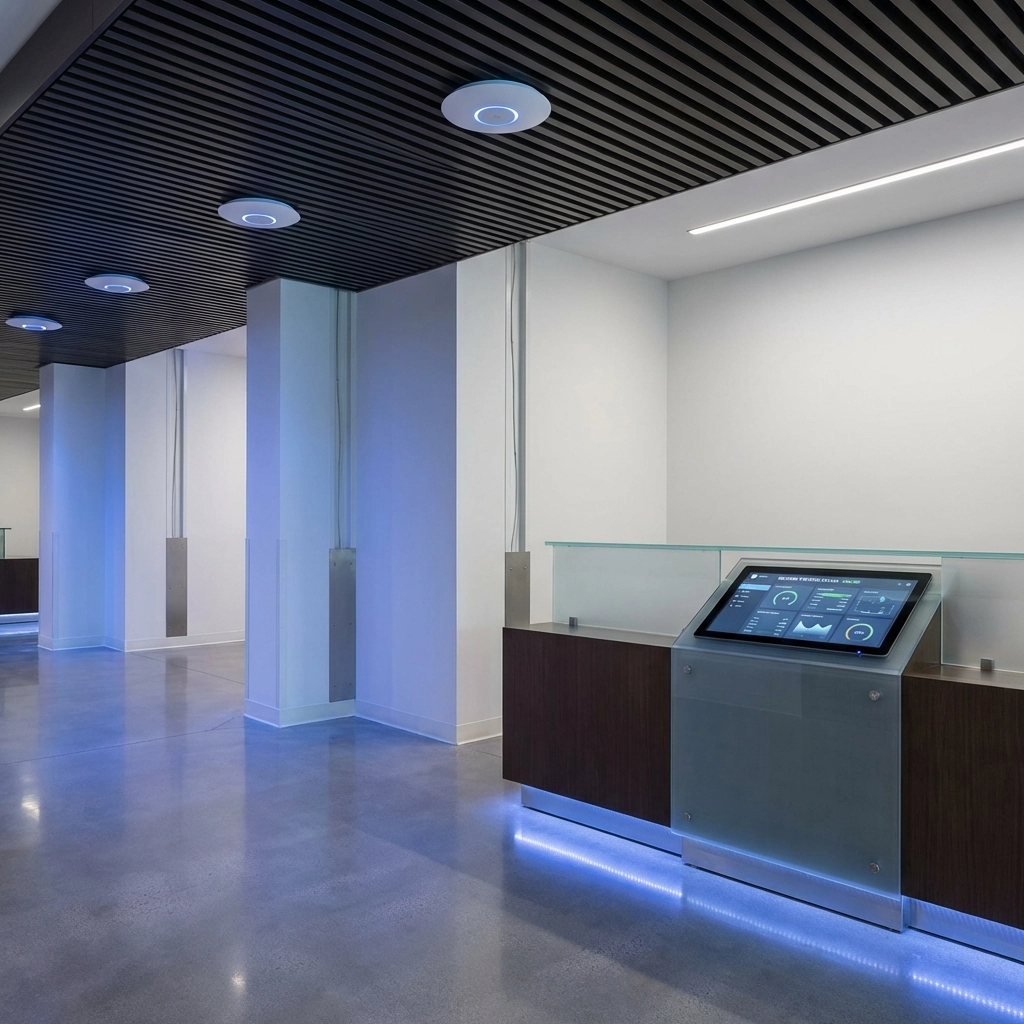
Modern apartment building lobby with advanced digital infrastructure and network access points for MDUs


What Tenants and Employees Actually Want

Let's clear up a common misconception. Most tenants and employees don't need the fastest, most cutting-edge technology. What they need is reliable, property-wide connectivity that just works.

The Top Priorities:

  • Strong, consistent Wi-Fi throughout the entire property or office
  • Minimal downtime and quick issue resolution
  • Seamless integration with their personal devices and work tools

The data backs this up. Over 80% of renters say paying for a quality technology experience is worth it, with the average technology amenity fee sitting at $75 per month. That's real revenue potential for MDU owners who invest in the right infrastructure.

For businesses, the equation is similar. Employees expect their network infrastructure to support video calls, cloud applications, and collaboration tools without lag or interruption.


Wi-Fi Infrastructure: Skip the Hype, Focus on What Works

With all the buzz around Wi-Fi 7, you might feel pressure to upgrade immediately. Here's our advice: don't.

Less than 6% of all new devices are Wi-Fi 7 compatible right now. That means investing heavily in Wi-Fi 7 infrastructure delivers minimal practical benefit for your tenants or employees today.

Instead, focus on deploying robust, property-wide managed Wi-Fi using Wi-Fi 6. This proven standard:

  • Handles the vast majority of current devices
  • Delivers reliable speeds for streaming, video conferencing, and smart devices
  • Provides immediate ROI through higher tenant satisfaction and lower churn

The key is choosing "best-in-scale" solutions: reliable and scalable infrastructure rather than bleeding-edge technology that won't pay off for years.

Need help designing the right Wi-Fi setup for your property? Our team specializes in business IT installation services including access points, switches, and ethernet wiring.

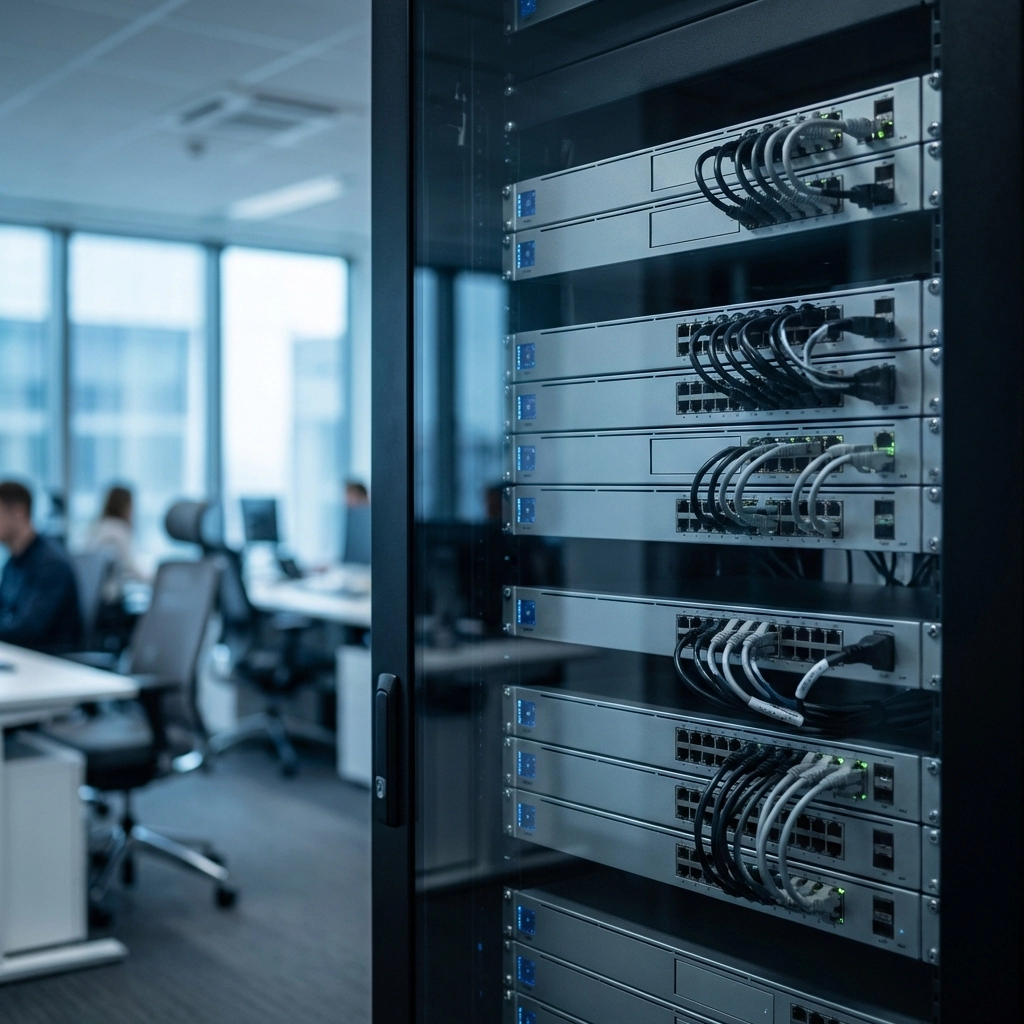
Organized commercial server room with network switches and routers showcasing reliable business IT infrastructure


Operational Efficiency: Turn Infrastructure Into Savings

Here's where owning your digital infrastructure really pays off. A property-wide network isn't just for tenant Wi-Fi: it becomes the backbone for operational technology that drives serious cost savings.

Energy Management Systems (EMS)

Wi-Fi-connected Energy Management Systems can transform your bottom line:

  • 19% average decrease in energy expenses
  • 18% reduction in overall operating costs
  • Compliance with sustainability mandates (like NYC's requirement for 25% carbon footprint reduction by 2030)

Centralized Monitoring and Management

With the right infrastructure in place, you can:

  • Monitor building systems remotely
  • Automate maintenance alerts
  • Reduce on-site service calls
  • Scale operations across multiple properties

For businesses, similar principles apply. A unified business internet service paired with smart network management reduces downtime and keeps teams productive.


The Hidden Cost of Technology Fragmentation

If your property or business relies on a patchwork of vendors and disconnected systems, you're not alone. 41% of MDUs report challenges managing multiple smart technology solutions, with the average property juggling 21.5 proptech vendors.

That fragmentation creates:

  • Higher costs from overlapping services and inefficient contracts
  • Security vulnerabilities from inconsistent cybersecurity practices
  • Operational headaches when systems don't communicate
  • Slower response times when issues arise

The solution? Prioritize highly compatible, scalable, and interoperable network components from the start. Build a foundation that supports seamless integration with future technologies rather than locking you into siloed solutions.

Premier Business Team logo Logo with bold gray lettering for 'Premier,' blue dots forming a partial circle above the 'i,' and 'BUSINESS TEAM' in uppercase blue text underneath, representing technology advisory and telecom consulting services.


How to Build Infrastructure You Actually Own

Ready to take control? Here's a practical roadmap for MDU owners and business leaders:

Step 1: Audit Your Current Setup

Document every vendor, service, and system currently in place. Identify overlaps, gaps, and pain points.

Step 2: Define Your Requirements

What do your tenants or employees actually need? Focus on reliability and coverage over speed alone.

Step 3: Choose Scalable Solutions

Invest in infrastructure that grows with you. Avoid proprietary systems that lock you into single vendors.

Step 4: Centralize Management

Consolidate monitoring and support under one umbrella. This reduces complexity and improves response times.

Step 5: Partner With Experts

Work with a team that understands both the technical and business sides of digital infrastructure. From UCaaS phone systems to network design, the right partner makes all the difference.


Frequently Asked Questions (FAQ)

What is digital infrastructure for MDU properties?

Digital infrastructure for MDU (multi-dwelling unit) properties includes property-wide Wi-Fi networks, ethernet wiring, access points, firewalls, switches, and integrated systems like energy management and smart building technology.

Is Wi-Fi 7 worth the investment in 2026?

For most MDU owners and businesses, Wi-Fi 7 is not worth the investment yet. Less than 6% of devices currently support Wi-Fi 7. Wi-Fi 6 provides reliable, cost-effective connectivity for today's needs.

How much can MDU owners charge for technology amenities?

The average technology amenity fee is $75 per month, and over 80% of renters say paying for quality connectivity is worth it.

How do Energy Management Systems reduce costs?

Wi-Fi-connected Energy Management Systems deliver an average 19% decrease in energy expenses and 18% reduction in operating costs by automating climate control and monitoring building performance.

What's the biggest mistake MDU owners make with technology?

Relying on too many fragmented vendors. The average MDU works with 21.5 proptech vendors, creating inefficiencies, security risks, and higher costs.


Take Control of Your Digital Future

Owning your digital infrastructure isn't just about better Wi-Fi: it's about building a foundation for tenant satisfaction, operational efficiency, and long-term revenue growth.

Whether you manage a single MDU property or lead a growing business with multiple locations, the time to take control is now.

Ready to own your digital infrastructure?

Contact Us โ†’

Our team at Premier Business Team will assess your current setup, design a scalable solution, and help you build infrastructure that works for your goals: not against them.


#DigitalInfrastructure #MDUTechnology #BusinessConnectivity #ManagedWiFi #PropertyTech #SmartBuildings #NetworkInfrastructure #2026Tech #PremierBusinessTeam

Unified Communications 101: A Beginner's Guide to Choosing Between RingCentral, Dialpad, and 8X8 for Hybrid Teams

premierbusiness · February 1, 2026 ·

The hybrid work model isn't going anywhere. In 2026, over 60% of businesses operate with distributed teams that split time between office and remote locations. This shift has made unified communications (UC) platforms essential for maintaining productivity and collaboration.

But with dozens of options available, choosing the right UC solution can feel overwhelming. Today, we'll break down three leading platforms, RingCentral, Dialpad, and 8×8, to help you make an informed decision for your hybrid team.

What Is Unified Communications?

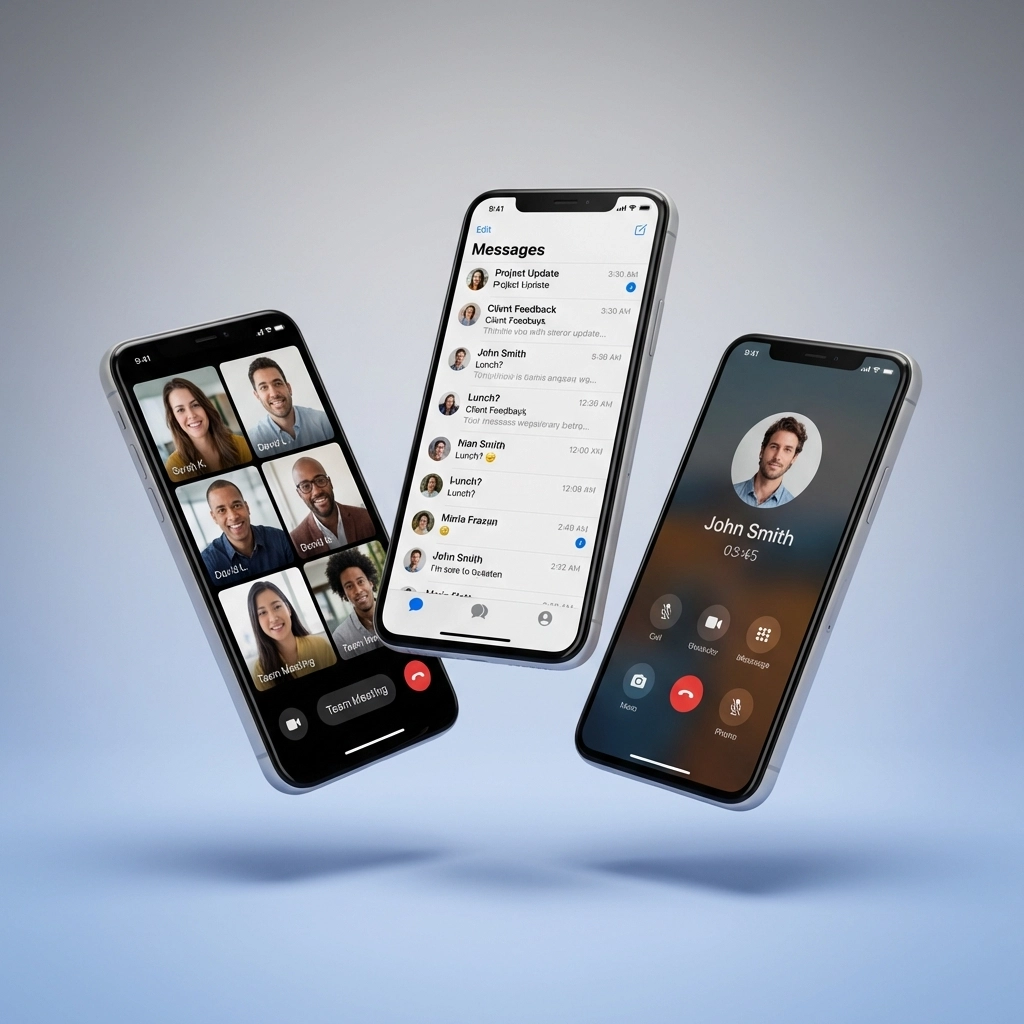
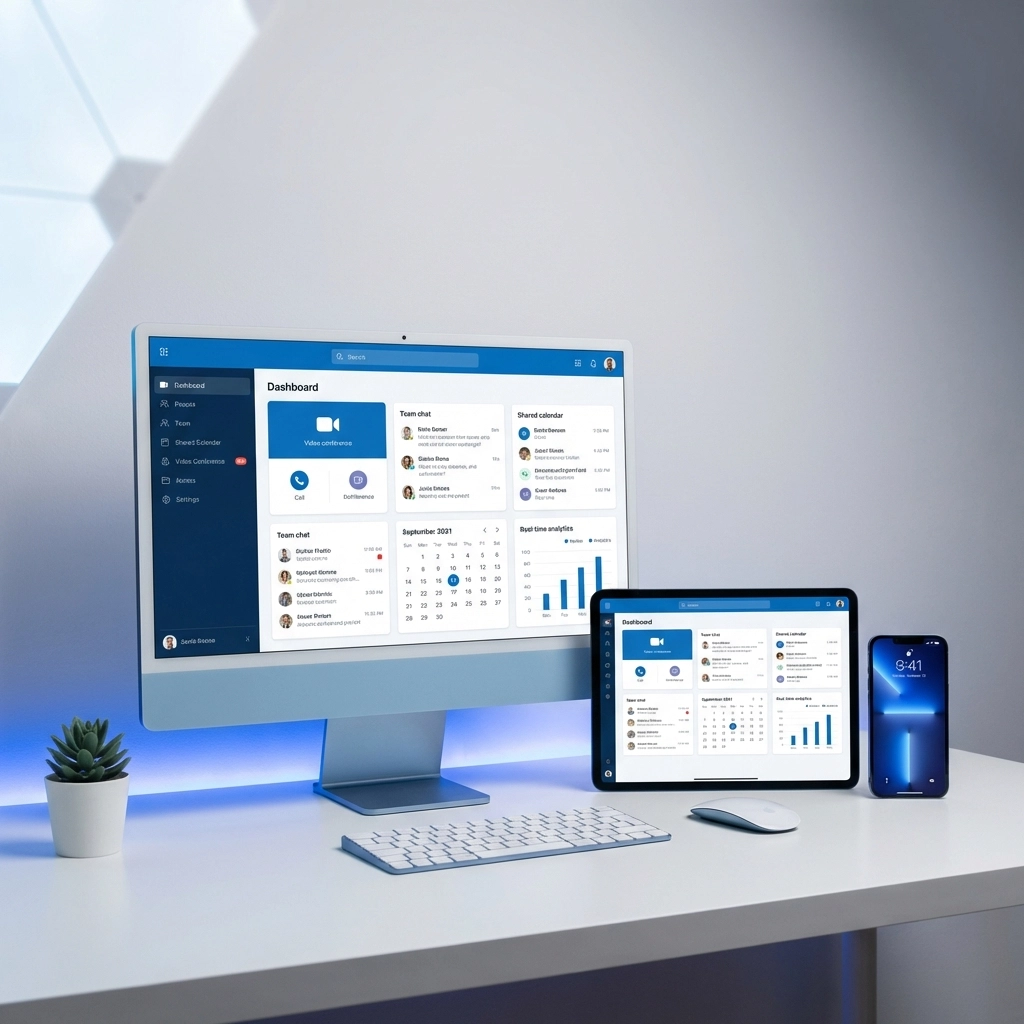
Unified communications consolidates all your team's communication tools into one cloud-based platform. Instead of juggling separate apps for voice calls, video meetings, instant messaging, and file sharing, UC systems integrate these features seamlessly.

For hybrid teams, this integration is crucial. When your sales manager is calling from the office, your project manager is video conferencing from home, and your support team is messaging from various locations, everyone needs to stay connected without technical barriers.

image_1

Key Features Every Hybrid Team Needs

Before diving into specific platforms, let's establish what features matter most for distributed teams:

Reliability and Uptime: Dropped calls and system outages can derail important client meetings. Look for platforms offering 99.9% or higher uptime guarantees.

Video Conferencing Capacity: Your platform should handle your largest team meetings without quality degradation or participant limits that force you to use separate tools.

Mobile and Desktop Apps: Seamless switching between devices ensures productivity whether team members are at their desk, commuting, or working from a coffee shop.

Integration Capabilities: Your UC platform should connect with existing business tools like CRM systems, project management software, and productivity suites.

Security Features: With distributed teams accessing systems from various networks, enterprise-grade security isn't optional, it's essential.

RingCentral: The Reliability Champion

RingCentral has built its reputation on consistency and comprehensive features. With over 400,000 businesses using their platform, they've proven themselves in the enterprise market.

Strengths

Exceptional Reliability: RingCentral offers a 99.999% uptime guarantee, that's less than 5 minutes of downtime per year. For hybrid teams conducting critical business calls, this reliability is invaluable.

Robust Video Conferencing: Supporting up to 200 video participants, RingCentral handles large all-hands meetings and client presentations without breaking a sweat.

Integration Ecosystem: With over 330 third-party integrations, RingCentral connects with virtually every business tool you're already using, from Salesforce to Microsoft Office 365.

Comprehensive Support: 24/7 phone support, live chat, and an extensive knowledge base ensure you're never stuck when technical issues arise.

Considerations

RingCentral's extensive feature set comes at a premium price point, starting at $20 per user per month. For smaller teams just getting started, this investment might feel steep.

image_2

Dialpad: The Simplicity-Focused Option

Dialpad takes a different approach, emphasizing ease of use and AI-powered features. Originally designed for smaller businesses, they've expanded their capabilities while maintaining their user-friendly interface.

Strengths

Intuitive Interface: Dialpad's clean design makes adoption easy for teams hesitant about complex technology. New users can start making calls and scheduling meetings within minutes.

AI-Powered Insights: Built-in AI provides call transcriptions, sentiment analysis, and conversation insights that help teams improve their communication effectiveness.

Competitive Pricing: Starting at $15 per user per month, Dialpad offers an affordable entry point for budget-conscious teams.

Quick Setup: Minimal configuration requirements mean you can have your team up and running faster than with more complex platforms.

Considerations

Standard Dialpad plans limit video meetings to 10 participants, which may not accommodate larger team meetings. While their separate AI Meetings service supports up to 150 participants, this adds complexity and cost.

Dialpad's integration library, while growing, doesn't match the breadth of RingCentral's ecosystem. If your business relies heavily on specialized software, verify compatibility before committing.

8×8: The Global Enterprise Solution

8×8 positions itself as the enterprise-grade solution for organizations with complex communication needs, particularly those with international operations.

Strengths

Massive Video Capacity: Supporting up to 500 HD video participants without additional fees, 8×8 handles the largest virtual events and company-wide meetings.

International Calling: Unlimited calling to 14-48 countries (depending on your plan) makes 8×8 ideal for global teams and businesses with international clients.

Enterprise Security: Advanced security features and compliance certifications meet the strict requirements of regulated industries.

Scalability: 8×8's infrastructure handles organizations from small teams to enterprise deployments with thousands of users.

Considerations

8×8's extensive capabilities come with increased complexity. Setup and administration require more technical expertise compared to simpler solutions.

At $24-25 per user per month, 8×8 represents the highest investment of the three platforms. The pricing reflects their enterprise focus but may exceed smaller teams' budgets.

image_3

Platform Comparison at a Glance

Feature RingCentral Dialpad 8×8
Starting Price $20/user/month $15/user/month $24/user/month
Video Participants 200 10 (150 with AI Meetings) 500
Uptime Guarantee 99.999% 99.9% 99.999%
Integrations 330+ 70+ 100+
Best For Reliable hybrid teams Small, budget-conscious teams Global enterprises

Choosing the Right Platform for Your Team

Your decision should align with your team's specific needs, growth plans, and budget constraints.

Choose RingCentral if:

  • Reliability is your top priority
  • You need extensive third-party integrations
  • Your team regularly holds medium to large video meetings (20-200 participants)
  • You can invest in a premium solution for long-term stability

Choose Dialpad if:

  • Your team is small (under 15 people) and growing slowly
  • Budget is a primary constraint
  • Ease of use is more important than advanced features
  • You value AI-powered insights and call analytics

Choose 8×8 if:

  • Your team spans multiple countries
  • You regularly host large virtual events or all-hands meetings
  • Enterprise security and compliance are critical
  • You have IT resources to manage a more complex system

Implementation Best Practices

Regardless of which platform you choose, successful implementation requires planning:

Start with a Pilot: Test your chosen platform with a small group before rolling it out company-wide. This approach helps identify potential issues and allows you to refine your setup.

Provide Training: Even user-friendly platforms benefit from proper training. Schedule brief sessions to walk your team through key features and best practices.

Plan Your Integrations: Map out which business tools need to connect with your UC platform. Configure these integrations early to ensure smooth workflows.

Establish Usage Guidelines: Create clear policies about when to use voice calls versus video meetings, how to handle sensitive conversations, and proper meeting etiquette.

For businesses concerned about security during implementation, consider reviewing our cybersecurity solutions to ensure your communication platform integrates safely with your overall IT infrastructure.

Frequently Asked Questions

Q: Can I switch between platforms if my needs change?
A: Yes, all three platforms offer data export tools and migration support. However, switching requires time and training, so choose carefully from the start.

Q: Do these platforms work with my existing phone numbers?
A: All three support number porting from traditional phone systems. The process typically takes 2-5 business days.

Q: What happens if my internet connection is unreliable?
A: These cloud-based platforms require stable internet. Consider backup internet solutions or traditional phone line integration for critical communications.

Q: Can I use these platforms internationally?
A: Yes, but calling rates and feature availability vary by country. 8×8 offers the most comprehensive international coverage.

Q: How do I ensure call quality for remote workers?
A: Quality depends on internet connection speed and network congestion. Recommend dedicated internet bandwidth for voice/video calls and consider QoS configuration for optimal performance.

image_4

The Bottom Line

Unified communications isn't just about consolidating tools: it's about creating seamless collaboration experiences that keep your hybrid team productive and connected. RingCentral offers the best balance of reliability and features for most growing businesses, while Dialpad serves budget-conscious smaller teams, and 8×8 excels for enterprise-level global organizations.

The key is matching platform capabilities with your actual needs, not just checking feature boxes. Consider your team size, growth projections, budget constraints, and technical requirements when making your decision.

Ready to transform your hybrid team's communication? Premier Business Team specializes in implementing unified communications solutions that actually work for your business. We'll help you evaluate these platforms, plan your migration, and ensure your team stays connected and productive. Contact us today for a free consultation and discover which UC solution will drive your hybrid team's success in 2026.

Oak Harbor Automotive Dealerships: Upgrade to GoTo Cloud Phone Systems & Save

premierbusiness · January 31, 2026 ·

Running an automotive dealership in Oak Harbor means juggling a lot of moving parts. Between managing your sales floor, coordinating with the service department, handling financing calls, and keeping customers happy, your phone system is the backbone of daily operations. If you're still relying on an outdated traditional PBX or legacy phone lines, you're probably spending more than you need to, and missing out on features that could transform how your dealership communicates.

At Premier Business Team, we specialize in helping Oak Harbor car dealerships and automotive businesses make the switch to GoTo cloud phone systems. The result? Lower monthly costs, streamlined operations, and a unified communications platform built for how modern dealerships actually work.

Why Oak Harbor Car Dealerships Are Making the Switch

The automotive industry moves fast. Customers expect quick responses, seamless handoffs between departments, and professional communication at every touchpoint. Traditional phone systems weren't designed for this level of flexibility.

Here's what we hear from dealership owners and managers across Whidbey Island:

  • "Our phone bill keeps climbing, but we're not getting more features."
  • "Transferring calls between sales and service is a nightmare."
  • "We can't easily add lines when we hire new staff."
  • "Our system goes down, and we lose business."

Sound familiar? These are exactly the problems that GoTo's cloud-based unified communications platform solves.

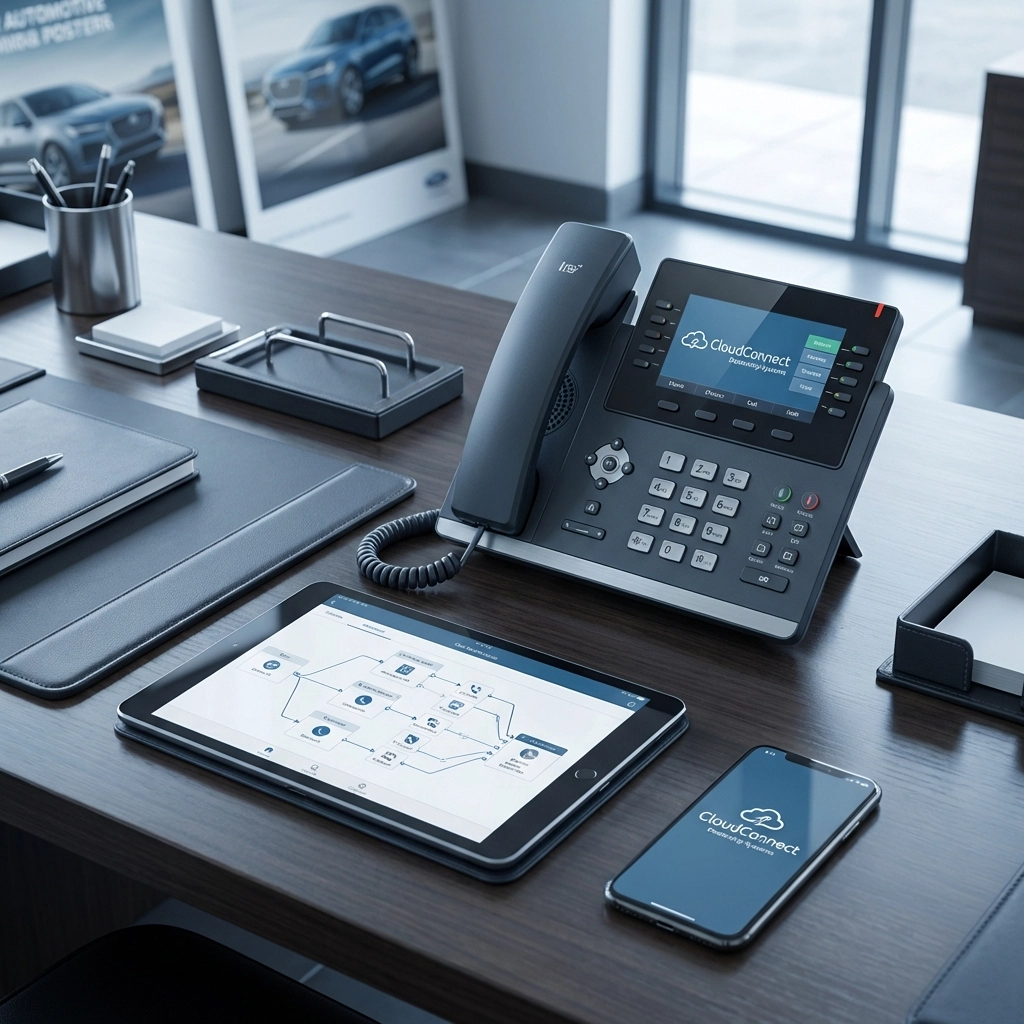
image_1

What Is a Cloud PBX Unified Communications System?

Let's break it down simply. A cloud PBX (Private Branch Exchange) is a business phone system hosted in the cloud rather than on bulky hardware sitting in your back office. Instead of maintaining expensive on-premise equipment, your entire phone system runs through the internet.

Unified communications takes it a step further by combining:

  • Voice calling
  • Video conferencing
  • Team messaging
  • SMS/text capabilities
  • Voicemail-to-email
  • Call analytics and reporting

All of this lives in one platform. For a dealership, that means your sales team, service advisors, parts department, and management can communicate seamlessly, whether they're at their desk, on the lot, or working remotely.

If you're curious about how cloud systems compare to traditional setups, check out our detailed breakdown: Cloud Phone Systems vs. Traditional PBX: Which Is Better for Your Business in 2026?

How GoTo Cloud Phone Systems Benefit Automotive Dealerships

GoTo isn't just another phone provider. Their platform is specifically designed with features that automotive businesses actually use. Here's what makes it a perfect fit for Oak Harbor dealerships like Oak Harbor Motors, Tri Motor Sales, and independent auto shops:

1. Significant Cost Savings

Traditional phone systems come with hidden costs: maintenance contracts, hardware upgrades, dedicated IT support, and expensive per-line charges. With GoTo's cloud PBX, you pay a predictable monthly fee that includes everything. Most dealerships we work with see 20-40% savings on their monthly telecom expenses.

2. Easy Scalability

Hiring a new salesperson? Opening a second location? Adding lines with GoTo takes minutes, not weeks. You're not locked into hardware limitations or waiting for a technician to show up.

3. Professional Auto Attendants and Call Routing

First impressions matter. GoTo lets you set up professional greetings and intelligent call routing so customers reach the right department immediately. Press 1 for Sales, Press 2 for Service, Press 3 for Parts, it's that simple, and it sounds polished.

image_2

4. Mobile App for On-the-Go Communication

Your sales team isn't always at their desk. With GoTo's mobile app, they can make and receive calls using the dealership's main number from their smartphone. Customers see your business number, not a personal cell, keeping everything professional.

5. CRM Integration Capabilities

GoTo integrates with popular dealership management and CRM systems. When a customer calls, your team can see their history, open deals, and service records right on screen. That's the kind of personalized experience that wins repeat business.

6. Built-In Reliability and Uptime

Cloud systems like GoTo are hosted across redundant data centers. That means if one server has an issue, your calls automatically route through another. No more "our phones are down" situations costing you sales.

We Offer Free Demos Designed for Car Dealerships

Here's the thing, we don't expect you to take our word for it. Premier Business Team offers personalized demos so you can see exactly how GoTo would work in your dealership environment.

During your demo, we'll show you:

  • How calls flow between your sales floor, service department, and management
  • Setting up auto attendants and call queues
  • Mobile app functionality for your team
  • Voicemail transcription and call recording features
  • Reporting dashboards to track call volume and response times

This isn't a generic sales pitch. We tailor the demo to your specific dealership setup, whether you're a single-location independent dealer or part of a larger automotive group.

Is Your Current Phone System Holding You Back?

Many dealerships in Oak Harbor are still running on aging systems, some even using traditional POTS (Plain Old Telephone Service) lines. If you're wondering whether it's time to upgrade, we've got insights: Are POTS Lines Dead? Here's What 10,000 Businesses Discovered About Modern Connectivity in 2026

The reality is that legacy systems are becoming more expensive to maintain while delivering less functionality. Cloud-based solutions like GoTo represent the future of business communications, and the sooner you make the switch, the sooner you start saving.

image_3

Why Work With Premier Business Team?

We're not just selling you a phone system and walking away. Premier Business Team provides end-to-end support for Oak Harbor automotive businesses, including:

  • Needs assessment to understand your dealership's specific requirements
  • System design that maps to your departments and workflows
  • Professional installation and configuration
  • Staff training so your team hits the ground running
  • Ongoing support whenever you need it

We also handle the technical infrastructure that makes cloud communications possible. Need network upgrades, firewall configuration, or ethernet wiring? We've got you covered: Business IT, Firewall, Switch, WiFi Access Point Installation, Ethernet Wiring Services

And because cybersecurity matters, especially when you're handling customer financial information, we ensure your communications platform is protected: Cybersecurity Solutions for Businesses

Frequently Asked Questions

How much can my dealership save by switching to GoTo cloud phone systems?
Most automotive dealerships see savings of 20-40% compared to traditional PBX systems. The exact amount depends on your current setup, number of lines, and features you need. We provide a detailed cost comparison during your consultation.

Will switching to a cloud phone system cause downtime for my dealership?
We plan migrations carefully to minimize disruption. In most cases, we can complete the transition outside of business hours or during slower periods. Your dealership won't miss a beat.

Can I keep my existing phone numbers?
Absolutely. We handle number porting so your customers continue reaching you at the same numbers they already know.

Is GoTo reliable enough for a busy dealership environment?
Yes. GoTo's platform boasts 99.999% uptime, backed by redundant cloud infrastructure. It's designed for business-critical communications.

Do you offer ongoing support after installation?
Premier Business Team provides continuous support. Whether you need to add users, adjust call routing, or troubleshoot an issue, we're just a phone call away.


Ready to Upgrade Your Dealership's Phone System?

Oak Harbor automotive businesses deserve communications technology that keeps pace with their operations. GoTo cloud phone systems deliver the cost savings, flexibility, and professional features your dealership needs to thrive in 2026 and beyond.

Let Premier Business Team show you what's possible. Schedule your personalized demo today and discover how much you could save.

๐Ÿ“ž Call us at 360-946-2626 or visit premierbusinessteam.com to get started.

Premier Business Team Logo

  • « Go to Previous Page
  • Page 1
  • Interim pages omitted …
  • Page 21
  • Page 22
  • Page 23
  • Page 24
  • Page 25
  • Interim pages omitted …
  • Page 78
  • Go to Next Page »

Get a no obligation quote for your business. Learn More

Proud Chamber Member

Bellingham Chamber Badge

Premier Business Team

Copyright © 2026 ยท Premier Business Team 2219 Rimland Dr. Suite 301 Bellingham, WA 98226 - 360-946-2626

  • Home
  • Business Internet
  • Business Phone
  • Blog
  • About Us
  • Contact Us
  • Business Quote
  • Engineering
  • Call: 360-946-2626