• Skip to primary navigation
  • Skip to main content
Premier Business Team

Premier Business Team

Your business connectivity and IT Team

  • Home
  • Business Internet
  • Business Phone
  • Blog
  • About Us
    • Our Featured Suppliers
  • Contact Us
  • Business Quote
    • Business Tech Assessment
  • Engineering
  • Call: 360-946-2626
  • Show Search
Hide Search

Blog Posts

Cloud Phone Systems Vs On-Premise: Why 75% of Restaurants Are Making the Switch in 2026

premierbusiness · January 22, 2026 ·

The restaurant industry is experiencing a massive shift in how businesses handle communications. While traditional on-premise phone systems once dominated kitchens and front-of-house operations, cloud-based solutions are rapidly becoming the preferred choice for restaurant owners looking to streamline operations, reduce costs, and improve customer service.

This transformation isn't happening in a vacuum. With 80% annual staff turnover rates and 45% of restaurant operators unable to fully staff their phones, the industry desperately needs communication solutions that can adapt to these realities while maintaining exceptional customer service standards.

Understanding the Restaurant Communication Challenge
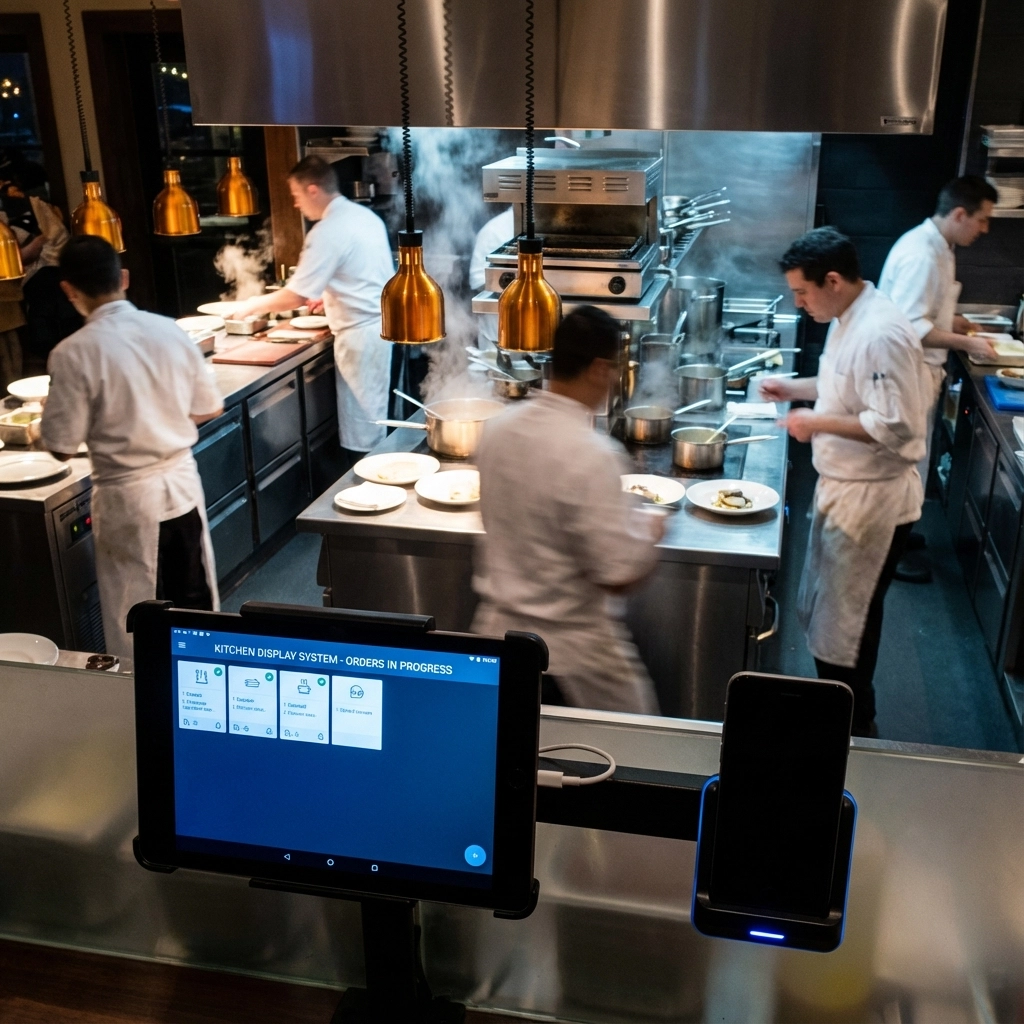
image_1

Restaurant communication systems face unique pressures that most other industries simply don't encounter. During peak dining hours, phone lines can become overwhelmed with reservation requests, takeout orders, and customer inquiries. Traditional on-premise systems often buckle under this pressure, leading to busy signals, dropped calls, and frustrated customers.

The staffing crisis has made these challenges even more acute. When restaurants can't maintain consistent phone coverage, they lose revenue from missed orders and reservation opportunities. This is where the fundamental differences between cloud and on-premise systems become critical for business success.

Cloud Phone Systems: The New Standard

Cloud phone systems operate entirely through internet connectivity, eliminating the need for physical hardware on-site. Instead of investing in expensive PBX equipment, restaurants access their phone system through web-based interfaces and mobile applications.

Key advantages include:

  • Instant Scalability: Add or remove phone lines during busy seasons without hardware changes
  • Remote Access: Staff can handle calls from anywhere with internet access
  • Integration Capabilities: Seamless connection with POS systems, reservation platforms, and delivery apps
  • Predictable Costs: Monthly subscription model with no surprise maintenance fees
  • Automatic Updates: Software improvements happen automatically without downtime

For restaurants operating on thin margins, these benefits translate directly into improved profitability and operational efficiency.

On-Premise Systems: The Traditional Approach

On-premise phone systems require significant upfront investment in physical equipment installed at the restaurant location. While these systems have served the industry for decades, they come with substantial limitations in today's fast-paced environment.

Traditional system characteristics:

  • High Initial Costs: Thousands of dollars for equipment and professional installation
  • Limited Flexibility: Adding lines requires new hardware and technician visits
  • Location Dependency: Staff must be physically present to handle calls
  • Maintenance Expenses: Regular service calls and equipment replacement costs
  • Capacity Constraints: Fixed number of simultaneous calls regardless of demand

These limitations become particularly problematic during peak hours when restaurants need maximum communication capacity to handle customer demand effectively.

Why Restaurants Are Making the Switch
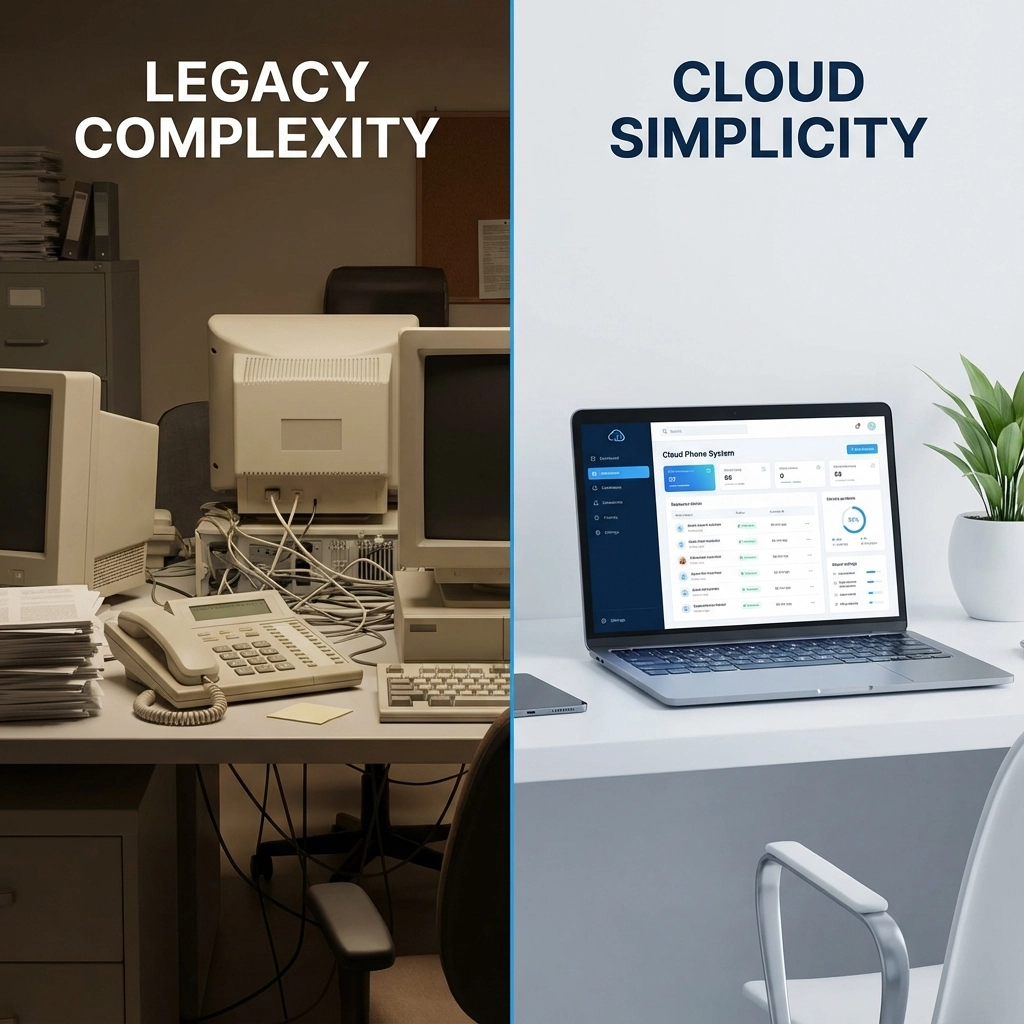
image_2

Peak Hour Management

Restaurant phone traffic follows predictable patterns, with massive spikes during lunch and dinner rushes. Cloud systems automatically scale to handle these surges without overwhelming the infrastructure. When call volume increases, the system seamlessly distributes calls across available staff members or routes overflow to designated team members working remotely.

Traditional systems simply can't match this flexibility. When all lines are busy, potential customers hear busy signals and often call competitors instead.

Staffing Flexibility Solutions

The restaurant industry's staffing challenges require creative solutions. Cloud phone systems enable restaurants to route calls to remote workers during understaffed periods. A restaurant manager working from home can handle reservation calls, while off-site staff can take delivery orders during peak times.

This distributed approach ensures consistent customer service even when in-house staffing falls short of ideal levels.

Integration with Restaurant Technology

Modern restaurants rely on sophisticated technology stacks including POS systems, reservation platforms, delivery apps, and customer relationship management tools. Cloud phone systems integrate seamlessly with these platforms, creating unified workflows that improve efficiency.

For example, when a customer calls to place an order, staff can access their previous order history through POS integration, process payment directly through the phone system, and automatically update inventory levels, all within a single interface.

Cost Optimization

Restaurant margins are notoriously tight, making cost control essential for profitability. Cloud systems eliminate large upfront capital expenses while providing predictable monthly costs that scale with business needs.

Consider a seasonal restaurant that operates with 10 phone lines during peak summer months but only needs 4 lines during winter. Cloud systems allow this flexibility without paying for unused capacity or investing in equipment that sits idle for months.

Real-World Performance Differences
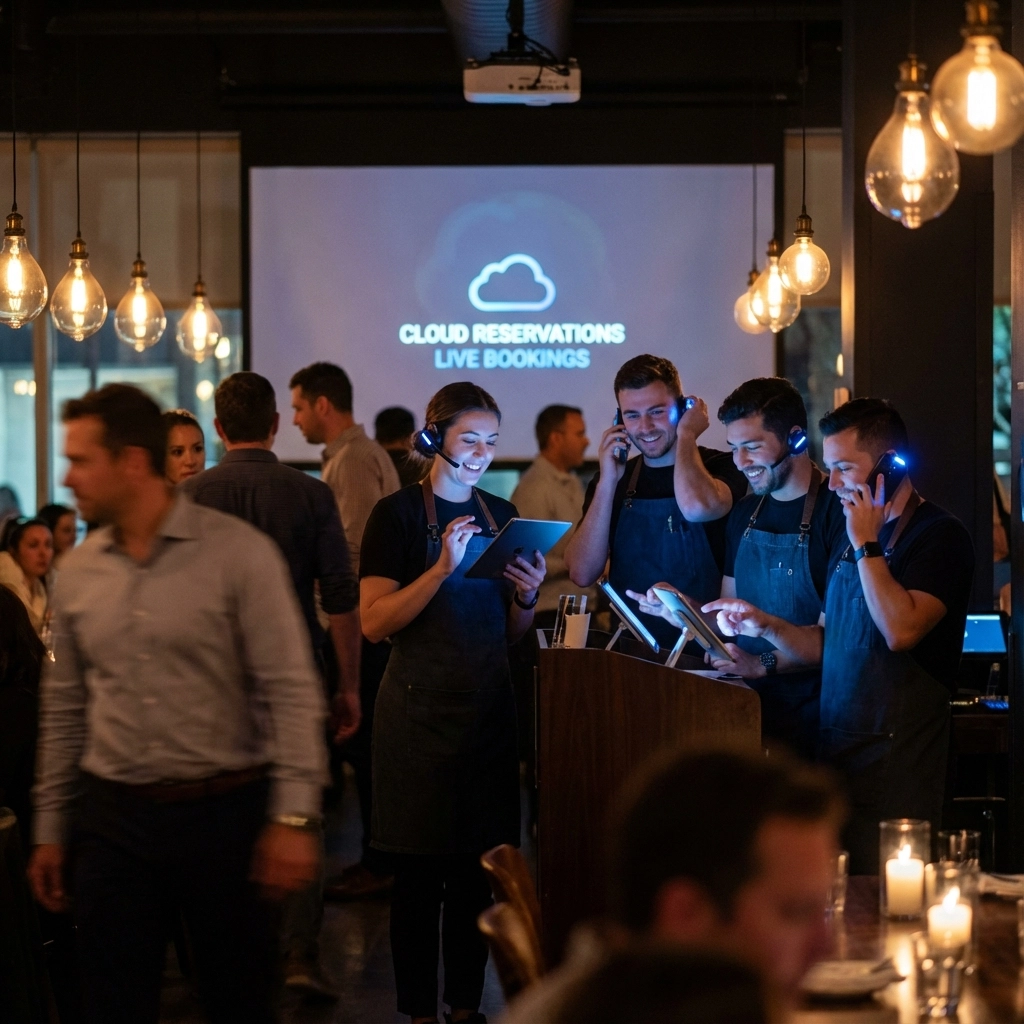
image_3

The performance gap between cloud and on-premise systems becomes most apparent during stress testing scenarios common in restaurant environments.

During Peak Hours:

  • Cloud systems maintain call quality while automatically scaling capacity
  • On-premise systems may experience busy signals and degraded voice quality
  • Cloud analytics provide real-time insights into call patterns and staff performance
  • Traditional systems offer limited visibility into communication metrics

During System Updates:

  • Cloud systems update automatically during off-hours without downtime
  • On-premise systems require scheduled maintenance windows that disrupt operations
  • Cloud providers handle security patches and feature updates transparently
  • Restaurant staff must coordinate with technicians for on-premise updates

During Emergencies:

  • Cloud systems enable staff to redirect calls to mobile devices instantly
  • On-premise systems may become completely inaccessible during power outages or equipment failures
  • Cloud redundancy ensures continuous operation even during local internet issues
  • Traditional systems create single points of failure that can shut down communication entirely

Implementation Considerations

Transitioning from on-premise to cloud systems requires careful planning, but the process has become significantly streamlined compared to traditional system installations.

Timeline Expectations:

  • Cloud system deployment typically takes 2-3 days versus 1-2 weeks for on-premise installation
  • Staff training requirements are minimal due to intuitive web-based interfaces
  • Number porting and system integration can happen with minimal business disruption

Infrastructure Requirements:

  • Reliable high-speed internet connection becomes critical for voice quality
  • Staff devices (smartphones, tablets, computers) can serve as phone endpoints
  • Backup internet connectivity provides redundancy for mission-critical communications

FAQ: Cloud vs On-Premise Restaurant Phone Systems

Q: Will cloud phone systems work during internet outages?
A: Most cloud providers offer call forwarding to mobile devices and backup connectivity options. Many restaurants also maintain backup internet connections specifically for business continuity.

Q: How quickly can we add phone lines during busy periods?
A: Cloud systems allow instant line additions through web portals, often taking effect within minutes. On-premise systems require hardware installation and technician visits.

Q: Can cloud systems integrate with our existing POS system?
A: Yes, most cloud phone providers offer extensive integration capabilities with popular restaurant POS platforms, reservation systems, and delivery applications.

Q: What about call quality compared to traditional landlines?
A: Modern cloud systems provide excellent call quality when paired with adequate internet bandwidth. Voice quality often exceeds traditional phone lines due to advanced audio processing capabilities.

Q: How do costs compare over a 5-year period?
A: Cloud systems typically cost 40-60% less than on-premise solutions when factoring in equipment, installation, maintenance, and upgrade expenses over five years.

Q: Can remote staff handle calls as effectively as on-site employees?
A: Cloud systems provide remote workers with the same features and capabilities as on-site staff, including access to customer databases, order systems, and call routing tools.

Ready to discover how cloud phone systems can transform your restaurant's communication capabilities and reduce operational costs? Contact Premier Business Team today to schedule a personalized consultation and learn about implementation options that fit your specific needs. Our telecommunications experts will analyze your current system and provide a detailed comparison showing potential savings and efficiency improvements for your restaurant operation.

Unified Communications Secrets Revealed: What RingCentral and Dialpad Don't Want You to Know About AI Integration Costs

premierbusiness · January 22, 2026 ·

When shopping for unified communications platforms in 2026, the sticker price is just the beginning. What most businesses don't realize until they're deep into implementation is that AI integration costs can double or triple their monthly spend, especially with certain providers who keep these expenses hidden behind complex pricing tiers.

After analyzing thousands of business communications deployments, we've uncovered a fundamental difference in how RingCentral and Dialpad approach AI pricing that could save or cost your business tens of thousands annually.

The AI Integration Cost Reality

Modern businesses expect AI-powered features like call transcription, sentiment analysis, and intelligent routing as standard functionality. However, not all unified communications providers treat these capabilities equally in their pricing models.

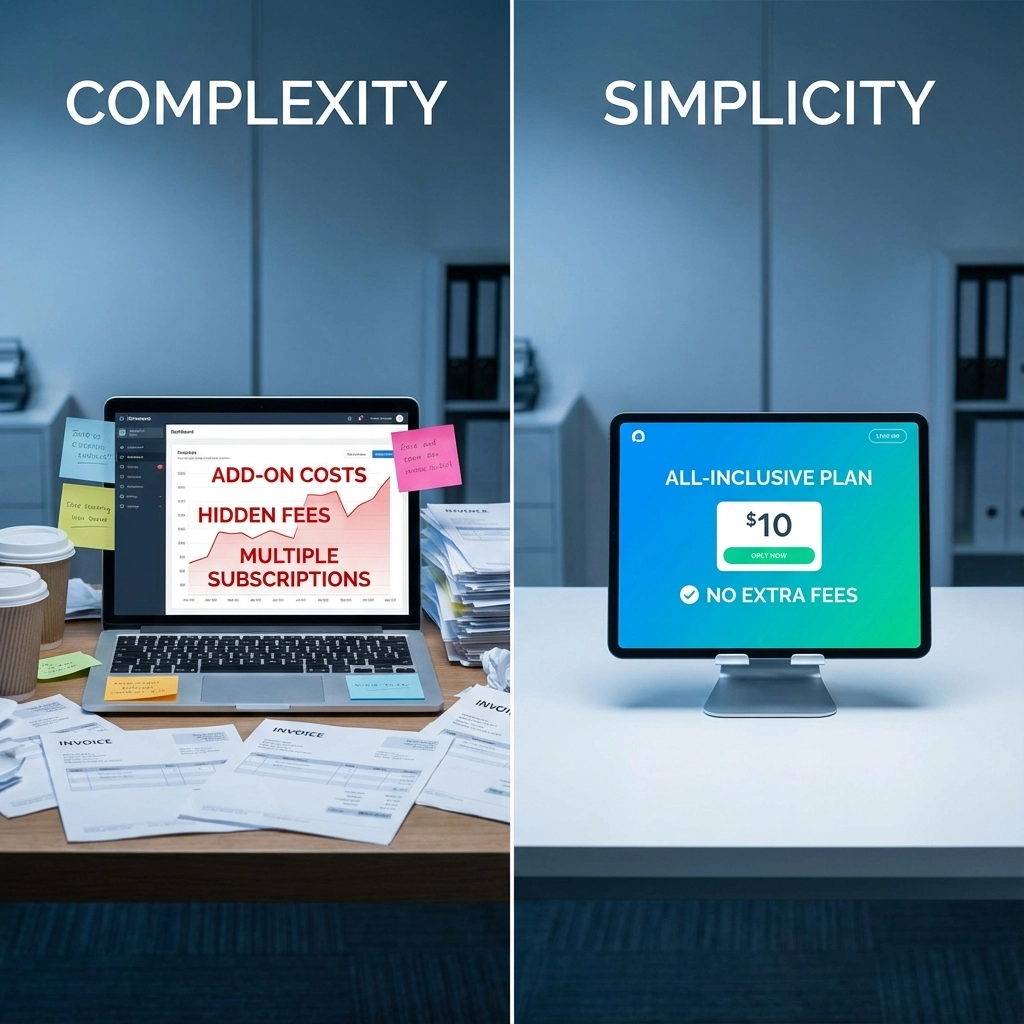
The research reveals a stark divide: some platforms bundle AI features into base plans, while others charge premium add-on fees that can increase costs by 200-400% per user. This pricing strategy significantly impacts total cost of ownership, yet it's rarely discussed transparently during the sales process.

image_1

Dialpad's All-Inclusive AI Strategy

Dialpad takes an aggressive approach to AI inclusion, building core artificial intelligence capabilities directly into their standard pricing tiers. Starting at just $15 per user monthly with annual billing, their Standard plan includes AI-powered call transcriptions, voicemail transcriptions, and real-time analytics, features that competitors often charge extra for.

This bundled approach extends to their specialized platforms:

Dialpad Support ($80-$150/user/month):

  • AI Agent Assist for real-time coaching
  • Omnichannel communication management
  • Advanced sentiment analysis
  • Automated workflow triggers

Dialpad Sell ($60-$150/user/month):

  • AI-powered sales coaching
  • Call performance analytics
  • Lead scoring automation
  • Pipeline intelligence

The key advantage? Businesses get enterprise-grade AI functionality without surprise billing or complex add-on negotiations.

RingCentral's Premium Add-On Model

RingCentral operates under a different philosophy, positioning AI capabilities as premium add-ons to their core communication services. Their base plans, Core ($20-30/user/month) and Advanced ($25-35/user/month), exclude most AI-powered features that modern businesses consider essential.

Want AI functionality? Prepare for additional monthly fees:

AI Conversation Expert: $60/user/month

  • Advanced call analytics
  • Conversation intelligence
  • Performance insights

RingCentral AI Receptionist: $65/user/month

  • Automated call routing
  • Natural language processing
  • Customer interaction management

RingSense AI Sales Intelligence: $60/user/month

  • Deal coaching and insights
  • Revenue intelligence
  • Conversation analysis

This modular approach gives businesses granular control over features, but the costs add up quickly.

image_2

Real-World Cost Breakdown: The Numbers Don't Lie

Let's examine actual costs for a 50-person organization requiring AI-enhanced communications:

Scenario: Sales team needing conversation intelligence and automated routing

Dialpad Total Cost:

  • Standard Plan: $15 ร— 50 users = $750/month
  • AI features included in base price
  • Total: $750/month ($9,000 annually)

RingCentral Total Cost:

  • Advanced Plan: $30 ร— 50 users = $1,500/month
  • AI Conversation Expert: $60 ร— 50 users = $3,000/month
  • AI Receptionist: $65 ร— 50 users = $3,250/month
  • Total: $7,750/month ($93,000 annually)

The difference? $84,000 annually, enough to fund entire technology initiatives or hire additional team members.

For contact centers requiring specialized AI capabilities, both platforms offer similar pricing ranges ($60-150/user/month), but the fundamental difference remains: Dialpad includes foundational AI features in entry-level plans, while RingCentral reserves them for premium tiers.

What This Means for Your Business Strategy

These pricing models reflect different business philosophies that directly impact your technology roadmap:

Dialpad's Approach Benefits:

  • Predictable AI costs from day one
  • Lower barrier to AI adoption
  • Simplified billing and procurement
  • Faster time-to-value for AI initiatives

RingCentral's Approach Benefits:

  • Pay only for specific AI features you need
  • Gradual AI adoption possible
  • More granular cost control
  • Extensive integration ecosystem

The choice depends on your organization's AI maturity and growth plans. Companies planning aggressive AI adoption often find Dialpad's inclusive model more cost-effective, while organizations with specific AI requirements may prefer RingCentral's modular approach.

Hidden Integration Costs Beyond Monthly Fees

Beyond subscription costs, consider these often-overlooked AI integration expenses:

Training and Change Management:

  • User training on AI features: $50-200 per user
  • Change management consulting: $10,000-50,000
  • Initial setup and configuration: $5,000-25,000

Data Migration and Setup:

  • Historical call data migration: $2,000-15,000
  • Custom AI model training: $10,000-100,000
  • Integration with existing CRM systems: $5,000-50,000

Ongoing Management:

  • AI model maintenance: $1,000-5,000 monthly
  • Data analytics and reporting: $500-2,000 monthly
  • Compliance and security updates: $1,000-3,000 monthly

image_3

Smart businesses factor these costs into their total cost of ownership calculations, not just the monthly subscription fees prominently displayed on pricing pages.

At Premier Business Team, we've seen organizations make costly platform decisions based solely on advertised pricing, only to discover significant AI integration expenses during implementation. Our telecommunications consulting team helps businesses understand true costs and requirements before committing to long-term contracts.

For companies exploring modern communication solutions, consider reading our analysis of how retail franchises achieve unified tech and reduce downtime for real-world implementation insights.

Frequently Asked Questions

Q: Can I add AI features to RingCentral's base plans later?
A: Yes, RingCentral's modular approach allows adding AI capabilities anytime. However, each add-on requires separate billing and may involve additional setup costs.

Q: Does Dialpad's AI work with existing CRM systems?
A: Dialpad offers native integrations with major CRM platforms including Salesforce, HubSpot, and Microsoft Dynamics. Setup complexity varies by system.

Q: Are there contract commitments for AI add-ons?
A: Both platforms typically require annual commitments for AI features, though month-to-month options may be available at higher rates.

Q: How accurate are the AI transcription services?
A: Both Dialpad and RingCentral report 90%+ accuracy for clear audio calls. Performance varies with audio quality, accents, and background noise.

Q: Can AI features be disabled if not needed?
A: Dialpad's bundled features can't be individually disabled, but RingCentral's modular approach allows canceling specific AI add-ons.

Q: What happens to AI data if we switch providers?
A: Data portability varies by provider. Ensure your contract includes data export rights and understand migration costs before committing.

Q: Are there industry-specific AI features available?
A: Both platforms offer industry-specific AI models for healthcare, legal, and financial services, though these may require additional customization costs.

Q: How do AI integration costs compare to hiring additional staff?
A: AI typically costs $60-150 per user monthly versus $3,000-6,000 monthly for equivalent human resources, making it cost-effective for routine tasks.

The unified communications landscape in 2026 rewards businesses that understand the true cost of AI integration. While marketing materials focus on base pricing, the real value: and expense: lies in artificial intelligence capabilities that drive productivity and customer satisfaction.

Ready to uncover the real costs and benefits of unified communications for your business? Contact Premier Business Team today for a comprehensive analysis of your communications needs and transparent pricing comparisons across all major providers. Our telecommunications experts help you avoid costly surprises and build communication systems that scale with your growth.

Own Your Digital Infrastructure: The 2026 Guide for MDU Owners & Business Leaders

premierbusiness · January 21, 2026 ·

Here's the reality: 75% of renters now expect smart home technology, and nearly 60% would trade other amenities just to get better connectivity. If you're an MDU owner or business leader still treating digital infrastructure as an afterthought, you're leaving money: and tenants: on the table.

The properties winning in 2026 aren't the ones chasing every shiny new tech trend. They're the ones who own their digital infrastructure and treat it like the strategic asset it actually is. This guide breaks down exactly how to do that: without the vendor lock-in, fragmented systems, or surprise costs.

Why Owning Your Digital Infrastructure Matters in 2026

Digital infrastructure isn't a line item anymore. It's a revenue driver, a retention tool, and a competitive moat.

When you own your MDU digital infrastructure: rather than piecing together solutions from five different vendors: you gain control over tenant experience, operational costs, and long-term property value. Properties with robust, centralized connectivity systems consistently see higher tenant satisfaction, lower maintenance costs, and stronger NOI.

Think about it this way: every time a tenant complains about spotty Wi-Fi or a smart lock that won't connect, that's a retention risk. Every truck roll to troubleshoot a fragmented system is money out the door. And every month you're not charging a technology amenity fee? That's revenue you're handing to your competitors.

The math is simple. If you can charge even $75 per unit monthly for managed Wi-Fi and smart building amenities across a 100-unit property, that's $90,000 in annual revenue you didn't have before. Multiply that across your portfolio, and owning your infrastructure starts looking less like an expense and more like an investment with real returns.

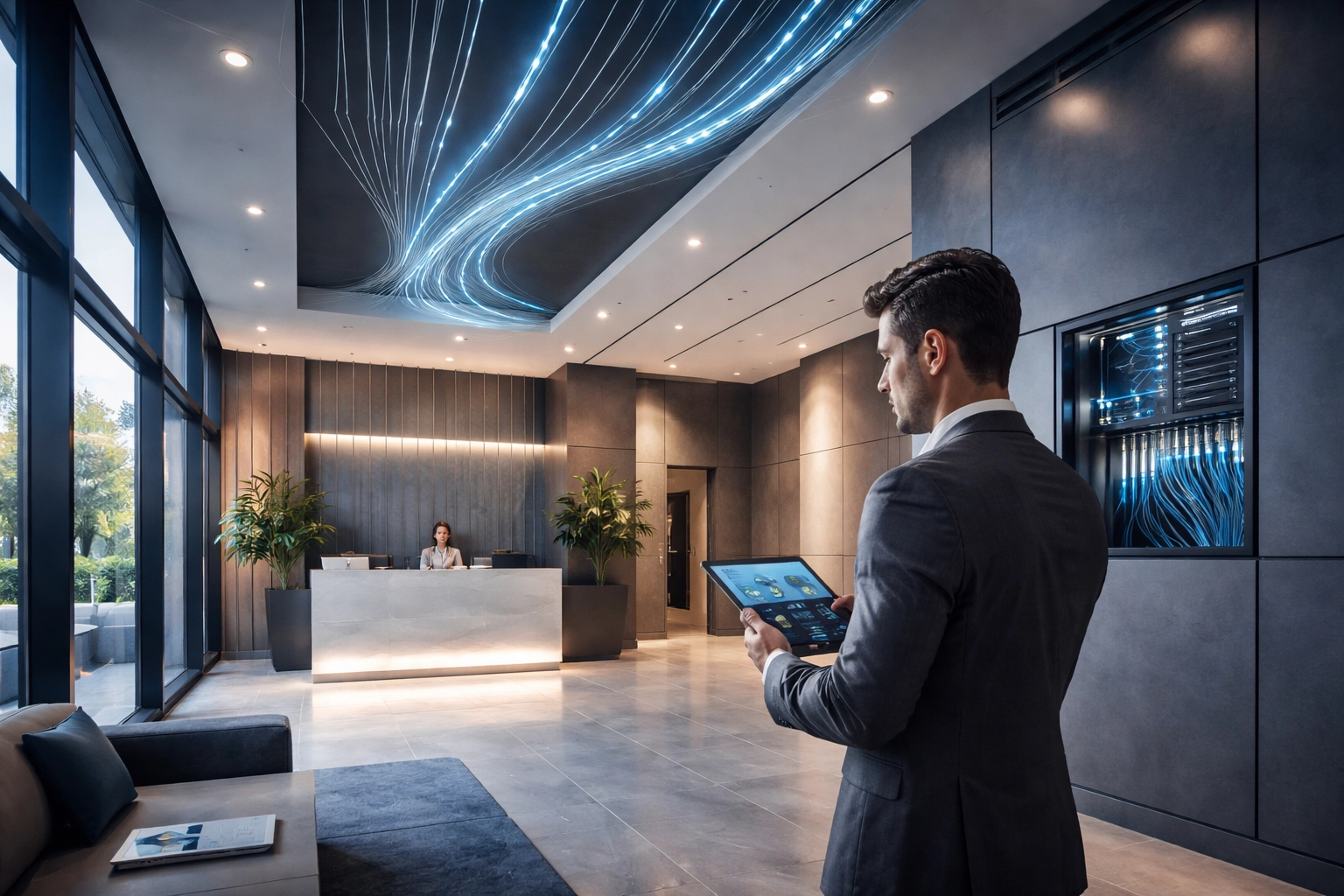
Modern apartment building lobby with integrated digital infrastructure for managed Wi-Fi and smart technology

What Tenants and Employees Actually Want

Let's cut through the marketing noise. Tenants and employees don't care about buzzwords. They care about whether the Wi-Fi works when they need it to.

The Top Priorities

When you survey what actually matters to the people using your buildings every day, the list is refreshingly straightforward:

  • Strong, consistent Wi-Fi coverage : No dead zones. No buffering during peak hours. Just reliable connectivity everywhere.
  • Minimal downtime and fast support : When something breaks, they want it fixed fast. Not "we'll send someone next Tuesday."
  • Seamless device compatibility : Their phones, laptops, smart TVs, and IoT devices should all connect without headaches.

This is why property-wide Wi-Fi solutions are becoming non-negotiable. Tenants expect the same seamless experience they get at a hotel or coffee shop: except in their home or office, 24/7.

Properties that deliver on these basics see measurably better retention. Properties that don't? They're competing on price alone, which is a race to the bottom.

Wi-Fi Infrastructure: Skip the Hype, Focus on What Works

Every vendor wants to sell you the latest and greatest. But here's the honest take: Wi-Fi 6 is your best ROI in 2026.

Wi-Fi 7 is technically impressive, sure. But most properties aren't even maximizing Wi-Fi 6 capabilities yet. The newer standard lacks proven cost justification for multifamily and commercial environments, and the devices that fully support it are still rolling out.

Instead of chasing specs, focus on enterprise-grade Wi-Fi 6 equipment from established manufacturers with solid warranty coverage and technical support. Pair that with professional Wi-Fi access point installation and ethernet wiring, and you've got a foundation that'll serve you well for the next decade.

A few infrastructure principles that actually matter:

  • Deploy fiber to individual units even if you don't need unit-level termination today. Future-proofing now saves disruptive retrofits later.
  • Plan for 50-100% excess capacity beyond current requirements. Bandwidth demands only grow.
  • Segment your networks : Keep IoT devices, tenant connectivity, and property management systems on separate segments for security and performance.

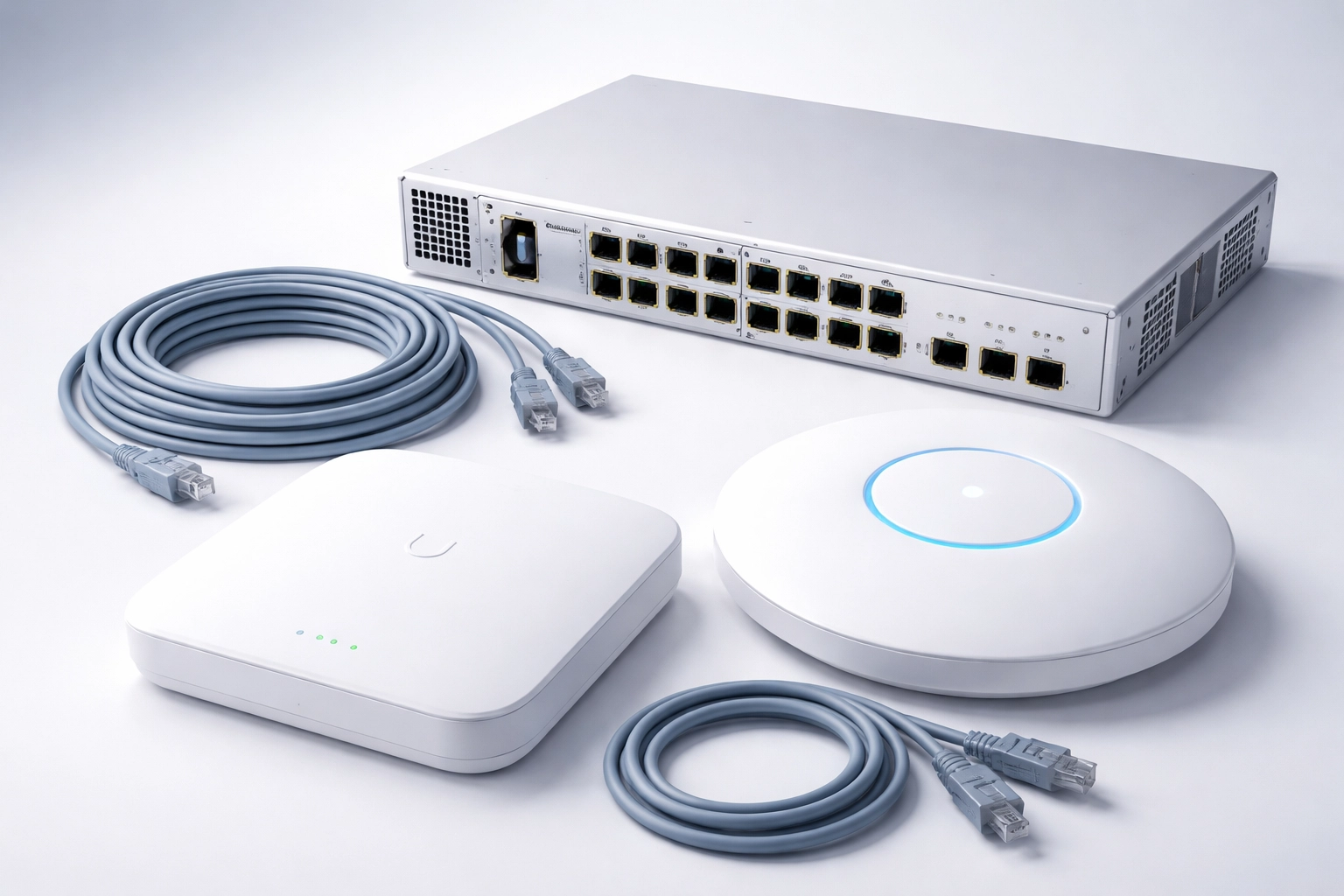
Enterprise-grade Wi-Fi 6 access point and networking gear for reliable property-wide wireless coverage

Operational Efficiency: Turn Infrastructure Into Savings

Owned infrastructure isn't just about revenue. It's about cutting costs you didn't even realize you were bleeding.

Energy Management Systems (EMS)

Properties with Wi-Fi-connected energy management systems are seeing average 19% decreases in energy expenses and 18% lower overall operating costs. That's not a projection: that's what's happening right now in buildings that have centralized their digital infrastructure.

Smart thermostats, automated lighting, and connected HVAC systems all require reliable, property-wide connectivity to function. When you own that infrastructure, you can implement EMS solutions without worrying about compatibility issues or third-party limitations.

Centralized Monitoring and Management

Here's where it gets even better. Centralized network management platforms give you real-time visibility into bandwidth utilization, device connectivity, and performance metrics: all from a single dashboard.

Properties using proactive network management experience 60% fewer tenant complaints compared to those stuck in reactive troubleshooting mode. Fewer complaints mean fewer support tickets, fewer truck rolls, and happier tenants who renew their leases.

This is the kind of operational efficiency that directly impacts NOI. And it's only possible when you own and control your digital infrastructure end-to-end.

The Hidden Cost of Technology Fragmentation

Let's talk about what happens when you don't own your infrastructure.

You end up with one vendor for internet, another for access control, a third for security cameras, and maybe a fourth for building automation. Each system has its own dashboard, its own support line, and its own billing cycle. When something breaks, everyone points fingers at everyone else.

This fragmentation creates real problems:

  • Higher costs : You're paying multiple vendors, multiple support contracts, and often for overlapping capabilities.
  • Security gaps : Every integration point is a potential vulnerability. Disjointed systems are harder to secure and monitor.
  • Slower fixes : Troubleshooting across multiple platforms takes longer, which means more downtime and more frustrated tenants.

The solution isn't to avoid technology: it's to consolidate it under a unified strategy. That's where a partner with expertise in cybersecurity and managed connectivity can help you build something coherent instead of cobbled together.

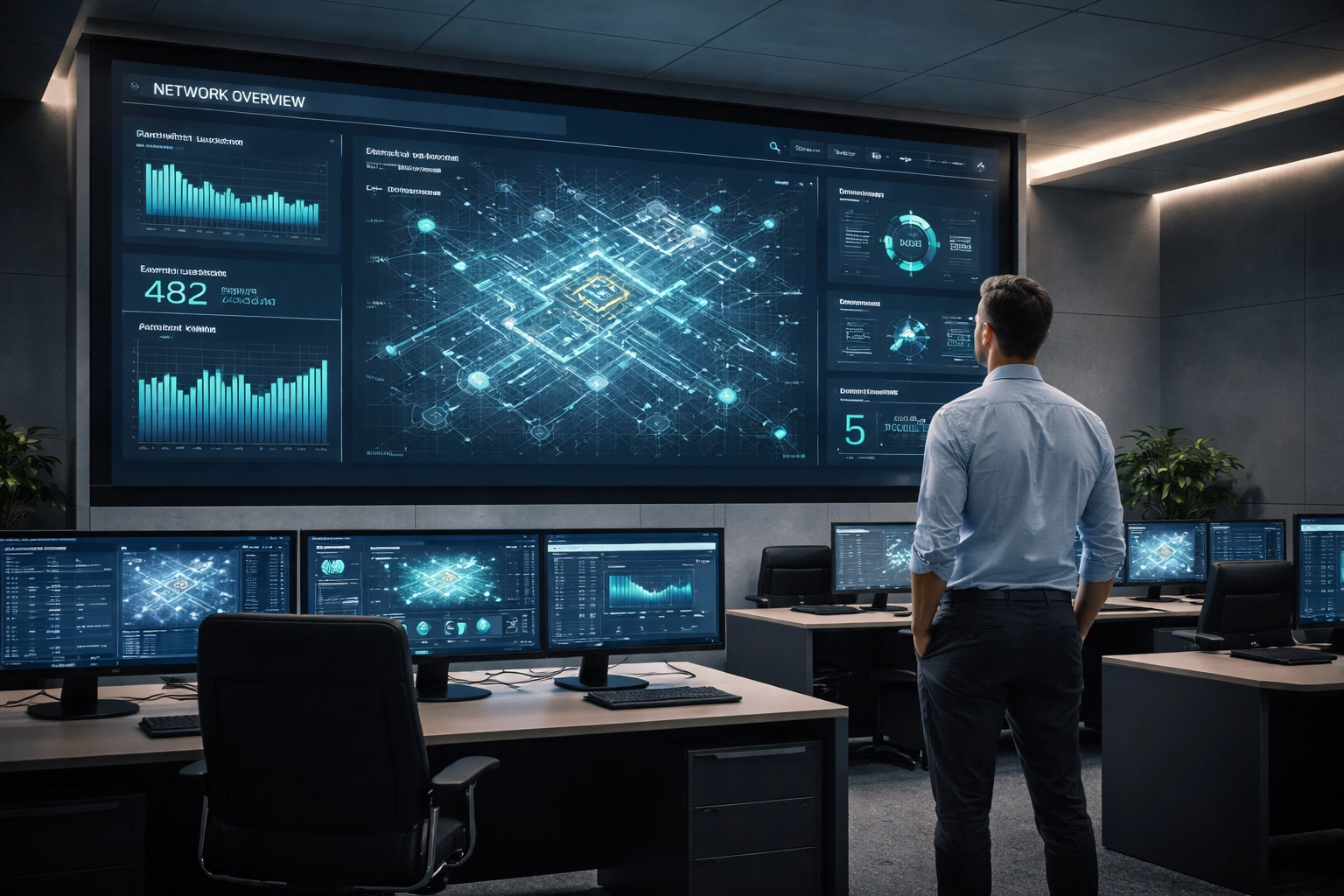
Centralized network management in action with a facilities manager monitoring building digital infrastructure

How to Build Infrastructure You Actually Own

Ready to take control? Here's a practical five-step roadmap:

Step 1: Audit Your Current Setup

Document everything. Telecommunications closets, vertical risers, distribution pathways, existing contracts. You can't optimize what you don't understand.

Step 2: Define Your Requirements

What coverage do you actually need? What's your uptime target? Get specific about performance expectations before you start shopping for solutions.

Step 3: Choose Scalable Solutions (And Avoid Lock-In)

Prioritize compatibility, scalability, and interoperability. Select network components that can integrate with future technologies, not just today's offerings. Avoid proprietary systems that trap you with a single vendor.

Step 4: Centralize Management

Implement a unified platform for monitoring, troubleshooting, and managing your entire network. This is what separates professional-grade infrastructure from consumer-level setups.

Step 5: Partner With Experts

You don't have to do this alone. Working with a team that understands business internet, cloud communication systems, and infrastructure deployment means faster implementation and fewer headaches down the road.

Frequently Asked Questions

What is digital infrastructure for MDU properties?
Digital infrastructure includes all the connectivity systems that power a modern property: fiber and ethernet wiring, Wi-Fi networks, smart building systems, access control, and the management platforms that tie them together. When you "own" this infrastructure, you control it rather than relying on fragmented third-party solutions.

Is Wi-Fi 7 worth the investment in 2026?
For most MDU and commercial properties, not yet. Wi-Fi 6 delivers excellent performance and ROI, while Wi-Fi 7 adoption is still early. Focus on maximizing Wi-Fi 6 capabilities before jumping to the next generation.

How much can MDU owners charge for technology amenities?
Many properties successfully charge $50-$100+ per unit monthly for managed Wi-Fi and smart building amenities. At $75/unit across 100 units, that's $90,000 in additional annual revenue.

How do Energy Management Systems reduce costs?
EMS platforms use connected sensors and automation to optimize heating, cooling, lighting, and other building systems. Properties report average 19% reductions in energy expenses when these systems are properly implemented.

What's the biggest mistake MDU owners make with technology?
Fragmentation. Piecing together solutions from multiple vendors creates higher costs, security gaps, and slower support. A unified infrastructure strategy solves all three problems.

Take Control of Your Digital Future

Owning your digital infrastructure isn't about having the flashiest tech: it's about having the right foundation. That means reliable connectivity, centralized management, and a strategy that scales with your portfolio.

The properties that thrive in 2026 and beyond will be the ones that treat infrastructure as a strategic asset. Better retention. New revenue streams. Lower operating costs. It all starts with taking control.

Ready to build infrastructure you actually own? Premier Business Team helps MDU owners and business leaders design, deploy, and manage connectivity solutions that deliver real results.

๐Ÿ“ž Call us at 360-946-2626 or contact us online to start the conversation.

BIMI & Email Security Services: Verified Brand Logos for Business Trust

premierbusiness · January 21, 2026 ·

Your Emails Deserve to Be Recognized, and Trusted

Every day, your business sends emails to customers, partners, and prospects. But here's the problem: so do scammers pretending to be you.

Phishing attacks cost businesses billions annually, and email spoofing has become increasingly sophisticated. Your customers can't always tell if that "invoice reminder" or "password reset" email actually came from your company, or from someone trying to steal their information.

That's where BIMI (Brand Indicators for Message Identification) changes the game. This email authentication standard displays your verified brand logo right next to your emails in recipients' inboxes, creating instant visual trust before anyone even opens your message.

At Premier Business Team, we help businesses nationwide implement BIMI alongside the complete email security stack, DMARC, SPF, and DKIM, so your brand stands out and stays protected.

Ready to get your logo verified? Call us at 360-946-2626 to start the conversation.


What Is BIMI and Why Does It Matter in 2026?

BIMI is an email specification that links your domain to a verified logo stored in a secure, publicly accessible repository. When email providers like Gmail, Yahoo Mail, or Outlook receive your message, they verify it against your DMARC record. Once authenticated, your official logo appears next to your email, right in the inbox list.

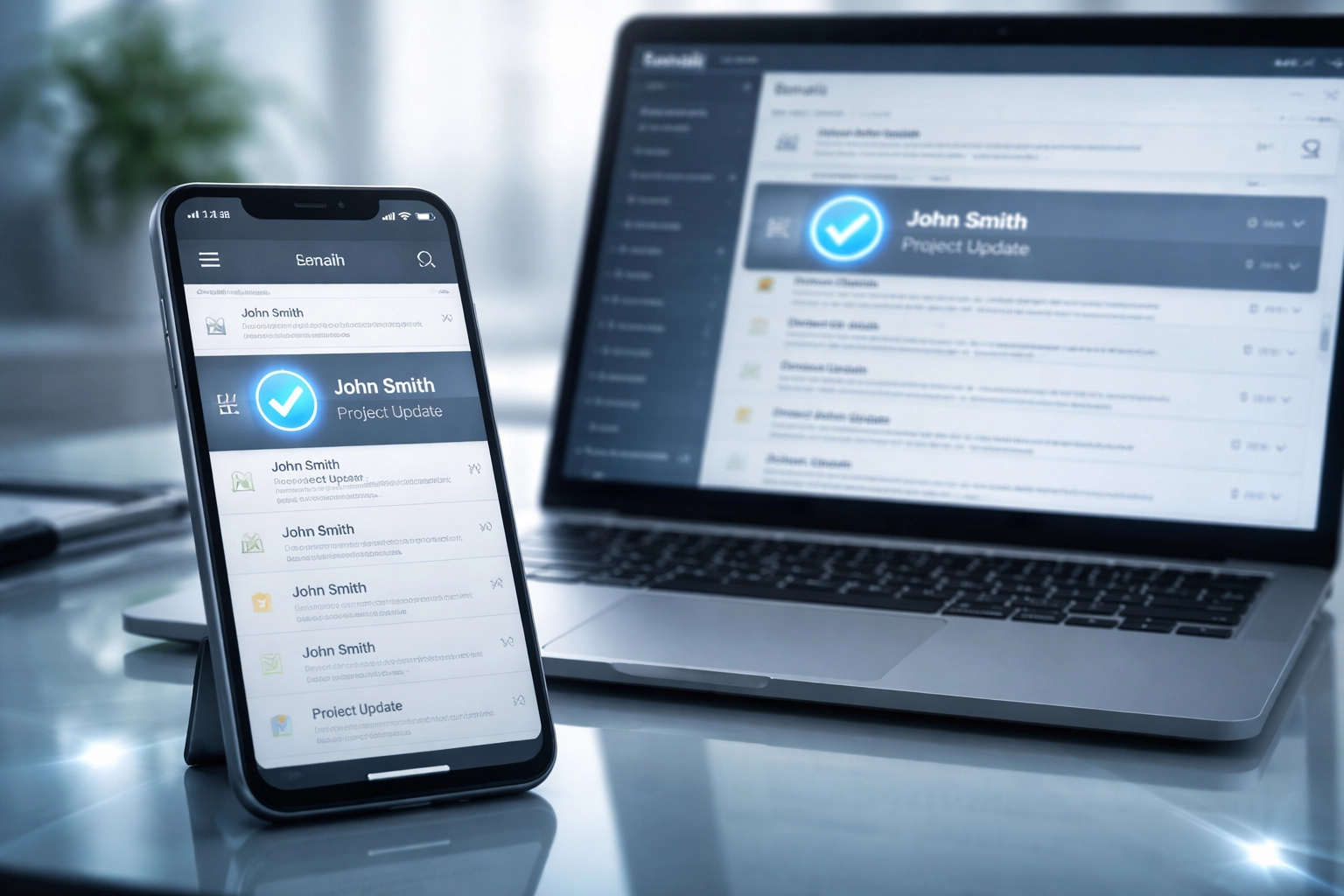
Laptop and smartphone displaying an email inbox with a verified sender checkmark, enhancing email trust and security.

Think of it as the blue checkmark for email. It's a cryptographically protected visual indicator that tells recipients: "This is legitimate. This is really us."

The Trust Gap in Business Email

Consider these statistics:

  • 90% of cyberattacks begin with a phishing email
  • Business Email Compromise (BEC) scams caused over $2.7 billion in losses in recent years
  • Recipients make split-second decisions about whether to open, ignore, or delete emails

Without BIMI, your perfectly legitimate emails look exactly like everyone else's, including the bad actors. With BIMI, your brand gets recognized instantly, building trust before the first click.


Key Features of BIMI Implementation

When you partner with Premier Business Team for BIMI services, you get a complete email authentication solution, not just a logo upload.

1. Full Email Authentication Stack

BIMI doesn't work alone. It requires a foundation of properly configured email security protocols:

  • SPF (Sender Policy Framework): Specifies which mail servers can send emails on behalf of your domain
  • DKIM (DomainKeys Identified Mail): Adds a digital signature to verify emails haven't been altered
  • DMARC (Domain-based Message Authentication, Reporting & Conformance): Tells receiving servers what to do with emails that fail authentication

We configure and monitor all three layers to ensure your domain is fully protected and BIMI-ready.

2. Verified Mark Certificate (VMC) Guidance

To display your logo in supported email clients, you'll need a Verified Mark Certificate from an authorized certificate authority. We guide you through the trademark verification process and help you obtain the proper certification.

3. DNS Configuration & BIMI Record Setup

Your BIMI record lives in your DNS and points to your verified logo. We handle the technical setup to ensure everything resolves correctly and your logo displays consistently across supported platforms.

4. Ongoing Monitoring & Reporting

Email authentication isn't set-it-and-forget-it. We provide ongoing DMARC reporting so you can see who's sending email on your behalf, and catch unauthorized senders before they damage your reputation.

Premier Business Team logo Logo with bold gray lettering for 'Premier,' blue dots forming a partial circle above the 'i,' and 'BUSINESS TEAM' in uppercase blue text underneath, representing technology advisory and telecom consulting services.


Case Study: The Instagram Phishing Hack

Let's talk about a real-world example that shows why email authentication matters.

The Attack

A well-known retail brand received what appeared to be a legitimate email from Instagram's support team. The message warned of a copyright violation and directed the recipient to "verify" their account through a linked page. The email looked authentic, Instagram branding, professional language, urgent tone.

But it was a phishing attack.

The Fallout

An employee clicked the link and entered credentials on a convincing fake login page. Within hours, attackers had access to the company's Instagram account with over 50,000 followers. They changed the password, locked out the legitimate owners, and began posting scam content to the audience.

The brand spent weeks recovering the account and suffered significant reputational damage in the process.

The BIMI Difference

Here's what's important: Instagram (Meta) uses BIMI. Their verified logo appears next to legitimate emails in supported inboxes. If the employee had been trained to look for that visual indicator, and noticed it was missing, the attack might have been stopped before the click.

BIMI creates a visual habit. When your customers and employees expect to see your verified logo, its absence becomes a red flag.

Business professional hesitating before opening a suspicious email, highlighting phishing risks and importance of BIMI.


Benefits of BIMI for Your Business

Enhanced Security

BIMI requires strong authentication protocols, which means your domain becomes significantly harder to spoof. Attackers can't display your logo without access to your verified certificates and properly configured DNS.

Increased Brand Visibility

Your logo appears in the inbox list before anyone opens your email. That's premium real estate for brand recognition, especially for marketing campaigns, transactional emails, and customer communications.

Improved Email Engagement

Studies show that branded emails with verified logos see higher open rates. Recipients trust what they recognize, and that trust translates to engagement.

Better Deliverability

Email providers reward properly authenticated senders. BIMI, combined with DMARC enforcement, signals to inbox providers that you're a legitimate sender, improving your chances of landing in the primary inbox instead of spam.

Reduced Phishing Risk for Your Customers

When your customers learn to expect your logo, they become more cautious about emails that lack it. You're not just protecting your brand, you're helping protect the people who trust you.


Frequently Asked Questions About BIMI

What is BIMI in email?
BIMI (Brand Indicators for Message Identification) is an email standard that displays a verified brand logo next to authenticated emails in recipients' inboxes, providing visual confirmation that the message is legitimate.

Does BIMI prevent phishing attacks?
BIMI makes phishing harder by creating a visual trust indicator. While it doesn't block phishing emails entirely, it trains recipients to expect your verified logo, making spoofed emails without the logo more suspicious.

What email providers support BIMI?
Major providers including Gmail, Yahoo Mail, Apple Mail, and Microsoft Outlook support BIMI logo display for properly authenticated senders.

Do I need DMARC before implementing BIMI?
Yes. BIMI requires a DMARC policy set to "quarantine" or "reject" enforcement. You'll also need SPF and DKIM configured correctly before your BIMI record will work.

What is a Verified Mark Certificate (VMC)?
A VMC is a digital certificate that validates your logo ownership through trademark verification. It's required by most email providers to display your logo via BIMI.

How long does BIMI implementation take?
Timeline varies based on your current email authentication setup and trademark status. Most businesses can complete implementation within 4-8 weeks with proper guidance.

Can Premier Business Team help with DMARC and SPF setup?
Absolutely. We provide complete email authentication services including SPF, DKIM, DMARC configuration, and BIMI implementation as a unified solution.


Why Partner with Premier Business Team?

We're not just an IT vendor: we're your technology advisor. Our team works with businesses nationwide to implement practical, effective security solutions that actually make sense for your operations.

When it comes to BIMI and email authentication, we handle the technical complexity so you can focus on running your business. From initial assessment through ongoing monitoring, we're with you every step of the way.

Our approach includes:

  • Comprehensive email security audit
  • SPF, DKIM, and DMARC configuration
  • VMC acquisition guidance
  • BIMI record setup and testing
  • Ongoing DMARC reporting and support

Explore our cybersecurity solutions or learn more about our team.


Get Your Brand Verified Today

Your emails represent your business. Make sure they're recognized: and trusted.

Call Premier Business Team at 360-946-2626 to schedule a consultation about BIMI implementation and email security services. We'll assess your current setup, walk you through the process, and help you build an email authentication strategy that protects your brand nationwide.

Don't let scammers speak for your business. Get verified. Get trusted. Get BIMI.

Amazon Leo Business Internet Service in Tacoma, WA | Business-Class Satellite Internet

premierbusiness · January 21, 2026 ·

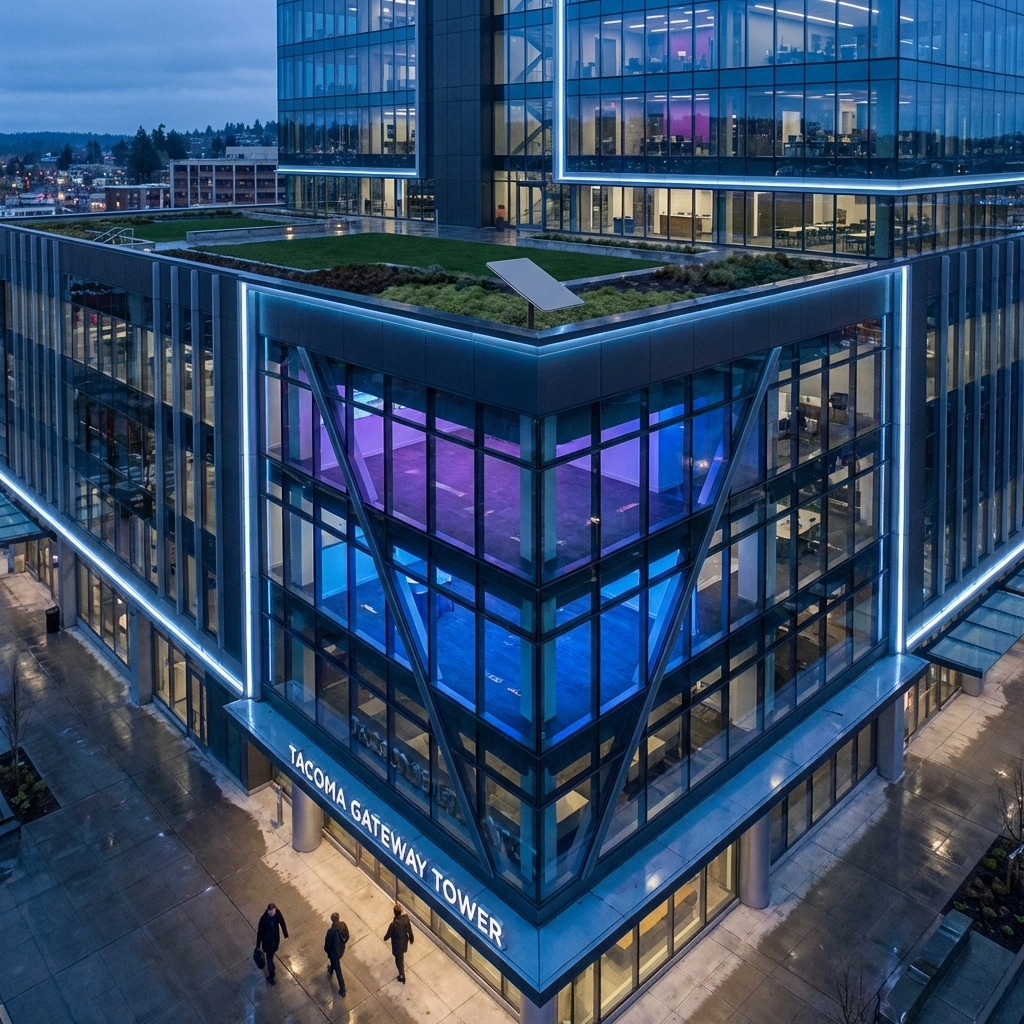
Tacoma's thriving industrial landscape, anchored by one of the largest ports on the West Coast, demands reliable, high-speed internet connectivity that traditional infrastructure sometimes can't deliver. Whether you're managing shipping operations at the Port of Tacoma, running a manufacturing facility in the Tideflats Industrial Area, or operating a business in underserved urban pockets, Amazon Leo Business Internet Service is revolutionizing how Tacoma companies stay connected in 2026.

What is Amazon Leo Business Internet Service?

Amazon Leo represents a groundbreaking leap in satellite internet technology, utilizing a constellation of over 3,000 low Earth orbit (LEO) satellites connected by high-speed optical links. Unlike traditional geostationary satellites positioned 22,000 miles above Earth, Leo satellites orbit at just 340-1,200 miles altitude, dramatically reducing latency and improving performance.

This advanced satellite network delivers enterprise-grade connectivity solutions that function seamlessly as either primary internet connections or critical backup systems for Tacoma businesses. The service addresses the connectivity gaps that have long challenged businesses operating in remote industrial areas, temporary locations, or areas where fiber infrastructure is limited or unreliable.

image_1

Enterprise-Grade Performance for Tacoma Businesses

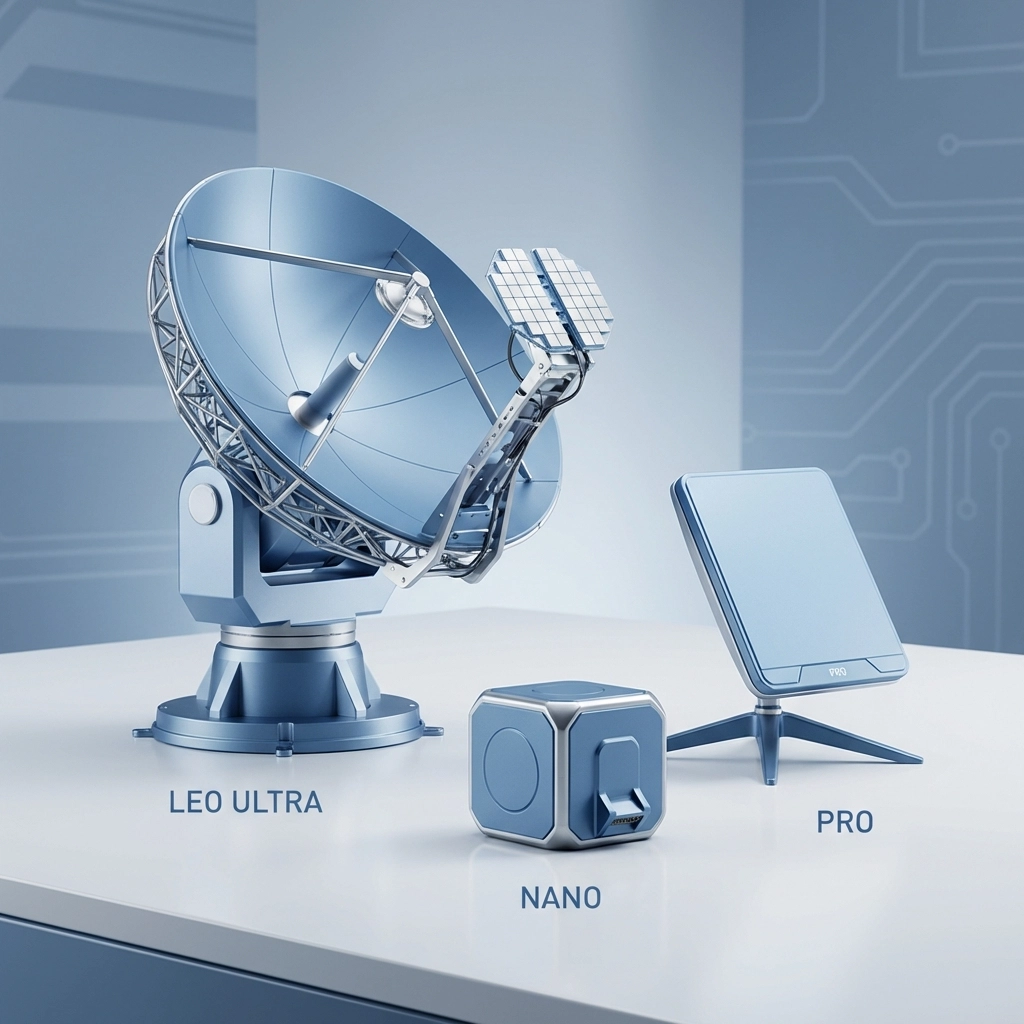
Amazon Leo Business Internet Service offers three distinct antenna options designed to meet varying operational requirements:

Leo Ultra delivers the highest performance tier with download speeds up to 1 Gbps and upload speeds reaching 400 Mbps. This enterprise-grade solution supports bandwidth-intensive applications including HD video conferencing, real-time data transmission, and mission-critical cloud applications. The compact antenna design (20" x 30" x 1.9") features weatherproof construction specifically engineered for harsh Pacific Northwest conditions.

Leo Pro provides mid-tier performance ideal for small to medium-sized businesses requiring reliable connectivity for standard operations, video calls, and cloud-based applications.

Leo Nano offers cost-effective connectivity for basic business needs, perfect for remote monitoring, point-of-sale systems, and essential communications.

Transforming Tacoma's Industrial and Urban Connectivity

Port and Shipping Operations

Tacoma's position as a major Pacific gateway makes reliable connectivity crucial for logistics operations. Amazon Leo Business Internet Service provides uninterrupted connectivity for:

  • Real-time cargo tracking and inventory management systems
  • Communication with international shipping partners
  • Port security and surveillance systems
  • Electronic data interchange (EDI) for customs and regulatory compliance
  • Backup connectivity during fiber outages that could disrupt critical shipping schedules

Manufacturing and Industrial Applications

The Tideflats Industrial Area and surrounding manufacturing zones benefit significantly from Leo's robust connectivity solutions:

  • Industrial IoT sensors and monitoring systems
  • Supply chain management platforms
  • Quality control and compliance reporting
  • Remote equipment diagnostics and maintenance
  • Seamless integration with cloud-based business phone systems for unified communications

image_2

Urban Backup and Redundancy Solutions

Even in Tacoma's urban core, businesses face connectivity vulnerabilities. Amazon Leo provides essential backup internet services for:

  • Financial institutions requiring 99.9% uptime
  • Healthcare facilities managing patient data and telemedicine services
  • Retail operations maintaining point-of-sale and inventory systems
  • Professional services firms dependent on cloud applications and video conferencing

Addressing Tacoma's Connectivity Challenges

Underserved Areas Coverage

Despite Tacoma's urban status, certain areas still experience limited broadband options. Amazon Leo fills these gaps by providing high-speed connectivity to:

  • Businesses in transitional industrial zones
  • Companies operating in areas with aging telecommunications infrastructure
  • Temporary business locations and construction sites
  • Remote facilities and satellite offices

Weather Resilience

Pacific Northwest weather conditions, from heavy rain to occasional snow storms, can impact traditional internet infrastructure. Leo's satellite network offers superior weather resilience compared to ground-based connections, ensuring business continuity during adverse conditions.

image_3

Professional Installation and Support in Tacoma

Amazon Leo Business Internet Service installation in Tacoma is handled by certified professional technicians, including local partners like A+ Mobile Techs. The installation process typically includes:

  • Site survey and optimal antenna placement assessment
  • Professional mounting and weatherproofing
  • Network configuration and integration with existing business systems
  • Comprehensive testing and performance verification
  • Staff training on system operation and basic troubleshooting

The weatherproof antenna design requires minimal maintenance while delivering consistent performance in Tacoma's variable climate conditions.

Integration with Existing Business Systems

Amazon Leo seamlessly integrates with existing business telecommunications infrastructure, working alongside traditional internet connections, business IT firewall and network systems, and modern cloud-based communication platforms. This integration capability makes it an ideal solution for businesses seeking redundancy without completely overhauling their current systems.

Frequently Asked Questions

What latency can Tacoma businesses expect with Amazon Leo?
Amazon Leo's low Earth orbit satellites typically provide latency between 20-40 milliseconds, significantly lower than traditional geostationary satellite internet, making it suitable for real-time applications like video conferencing and VoIP communications.

How quickly can Amazon Leo service be installed for my Tacoma business?
Professional installation typically takes 2-4 hours and can usually be scheduled within 1-2 weeks of service activation, depending on site requirements and local installer availability.

Does Amazon Leo work during Pacific Northwest storms?
Yes, Leo's advanced satellite technology and signal processing are designed to maintain connectivity during typical weather conditions, including heavy rain and snow common in the Tacoma area.

Can Amazon Leo serve as our primary internet connection?
Absolutely. With speeds up to 1 Gbps download and 400 Mbps upload, Leo Ultra can serve as a primary connection for most business applications, including bandwidth-intensive operations.

What's the monthly cost for Amazon Leo Business Internet Service?
Pricing varies based on antenna type and service level. Contact Premier Business Team at 360-946-2626 for current Tacoma-area pricing and package options.

How does Amazon Leo compare to fiber internet for businesses?
While fiber offers slightly lower latency in ideal conditions, Amazon Leo provides superior availability, faster deployment, and better coverage for businesses in areas where fiber isn't available or reliable.

image_4

The Future of Business Connectivity in Tacoma

As Tacoma continues growing as a major industrial and business hub, the demand for reliable, high-speed internet connectivity will only increase. Amazon Leo Business Internet Service positions companies ahead of this curve, providing enterprise-grade connectivity that scales with business growth and adapts to changing operational requirements.

The service particularly benefits Tacoma's diverse business ecosystem, from international shipping and logistics companies requiring constant connectivity with global partners, to local manufacturers implementing Industry 4.0 technologies, to service businesses seeking reliable backup solutions for their critical operations.

Get Amazon Leo Business Internet Service in Tacoma Today

Don't let connectivity limitations hold your Tacoma business back. Amazon Leo Business Internet Service delivers the enterprise-grade performance, reliability, and coverage your business needs to thrive in today's connected economy.

Whether you need primary connectivity for a remote location, backup internet for mission-critical operations, or high-speed satellite internet to support your growing business, Premier Business Team has the expertise to design and implement the perfect Amazon Leo solution for your specific requirements.

Ready to transform your business connectivity with Amazon Leo satellite internet? Contact Premier Business Team today at 360-946-2626 for a free consultation and customized quote for your Tacoma business location. Our certified telecommunications specialists will assess your connectivity needs and design the optimal Amazon Leo solution to keep your business connected, productive, and competitive.

  • « Go to Previous Page
  • Page 1
  • Interim pages omitted …
  • Page 28
  • Page 29
  • Page 30
  • Page 31
  • Page 32
  • Interim pages omitted …
  • Page 78
  • Go to Next Page »

Get a no obligation quote for your business. Learn More

Proud Chamber Member

Bellingham Chamber Badge

Premier Business Team

Copyright © 2026 ยท Premier Business Team 2219 Rimland Dr. Suite 301 Bellingham, WA 98226 - 360-946-2626

  • Home
  • Business Internet
  • Business Phone
  • Blog
  • About Us
  • Contact Us
  • Business Quote
  • Engineering
  • Call: 360-946-2626